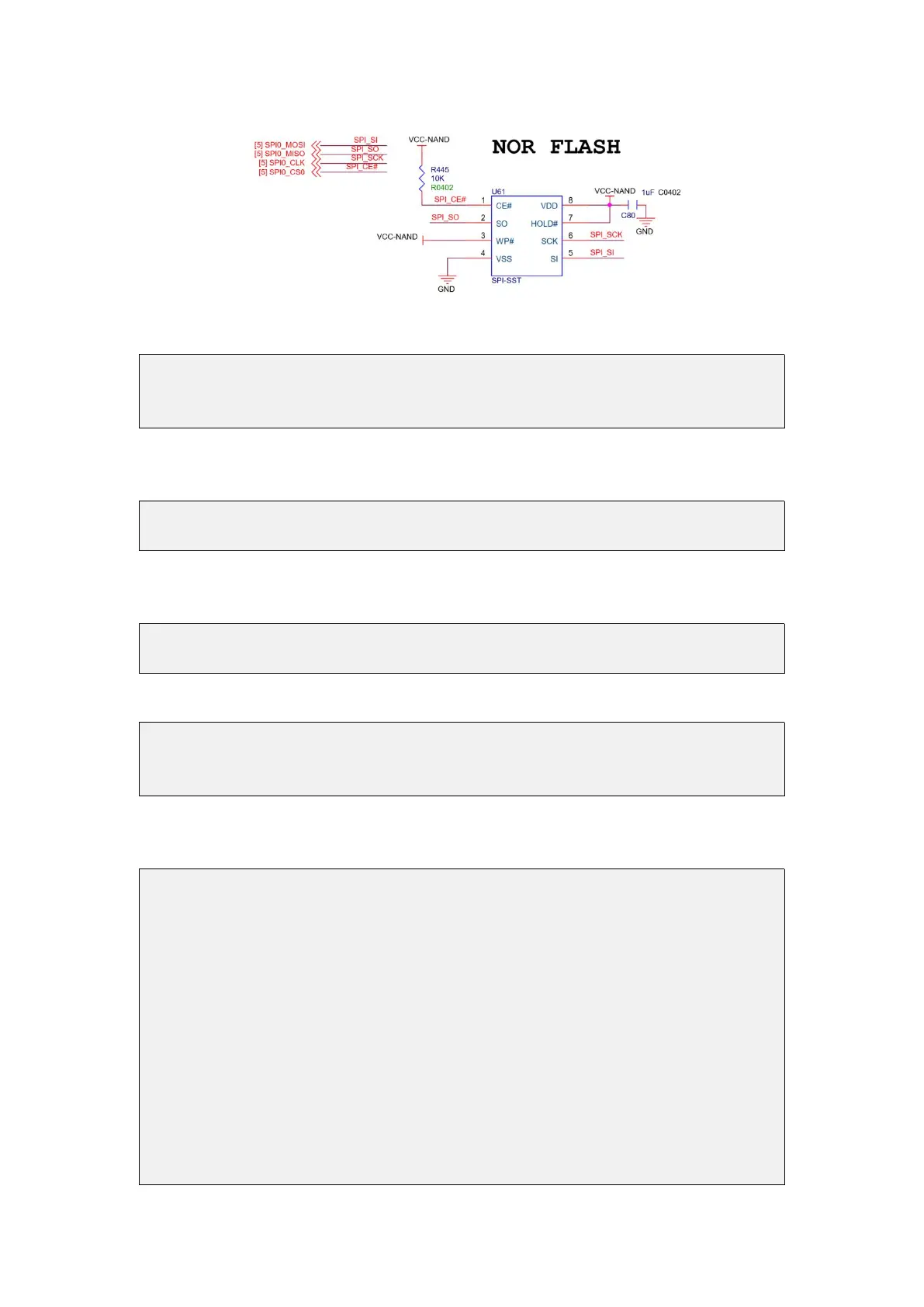
2) The SPI Flash test program in wiringOP is w25q64_test.c
root@orangepi:~/wiringOP# cd examples/
root@orangepi:~/wiringOP/examples# ls w25q64_test.c
w25q64_test.c
3) First make sure that both SPI_CHANNEL and SPI_PORT in w25q64_test.c are set
to 0
#define SPI_CHANNEL 0
#define SPI_PORT 0
4) Then check whether there is a device node of spidev0.0 in the Linux OS. If it
exists, it means that SPI0 has been set up and can be used directly
root@orangepi:~/wiringOP/examples# ls /dev/spidev0*
/dev/spidev0.0
5) Then compile w25q64_test
root@orangepi:~/wiringOP/examples# make w25q64_test
[CC] w25q64_test.c
[link]
6) Test SPI Nor Flash, if you can see data output (not all 0 or ff), it means that SPI
Nor Flash reads and writes normally
root@orangepi:~/wiringOP/examples# ./w25q64_test
Opening device /dev/spidev0.0
JEDEC ID : c2 20 16
Unique ID : ff ff ff ff ff ff ff
Read Data: n=256
----------------------------------------------------------
00000: 30 31 32 33 34 35 36 37 38 39 41 42 43 44 45 46 |a2
00010: 47 48 49 4a 4b 4c 4d 4e 4f 50 51 52 53 54 55 56 |e8
00020: 57 58 59 5a ff ff ff ff ff ff ff ff ff ff ff ff |56
00030: ff ff ff ff ff ff ff ff ff ff ff ff ff ff ff ff |f0
00040: ff ff ff ff ff ff ff ff ff ff ff ff ff ff ff ff |f0
00050: ff ff ff ff ff ff ff ff ff ff ff ff ff ff ff ff |f0
00060: ff ff ff ff ff ff ff ff ff ff ff ff ff ff ff ff |f0



 To Next Page