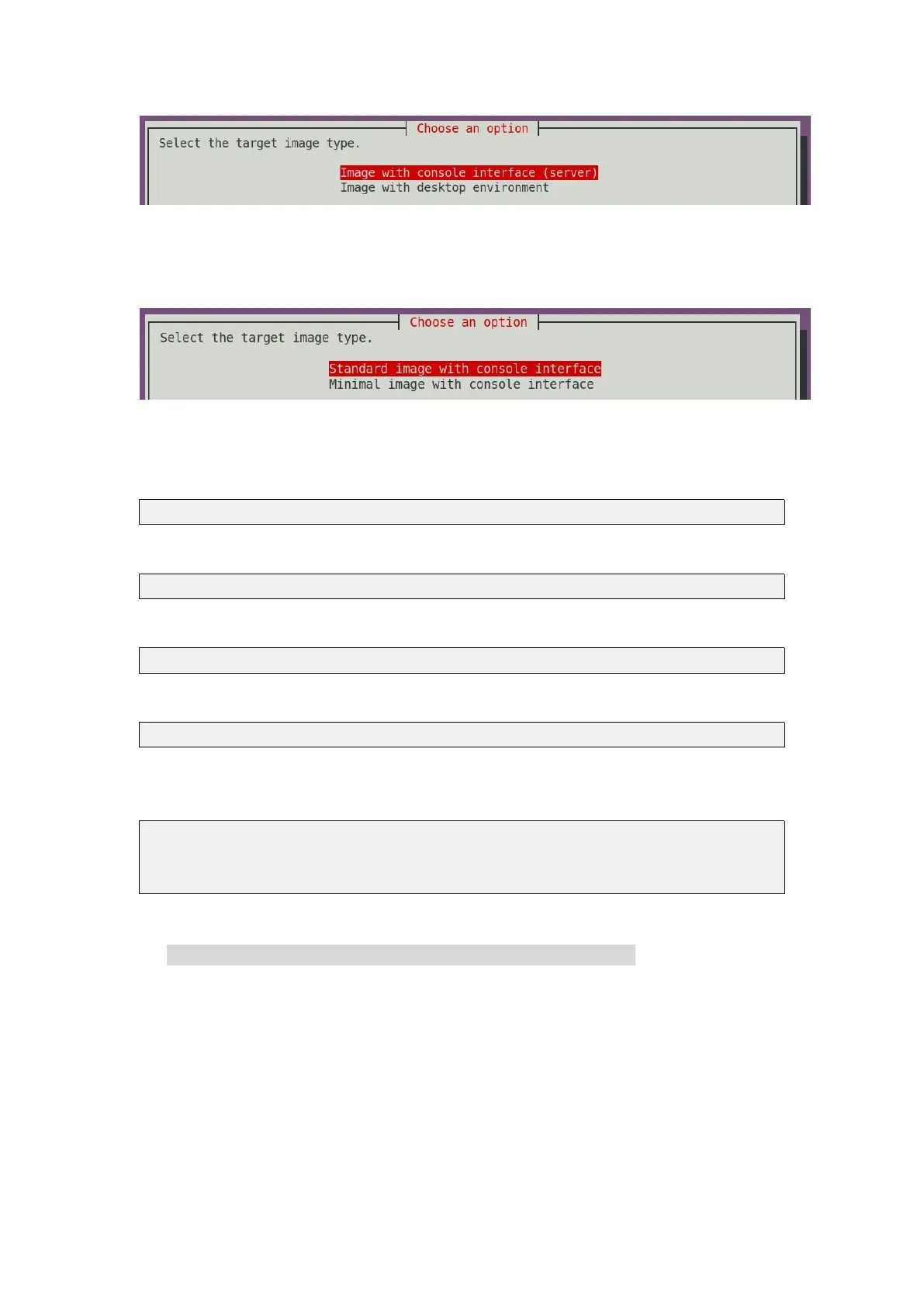
6) If you are compiling the server version of the image, you can also choose to
compile the Standard version or the Minimal version. The pre-installed software of
the Minimal version will be much less than the Standard version
7) After selecting the type of image, rootfs will be compiled, and the following
information will be prompted during the compilation
a.Type of rootfs
[ o.k. ] local not found [ Creating new rootfs cache for bionic ]
b. The storage path of the compiled rootfs compressed package
[ o.k. ] Target directory [ external/cache/rootfs ]
e. The name of the rootfs compressed package generated by the compilation
[ o.k. ] File name [ bionic-cli-arm64.153618961f14c28107ca023429aa0eb9.tar.lz4 ]
f. Compilation time
[ o.k. ] Runtime [ 13 min ]
g. Repeat the command to compile rootfs, use the following command without
selecting through the graphical interface, you can directly start compiling rootfs
[ o.k. ] Repeat Build Options [ sudo ./build.sh BOARD=orangepizero2
BRANCH=legacy BUILD_OPT=rootfs RELEASE=bionic
BUILD_MINIMAL=no BUILD_DESKTOP=no KERNEL_CONFIGURE=yes ]
8) View the compiled rootfs compressed package
a. bionic-cli-arm64.153618961f14c28107ca023429aa0eb9.tar.lz4 is a compressed
package of rootfs, the meaning of each field of the name is
a. bionic represents the type of linux distribution of rootfs
b. cli means rootfs is the server version type, if it is desktop, it means the desktop
version type
c. arm64 represents the architecture type of rootfs
d. 153618961f14c28107ca023429aa0eb9 is the MD5 hash value generated by the
package names of all software packages installed by rootfs. As long as the list of
software packages installed by rootfs is not modified, this value will not change.
The compilation script will use this MD5 hash value. Determine whether you



 To Next Page