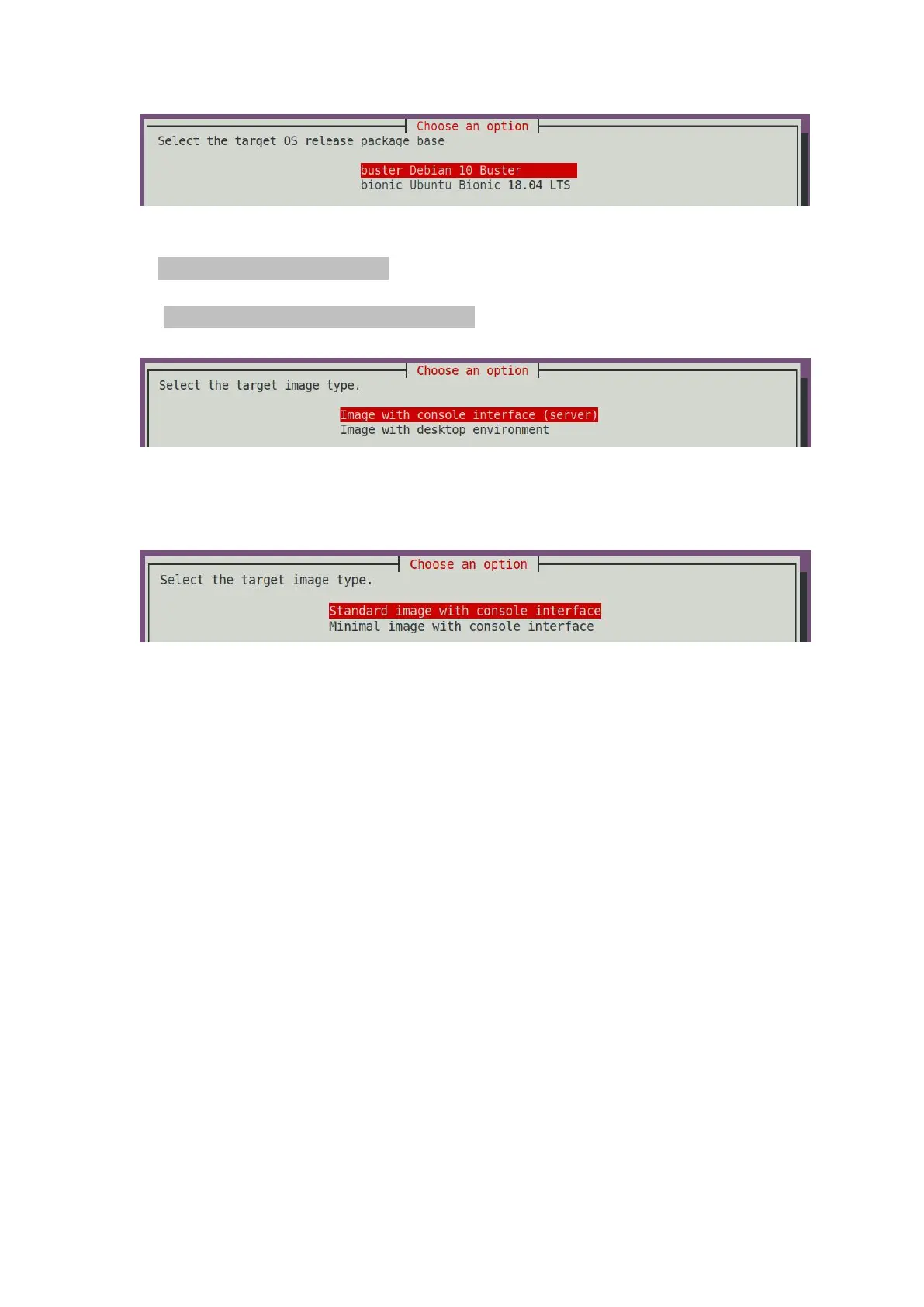
4) Then select the type of image
a. Image with console interface represents the image of the server version, which is
relatively small
b. Image with the desktop environment means that the image with a desktop
version is relatively large
5) If you are compiling the server version of the image, you can also choose to
compile the Standard version or the Minimal version. The pre-installed software of
the Minimal version will be much less than the Standard version.
6) After selecting the type of image, it will start to compile the Linux image. The
general process of compilation is as follows
a. Initialize the compilation environment of Ubuntu PC and install the software
packages needed for the compilation process
b. Download the source code of u-boot and linux kernel
c. Compile u-boot, generate u-boot deb package
d. Compile linux source code and generate linux related deb package
e. Make deb package of linux firmware
f. Make deb package of orangepi-config tool
g. Make board-level support deb package
h. If it is to compile the desktop version image, it will also make desktop related deb
packages
i. Check whether the rootfs has been cached, if there is no cache, then re-create the
rootfs, if it has been cached, directly unzip and use
j. Install the previously generated deb package into rootfs
k. Make some specific settings for different development boards and different types of
images, such as pre-installing additional software packages, modifying configuration
files, etc.
l. Then make an image file and format the partition, the default type is ext4
m. Copy the configured rootfs to the image partition
n. Then update the initramfs



 To Next Page