Installation and Operation Manual of the EUROMATIK.net Page 17 (40)
Using the -communication server
You can reach the -communication server at the address http://devices.osf.de
As a new user, you must register first:
After registering, you can log in and then add a new device to your user profile by entering the device ID of
the EUROMATIK in the appropriate field:
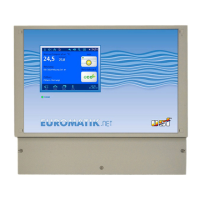
Finding the device ID on the display of the EUROMATIK
The DEVICE ID of your device is shown on the device information page on the control panel of the device.
After that, your device will appear in your device overview and can be operated using the communication
server:


 To Next Page
 Loading...