Installation and Operation Manual of the EUROMATIK.net Page 19 (40)
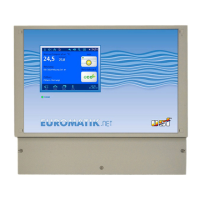
Display
Operation
Switching the EUROMATIK.net on
When the EUROMATIK.net is switched off, the operation lamp lights up in red colour. To switch it on, press
anywhere on the display for at least 3 seconds.
Switching the EUROMATIK.net off
The button to switch the controller off is located in the
screen titled "Operating mode".
Press the "Operating mode" button.
Press the button for switching off at least 3 seconds in
order to switch the EUROMATIK.net off.
When the EUROMATIK.net is switched off the
operation lamp lights up in red.
Back,
Cancel without
saving
Operation lamp
Green = ON
Red = OFF
Selector switch
Mode of
operation


 To Next Page
 Loading...