Operation
37
DTX-2200-3000 AC/DC
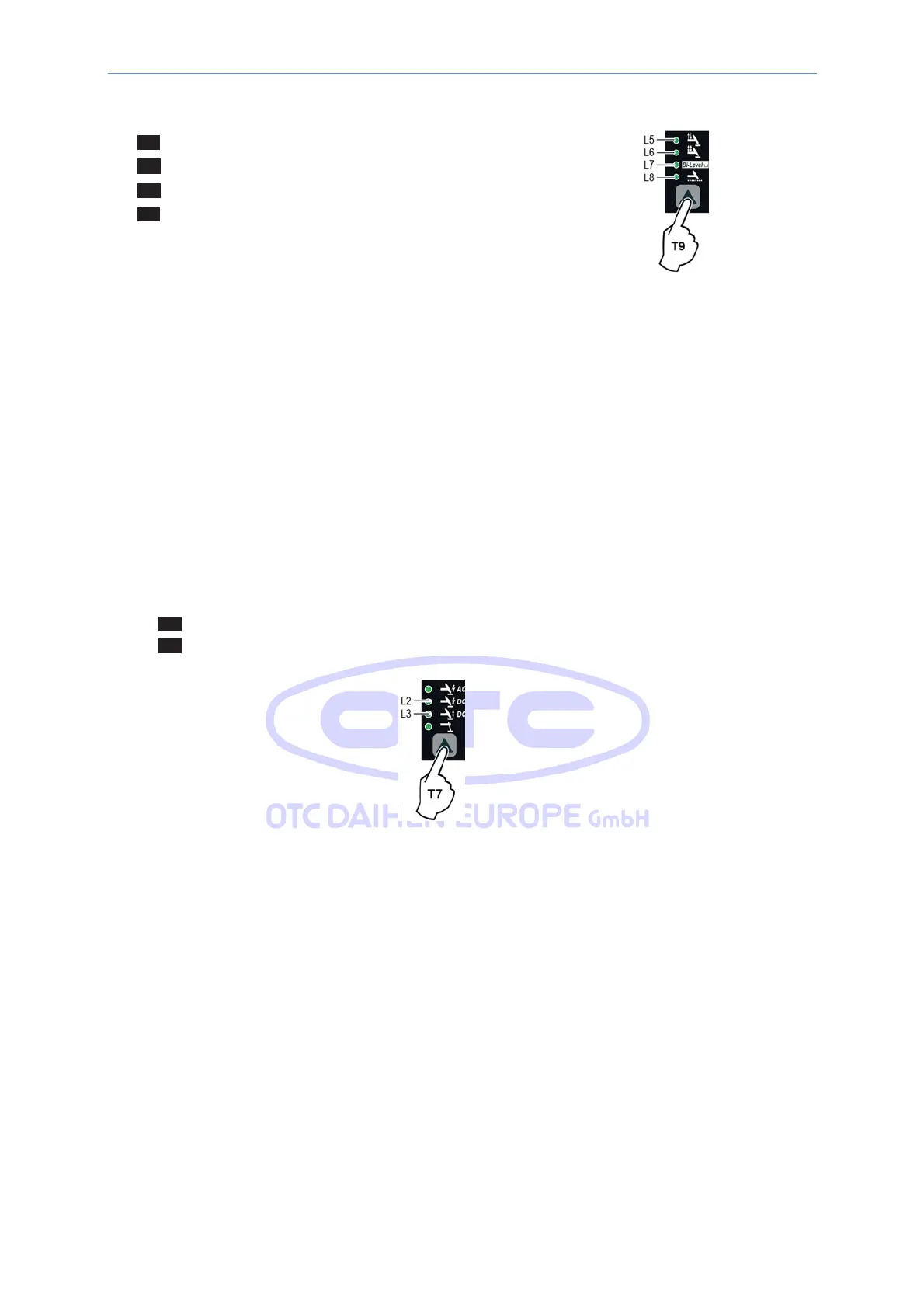
7) Press the WELDING MODE SELECTION Key (T9) and go to one of the 4 options available:
L5 2T
L6 4T
L7 Bi-Level
L8 SPOT WELD
8) By pushing the WELDING PARAMETERS SELECTION key a number of times it is possible to
set the various TIG WELDING PARAMETERS (see the “TIG AC and DC Welding” paragraph -
WELDING PARAMETERS).
9) Once the all the
selections/regulations
indicated
above have been made, welding can begin.
10)
During
the
welding process
the
DISPLAY shows
the
real
Amps (A) at which the operator is actually welding.
14.3.5
TIG „DC“ -welding
1) Start the welding machine by turning the power supply switch to position I.
2) Press the WELDING PROCESS SELECTION key (T7) and select:
L1 a TIG “HF” welding process for direct current TIG welding with high frequency ignition.
L2 a TIG “Lift DC” welding process for direct current TIG “Lift” type welding without high frequency.
WARNING: The “Lift” ignition current is created by pushing the torch button only after having touched the
work piece with the electrode.
3) ELECTRODE DIAMETER
SELECTION
Select the diameter of the electrode to achieve the best control of ignition in a synergic
manner.
Selection
is done by pushing the ELECTRODE DIAMETER Key (T8) (ELECTRODE
DIAMETER LED flashing) and using the EN- CODER Knob (E) to regulate the value indicated on
the DIS- PLAY (D).



 To Next Page