Operation
57
DTX-2200-3000 AC/DC
5) Rotate the ENCODER Knob (E) to scroll the programs until you find an empty, unused program slot.
14.3.13
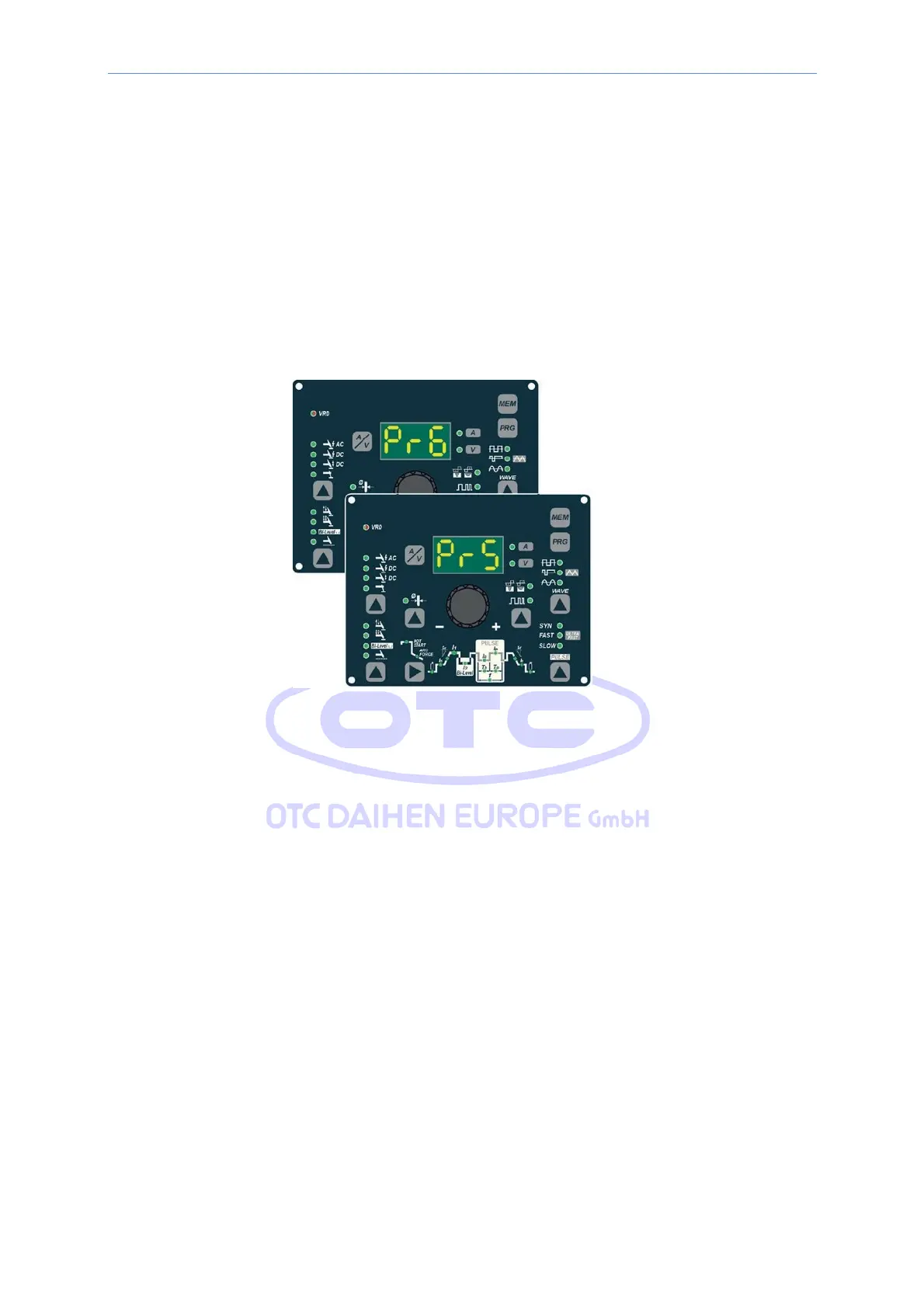
Calling up saved programs
1) Hold the SET/PRG key (T2) down (about 3 seconds) until the DISPLAY (D) shows the number of the program
selected flashing (e.g. Pr6).
2) Turn the ENCODER knob (E) until the DISPLAY (D) shows the program number (flashing) you wish to call up
(e.g. Pr5).
NOTE: If when you are rotating the ENCODER knob (E) to look for a saved welding program to call up the MTH
panel does not have any LEDs switched on without flashing, this means that the welding program you are
trying to call up has not been saved and, as a result, cannot be called up!
3) Press and release the “PRG” PROGRAM key (T2) to call up the program number selected.
4) You can now carry out PROGRAMMED welding.



 To Next Page