56 | Ottobock B600
INFORMATION
If the power wheelchair is turned on via the LCD monitor,
the Main Menu (see Fig.32) is displayed first. Now the
joystick has to be moved 2 x in order to drive:
► After moving the joystick forward, the Driving (see
Fig.33) menu is shown.
► Move the joystick a second time in order to start driving
the power wheelchair.
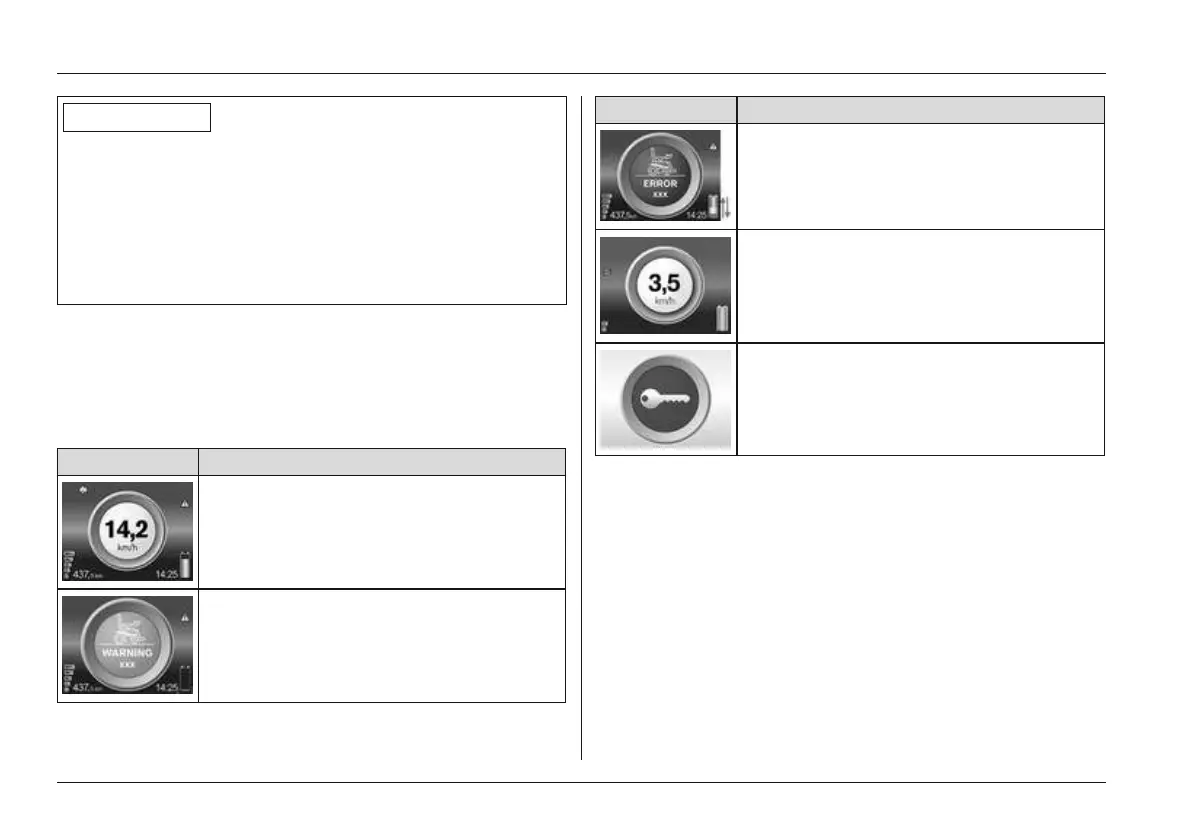
Driving menu
• The power wheelchair is operated with the Driving
menu (see Fig.33).
• The status of the driving functions as well as malfunc
tions/faults are displayed, e.g.:
Menu Information
Driving menu with speed level and bat
tery capacity
Left direction indicator on
Driving menu with speed level
Low battery capacity (see Page84)
Menu Information
Charging process with drive-away lock
(battery is charging)
Creep speed (when driving with raised
seat)
Drive-away lock activated (Drive-away
lock)
Navigating in the main Menu > Sub menus
• The main menu is displayed after holding the [Mode]
button (approx. 2 seconds) on the control panel (see
Fig.32). All important power wheelchair functions can
be selected and used from here.
• Use the joystick to navigate from the Main Menu (see
Fig.32) to the Options menu and the Favourites
menu:
Usage















 To Next Page