6.4.3.2 Wireless upgrade kit assembling
NOTE:
This procedure has to be performed in case of field upgrade. System
coming with wireless X-ray button are pre-assembled in factory.
The wireless upgrade kit (code 7659303200) includes:
• Wireless X-ray button
• 2 x AAA batteries
• A6 Radio board
• X7 connecting cable.
To assemble the parts proceed as follow:
1. Remove the plastic timer cover (see paragraph 6.1.1 – point 3) and
disconnect the cables between timer and cover.
2. Remove the CPU board from the timer cover.
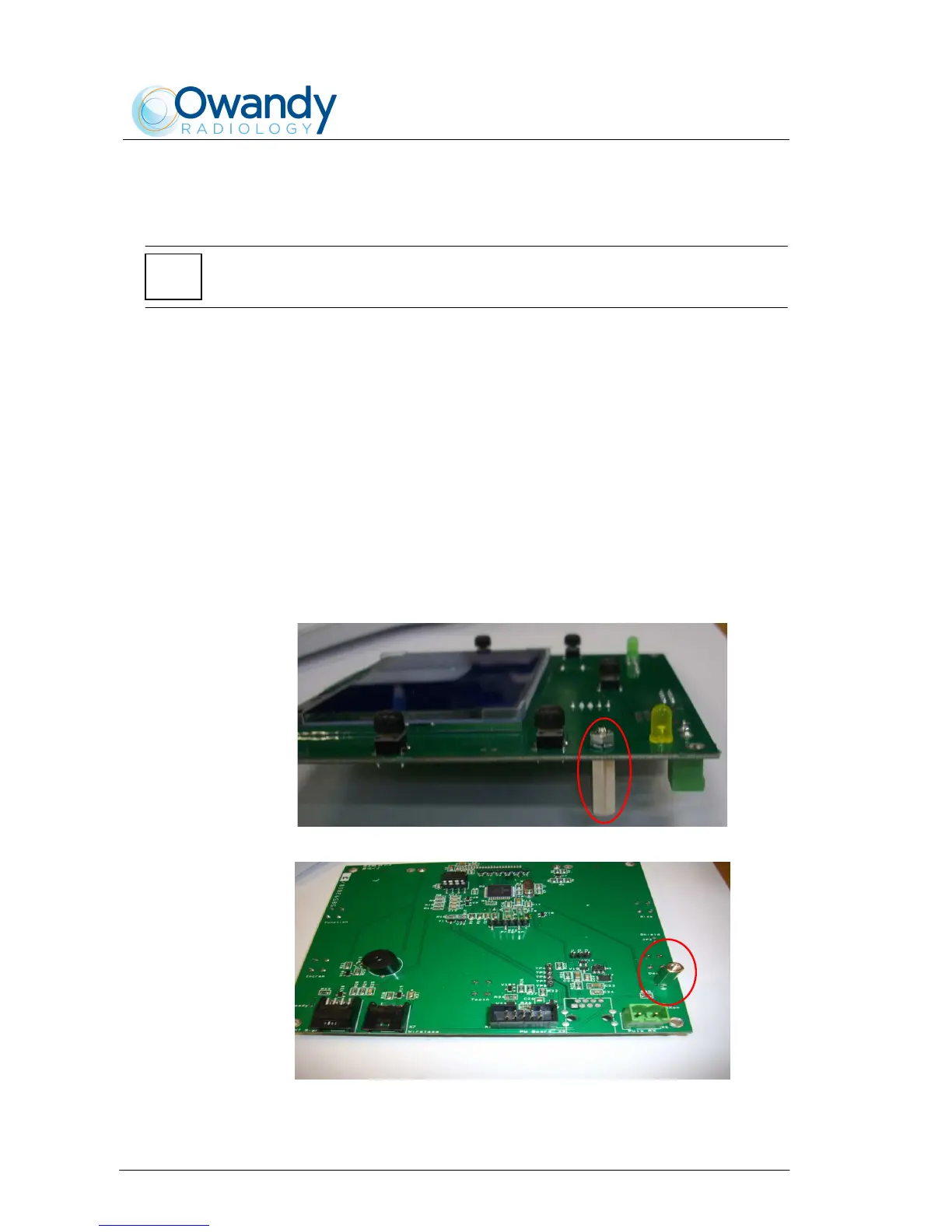
3. Assemble the hexagonal spacer on the CPU board A2 (component
side) as shown in Figure 6-15 and Figure 6-16.
Figure 6-15
Figure 6-16



 To Next Page