P08:
Manufacturer's Logo
This parameter allows to visualize / hide Owandy logo at system start-
up.
Default value = Show Logo.
P09:
Disable X-Rays (demo mode)
This parameter make it possible to enable / disable the X-Rays emission.
Default value = X-Rays ENABLED (ON).
P10:
Display mode reverse
This parameter allows to change the display between white text on blue
background and blue text on white background.
Default value = OFF (white text on blue background).
P11:
LCD Contrast Adjustment
This parameter makes it possible to vary the contrast of the display, in
order to compensate any differences in environmental light.
Two adjustments are possible:
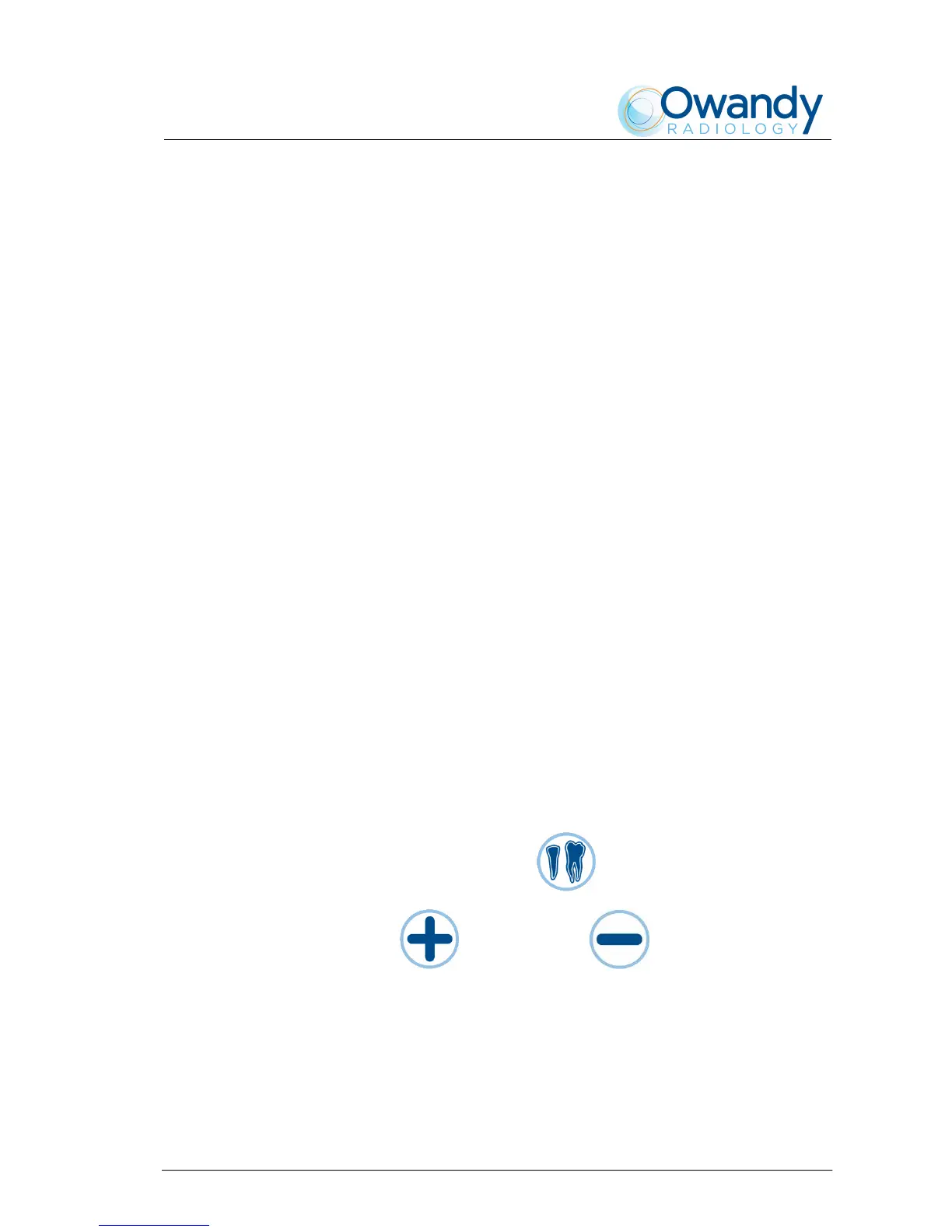
− Press "Tooth automatic selection" key for a coarse
regulation. Default value = 2
− Press "Increase" and "Decrease" keys for a fine
regulation. Default value = 24.



 To Next Page