Operator's Manual
Issue 14 / Mar 2016
MercuryiPS
©2016 Oxford Instruments NanoScience. All rights reserved.
Page 101
Max Rx input voltage ±30 V
9.2 Remote operation using GPIB
9.2.1 Configuring GPIB
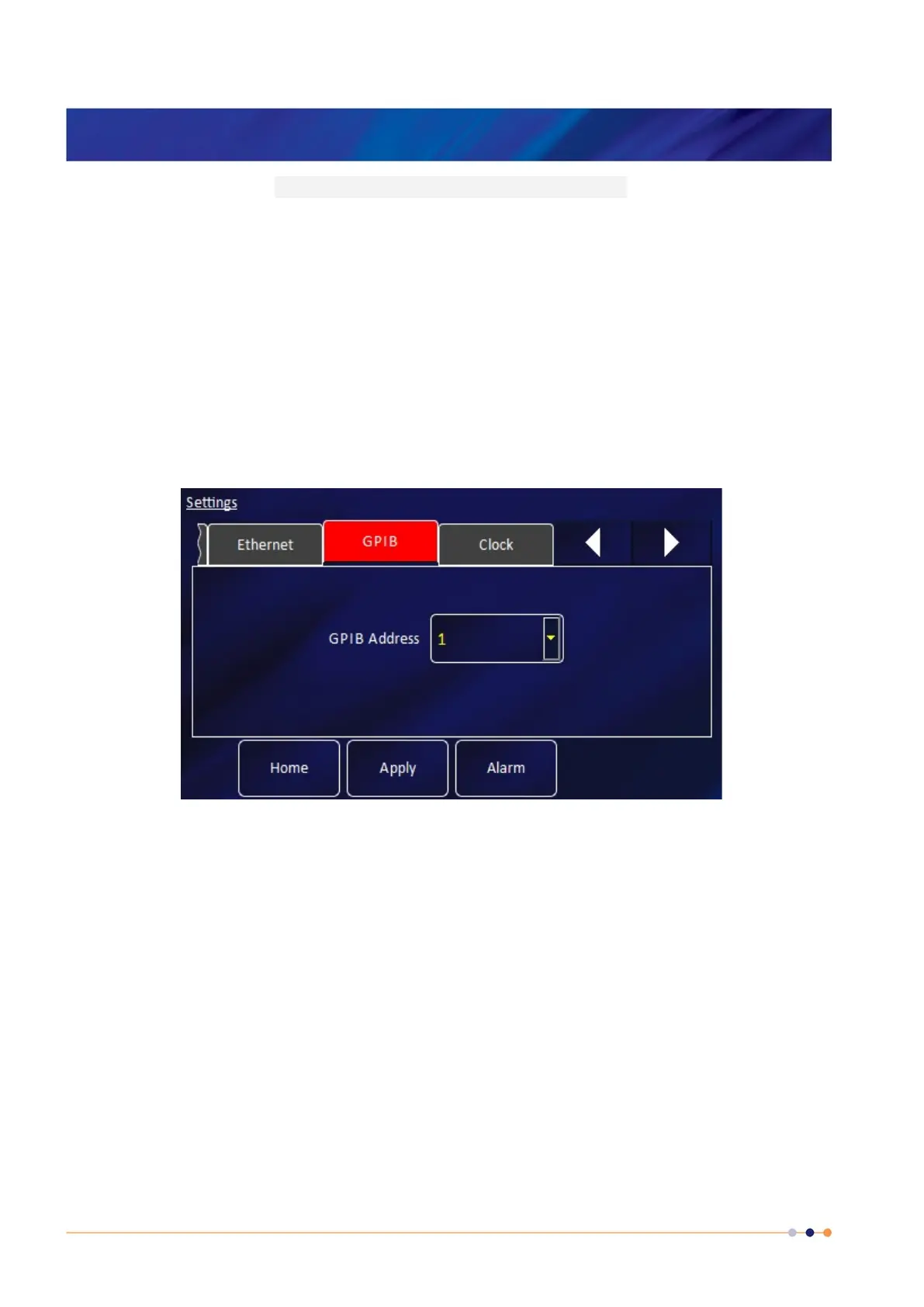
On the Home page, tap Settings.
Scroll to the GPIB tab and select it.
The page contains one parameter box:
GPIB Address
Select a GPIB address for this instrument from the drop-down menu.
NOTE: This sets the GPIB “Primary Address”. When using the SCPI command set the
GPIB “Secondary Address” is invoked. This is always set to 1 but must be set in any
applications trying to access the iPS using SCPI commands via GPIB. If the Legacy
command set is being used the “Secondary Address” is not invoked and therefore is not
required.
The page also contains the following buttons:



 To Next Page