Operator's Manual
Issue 14 / Mar 2016
MercuryiPS
©2016 Oxford Instruments NanoScience. All rights reserved.
Page 34
To enter the digit 2, tap the 2 key once.
To enter the letter B, tap the 2 key three times.
To enter the letter Z, tap the 9 key five times.
3.5.7 Using arrows to adjust integer values
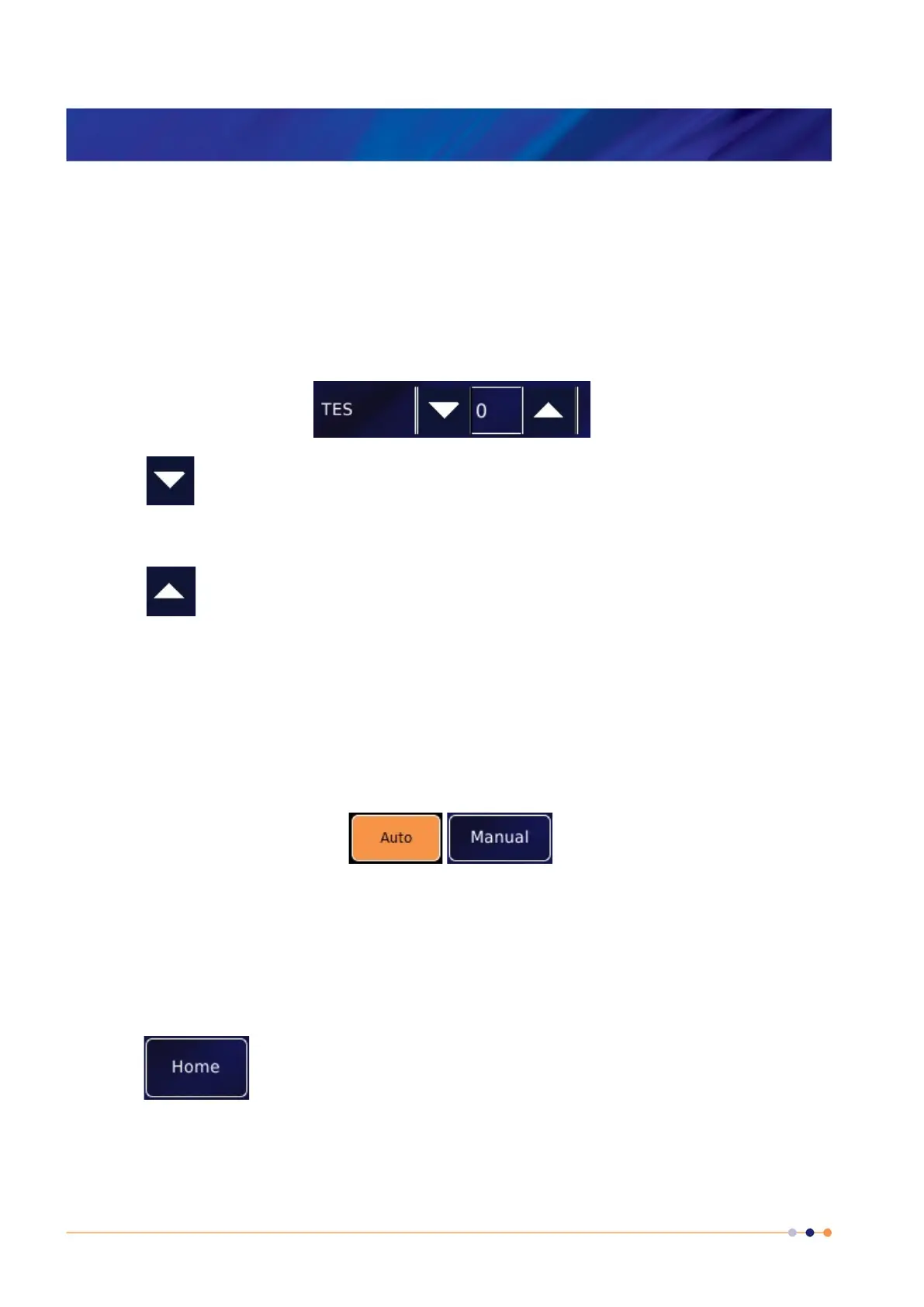
Some numeric parameter boxes use up and down arrows to adjust their value.
Tap once to decrease the displayed value.
Numeric display. Tap once to enter a new value using the numeric keypad.
Tap once to increase the displayed value.
3.5.8 Button labels
The label on some buttons changes depending on the button function. The label on most
buttons describes the present state of the iPS. For example, the button shown on the left below
is labelled Auto, indicating that the function is in automatic mode. Tap the button once to select
Manual mode.
Some buttons operate differently to the method just described. The operation of these buttons is
described in the text.
3.5.9 Common touch screen features
The following buttons appear on several pages of the GUI.
Tap once to return to the Home page.


 To Next Page