Operator's Manual
Issue 14 / Mar 2016
MercuryiPS
©2016 Oxford Instruments NanoScience. All rights reserved.
Page 31
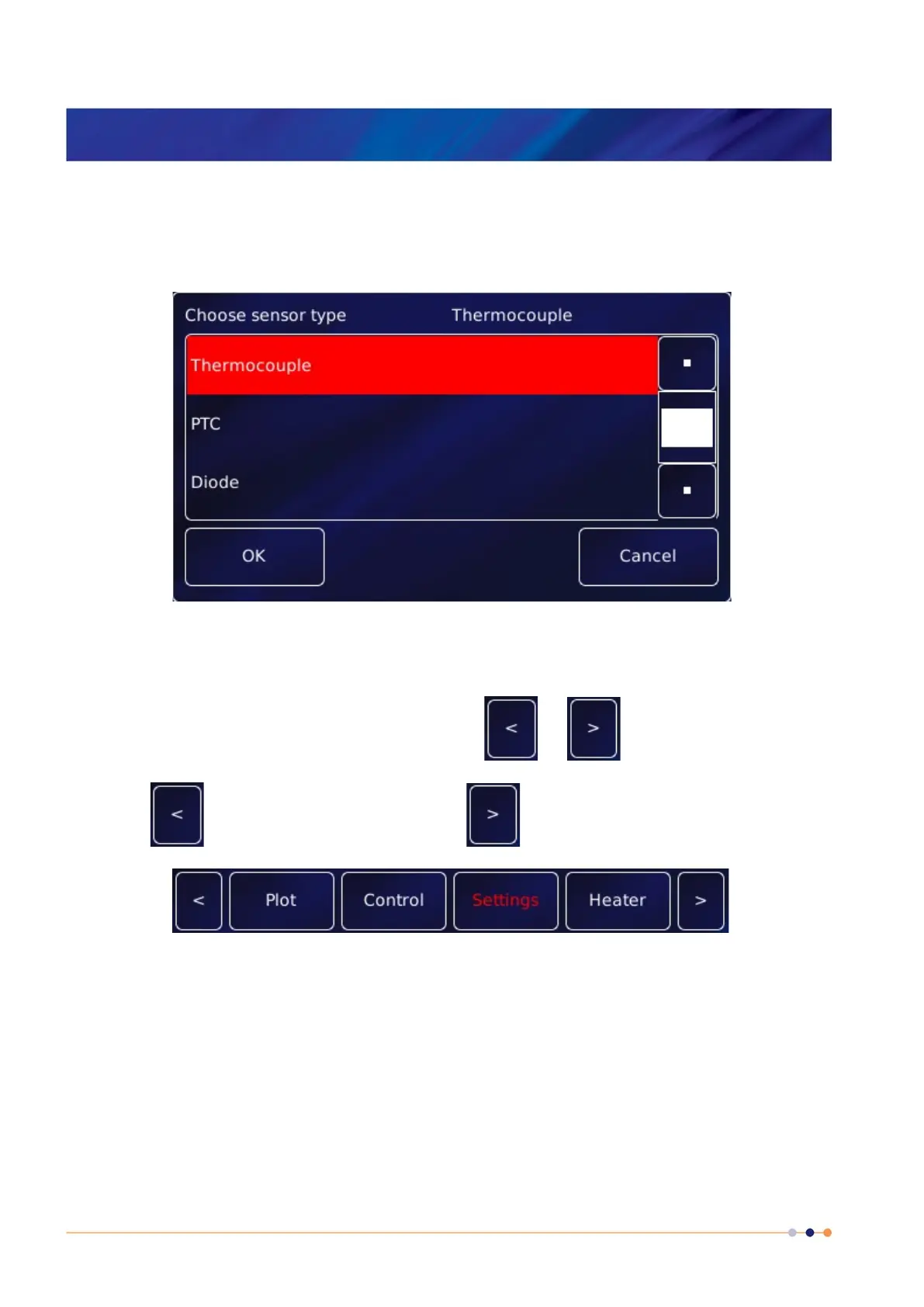
2 If necessary drag the scroll bar up or down to reveal more menu items.
3 Tap the desired menu item to select it. The menu item is highlighted.
4 Tap OK to select the item, or Cancel to exit without selecting the item.
3.5.5 Scrolling
On some pages there is not enough space to display all the keys or information associated with
the page. This is indicated by a button with the label or .
Tap the button to scroll to the left. Tap the button to scroll to the right.
3.5.6 Soft keypads
Certain parameter boxes in the GUI require the user to enter alphanumeric characters. Tap the
parameter box to display a keypad.
There are two types of keypad that may be displayed. If a parameter box requires numeric data
only, a numeric keypad is displayed.



 To Next Page