Operator's Manual
Issue 14 / Mar 2016
MercuryiPS
©2016 Oxford Instruments NanoScience. All rights reserved.
Page 32
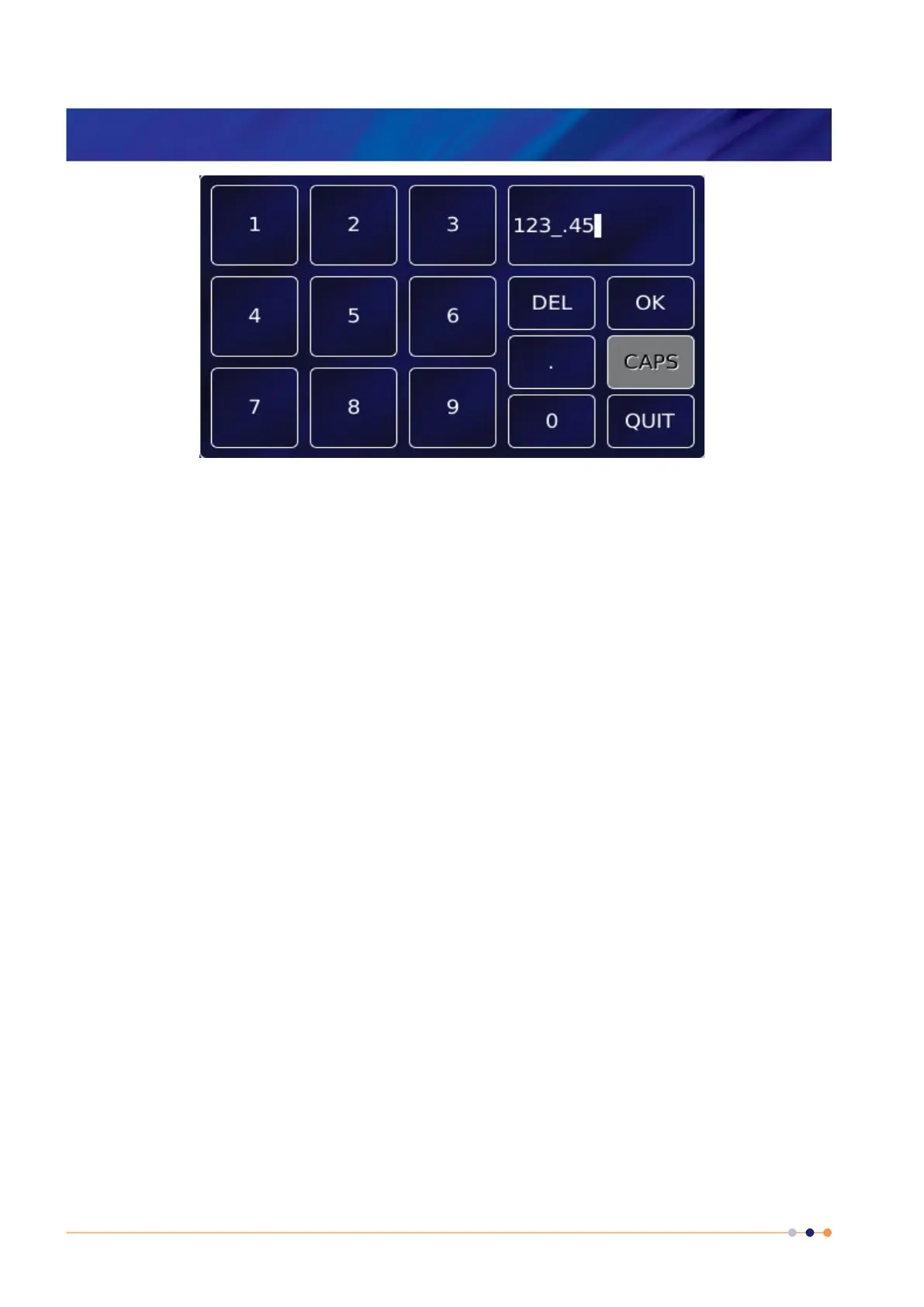
The keypad has a parameter box in the top-right corner that displays the number that been
entered so far.
This keypad contains 10 single-digit keys and a decimal point key.
Tap Del once to delete the last character entered.
To delete or edit a single digit within the number, touch the digit to highlight it, then tap Del or
tap the new digit
To delete or edit several digits within the number, touch the digits until they are highlighted,
then tap Del or tap the new digits.
Tap OK to save the number entered.
Tap Quit to close the keypad without saving the number that has been entered.
CAPS is not used.
If a parameter box requires alphanumeric data, an alphanumeric keypad is displayed.



 To Next Page