Operator's Manual
Issue 14 / Mar 2016
MercuryiPS
©2016 Oxford Instruments NanoScience. All rights reserved.
Page 77
4 Remove the 2 screws holding each side panel.
5 Remove the 3 screws on the back panel that secure the top cover of the iPS.
6 Slide the top cover back (it can be quite tight) and lift it off.
7.2.2 Fitting the board
The level-meter board can be fitted in any expansion slot. Only one level meter board can be
fitted in a MercuryiPS, because of power consumption limitations.
1 Choose a slot for the level meter board.
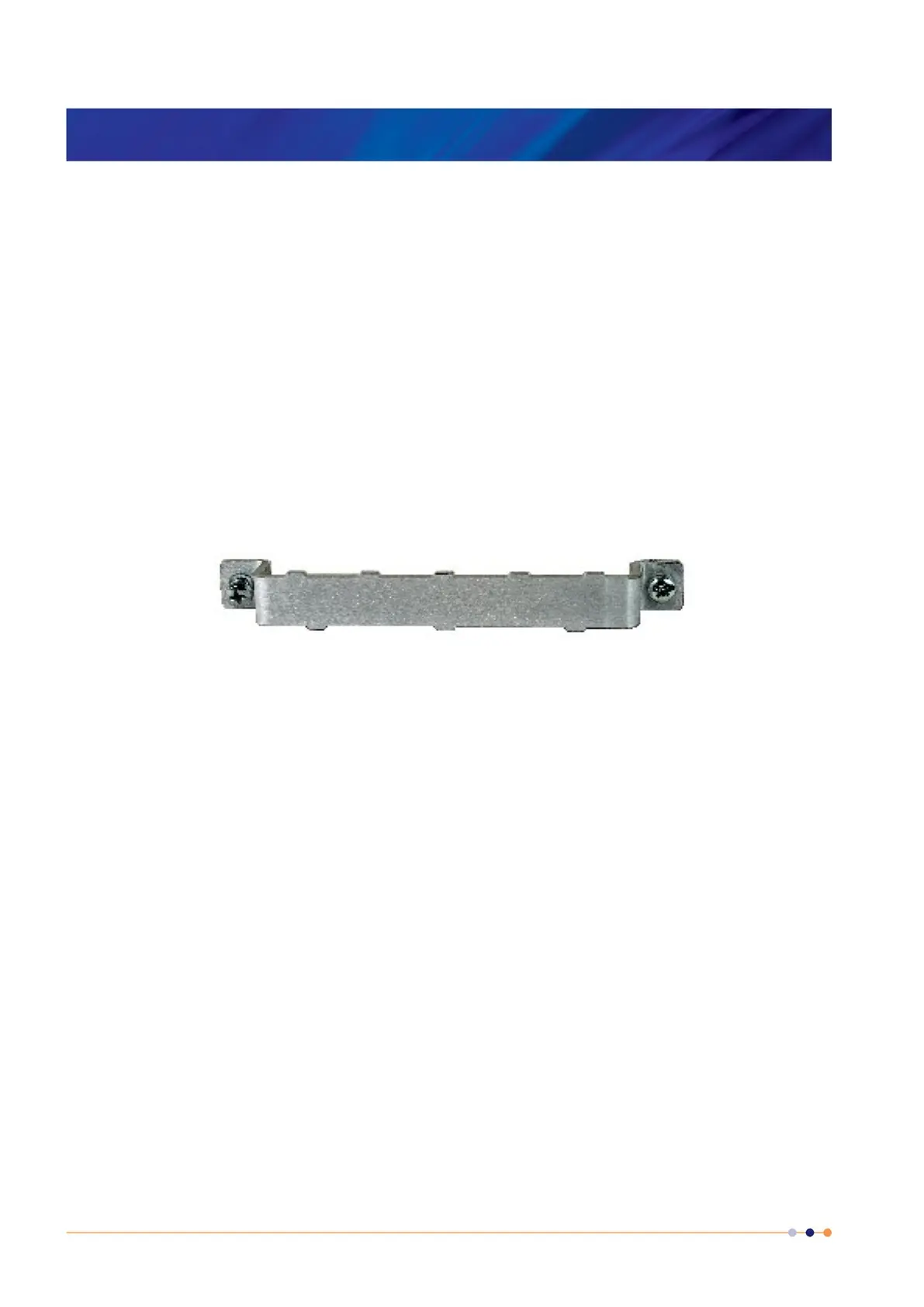
2 Remove the two screws that secure the top clamping bracket (Figure 19). Remove the
board clamp.
Figure 19 MercuryiPS daughter board clamp
3 Knock out the blanking plate (Figure 20) in the location where the board is to be fitted. The
blanking plates are held in place by 2 metal tongues (4 metal tongues on early iPSs).
For the 2 tongue iPS, gently swivel the blanking plate back and forward until the retaining
tongues break.
For the 4 tongue iPS, use a small chisel (or similar) and small hammer to break 2 of the
tongues with a firm tap. Then gently swivel the blanking plate backwards and forwards until
the remaining tongues break. Remove the blanking plate.
4 Remove the upper retaining screw holding the Helium probe 9 way D connector to the Level
Meter board back plate.



 To Next Page