Operator's Manual
Issue 14 / Mar 2016
MercuryiPS
©2016 Oxford Instruments NanoScience. All rights reserved.
Page 36
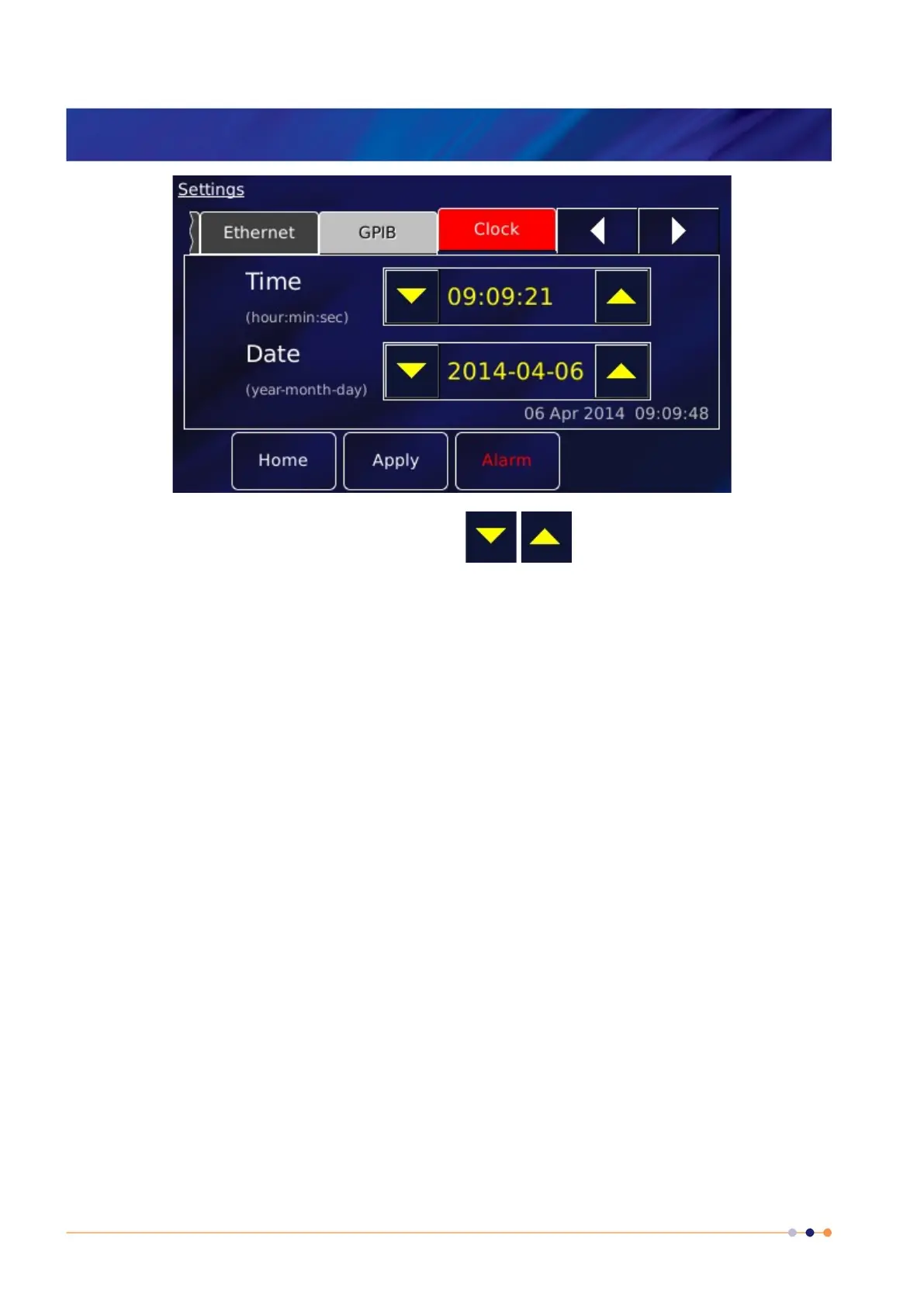
3 Edit the date and time using the scroll buttons .
4 Tap Apply to apply the changes.
5 Tap Home to return to the Home page.
3.6 Plotting signals on the MercuryiPS touch screen
The MercuryiPS touch screen allows the user to monitor up to 6 signals as a function of time.
3.6.1 Plot Configuration
The Plot Configuration page is used to set up which signals are to be plotted. When the plot
page has been configured, the trace updates in real time.
1 Tap the Plot button on the Home page to display the Plot Configuration page.
2 If a plot is displayed, tap the plot area once. The Plot Configuration page appears as an
overlay on the Plot page.



 To Next Page