Operator's Manual
Issue 14 / Mar 2016
MercuryiPS
©2016 Oxford Instruments NanoScience. All rights reserved.
Page 90
The Clock page also contains the following buttons:
Alarm
Tap once to access the Alarm Logs page (see section 16.1.1). If the text is RED an alarm
condition exists.
Apply
Tap once to apply (save) changes made on this page.
Home
Tap once to return to the Home page.
8.5 File transfer
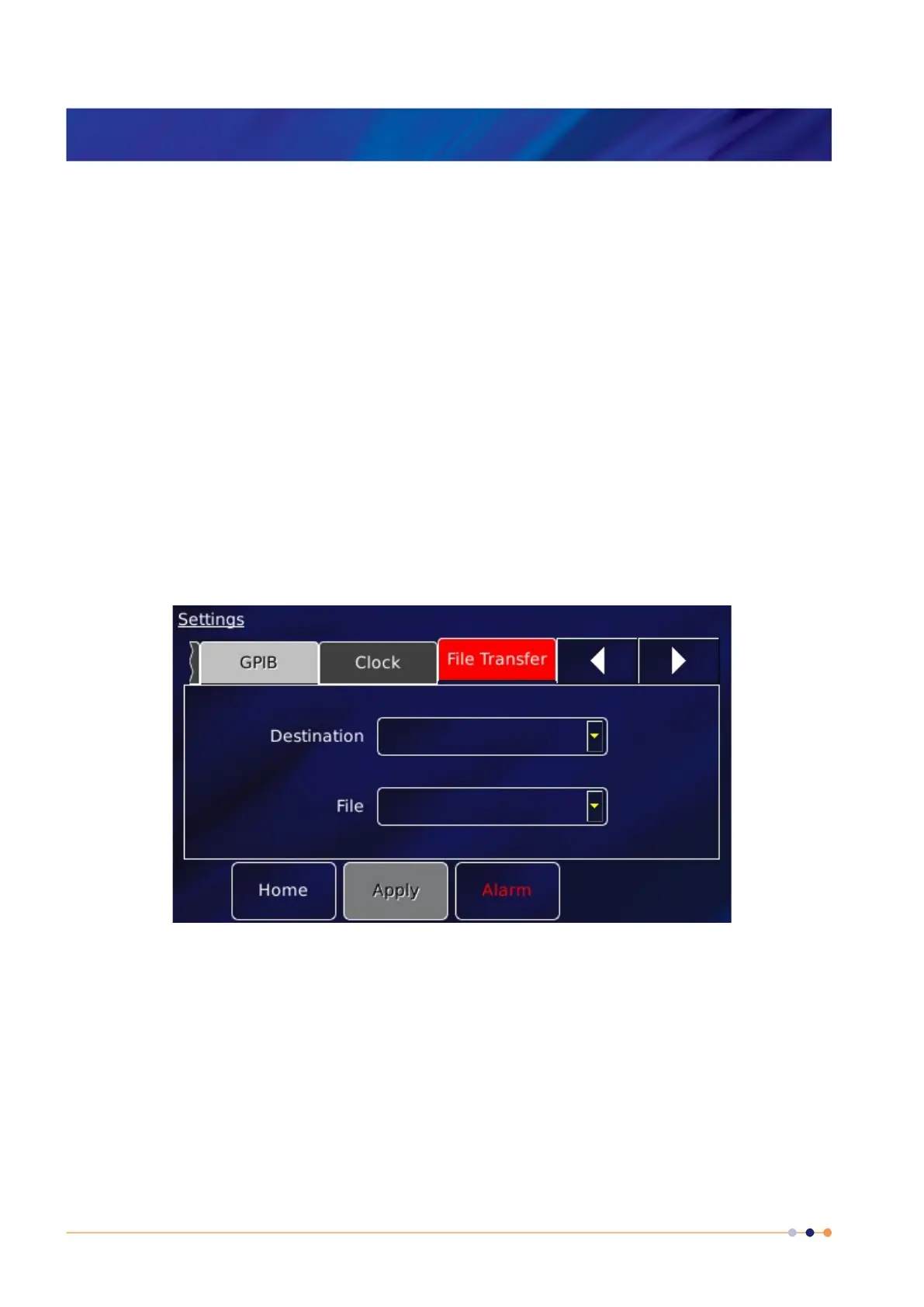
Select File Transfer to view a page used to load calibration files into the controller from a USB
memory stick. The memory stick is fitted into the USB-A socket on the rear panel of the iPS.
The page contains the following parameter boxes:
Destination
Select the type of calibration file to be loaded. The list of file types comprises: Diode,
Dummy, NTC, PTC, Thermocouple, HTT, Pressure, sweep_tables, pid_tables.
File
Select the file to be loaded from the memory stick. Once selected, the file is loaded
automatically.



 To Next Page