Operator's Manual
Issue 14 / Mar 2016
MercuryiPS
©2016 Oxford Instruments NanoScience. All rights reserved.
Page 81
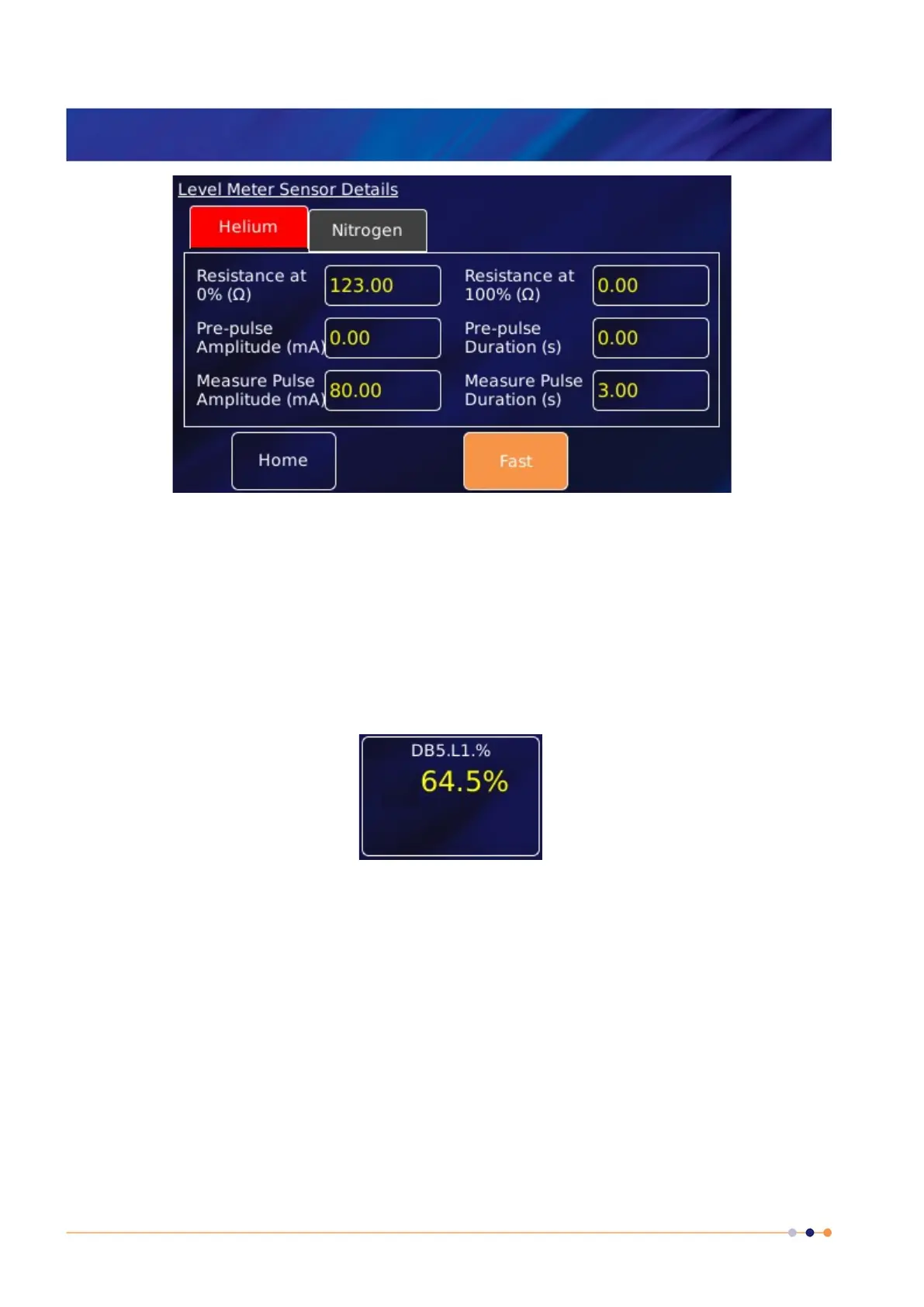
13 Tap Home to return to the Home page.
14 Tap the level meter widget twice to return to the Channel Display Configuration page.
15 Tap Signal and select Helium Level.
16 Tap Assign to save the changes and return to the Home page. The level meter widget now
reads the helium level (%).
7.5 Configuring MercuryiPS for nitrogen level meter
1 Tap an unconfigured widget on the Home page to display the Channel Display
Configuration page.
2 Tap the Device box and select a level meter device from the drop down list (an example is
shown).
3 Tap the Signal box and select Pulse



 To Next Page