Operator's Manual
Issue 14 / Mar 2016
MercuryiPS
©2016 Oxford Instruments NanoScience. All rights reserved.
Page 136
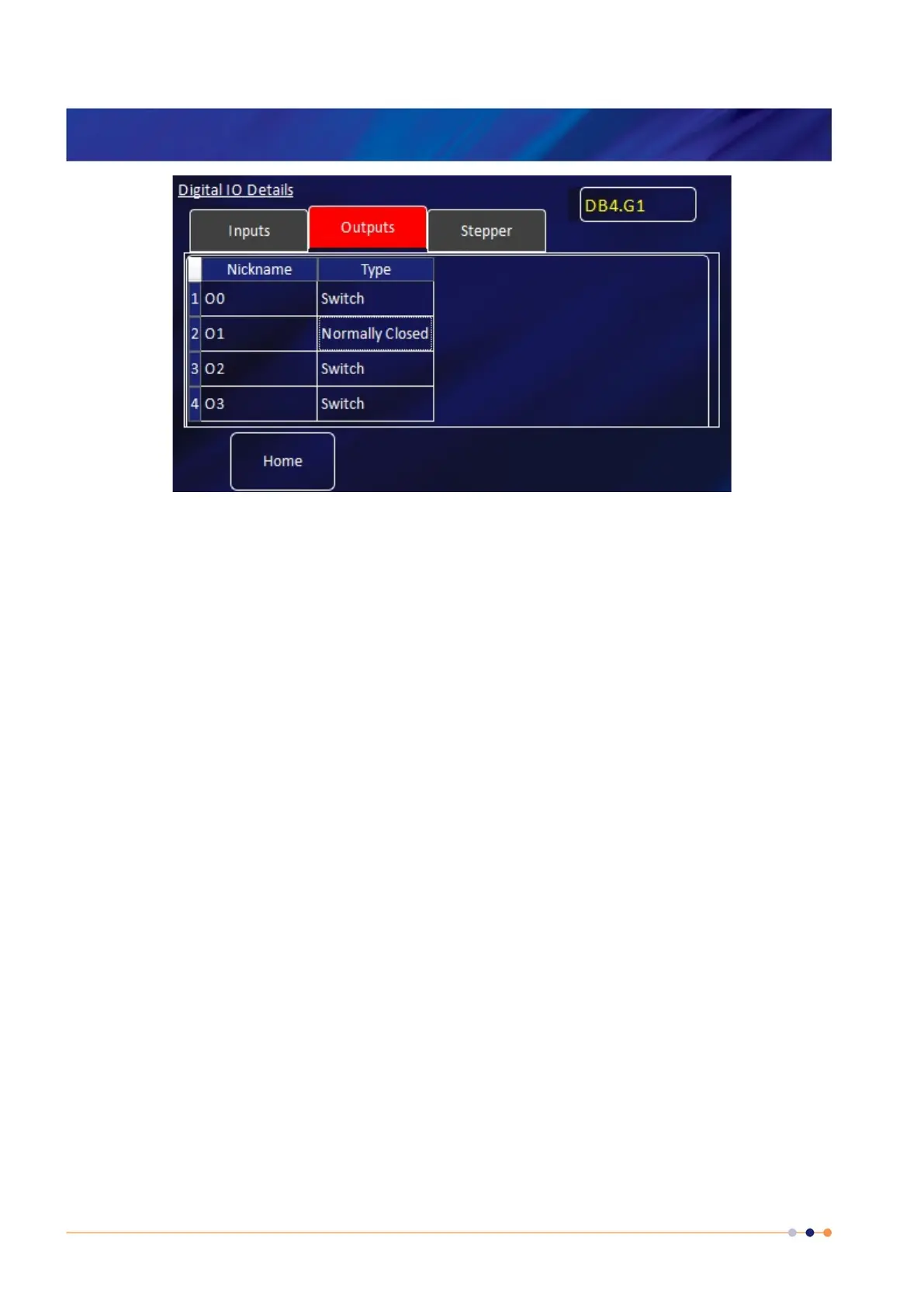
3 Select the Outputs tab.
4 Enter a nickname for the output that is to be used.
5 Select a Type for the output. The output type that you select changes the displayed status
of the output on the Home page.
The options are:
SWITCH - The Home page displays ON when the output is on and OFF when the output is
off.
NORMALLY OPEN - The Home page displays CLOSED when the output is on and OPEN
when the output is off.
NORMALLY OPEN - The Home page displays OPEN when the output is on and CLOSED
when the output is off.
BOOLEAN - The Home page displays TRUE when the output is on and FALSE when the
output is off.


 To Next Page