Operator's Manual
Issue 14 / Mar 2016
MercuryiPS
©2016 Oxford Instruments NanoScience. All rights reserved.
Page 45
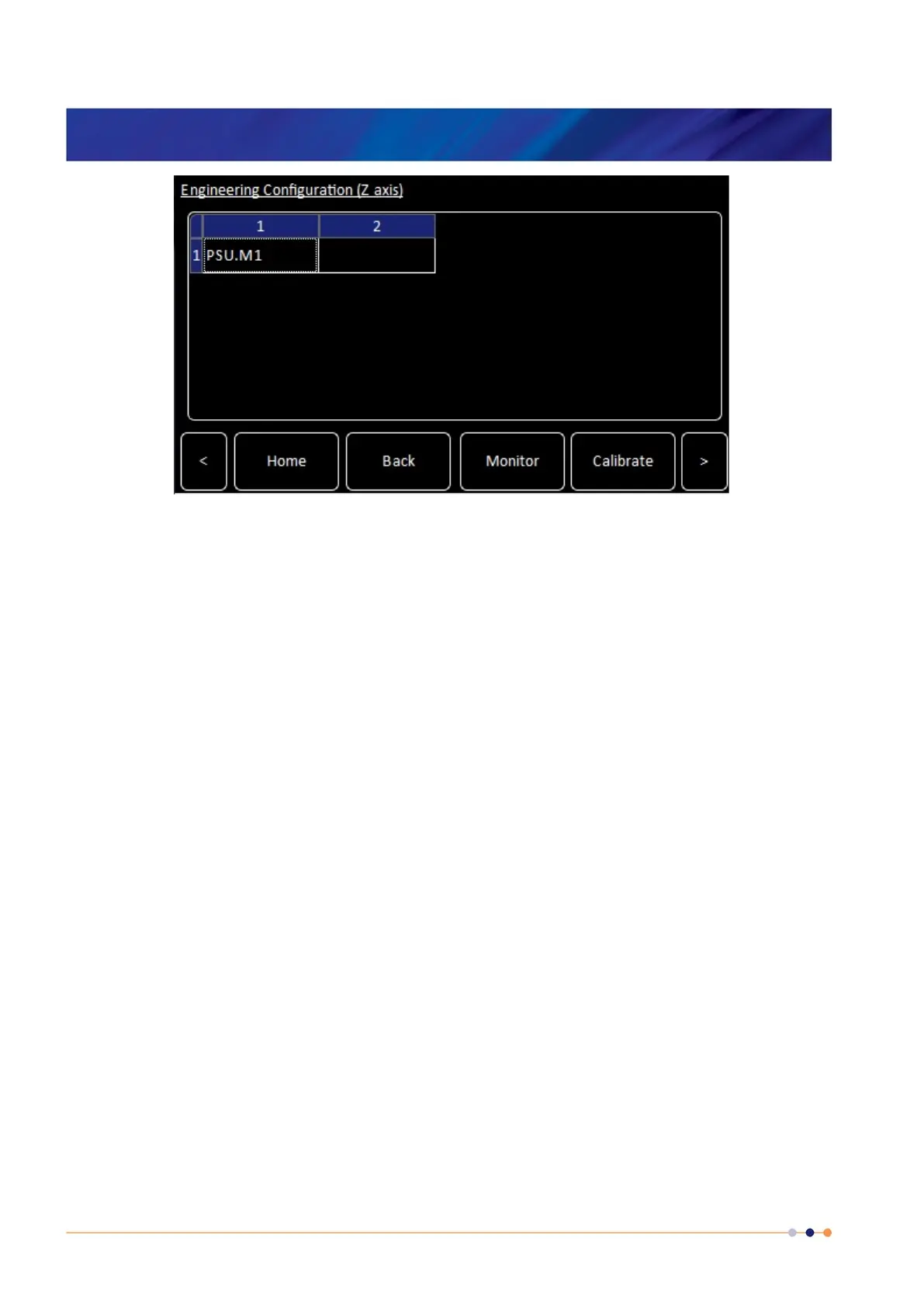
Figure 10. Engineering Configuration table for “Parallel” configuration showing only 1 unit.
Repeat this for the Y-axis group and X-axis group as required. To access the Y-axis and X-axis
grouping tables use the “<” and “>” arrow buttons in the bottom corners of the “Engineering
Configuration” page.
If the “Series” configuration has been selected for the Z-axis the Z-axis grouping table will be a
column. Tap on the top cell of the column and populate the column as above. There will
always be an empty cell at the bottom of the column. Again repeat for the Y-axis group and X-
axis group as required.
Tap on the top cell of the column and populate the column as above. There will always be an
empty cell at the bottom of the column. Again repeat for the Y-axis group and X-axis group as
required.


 To Next Page