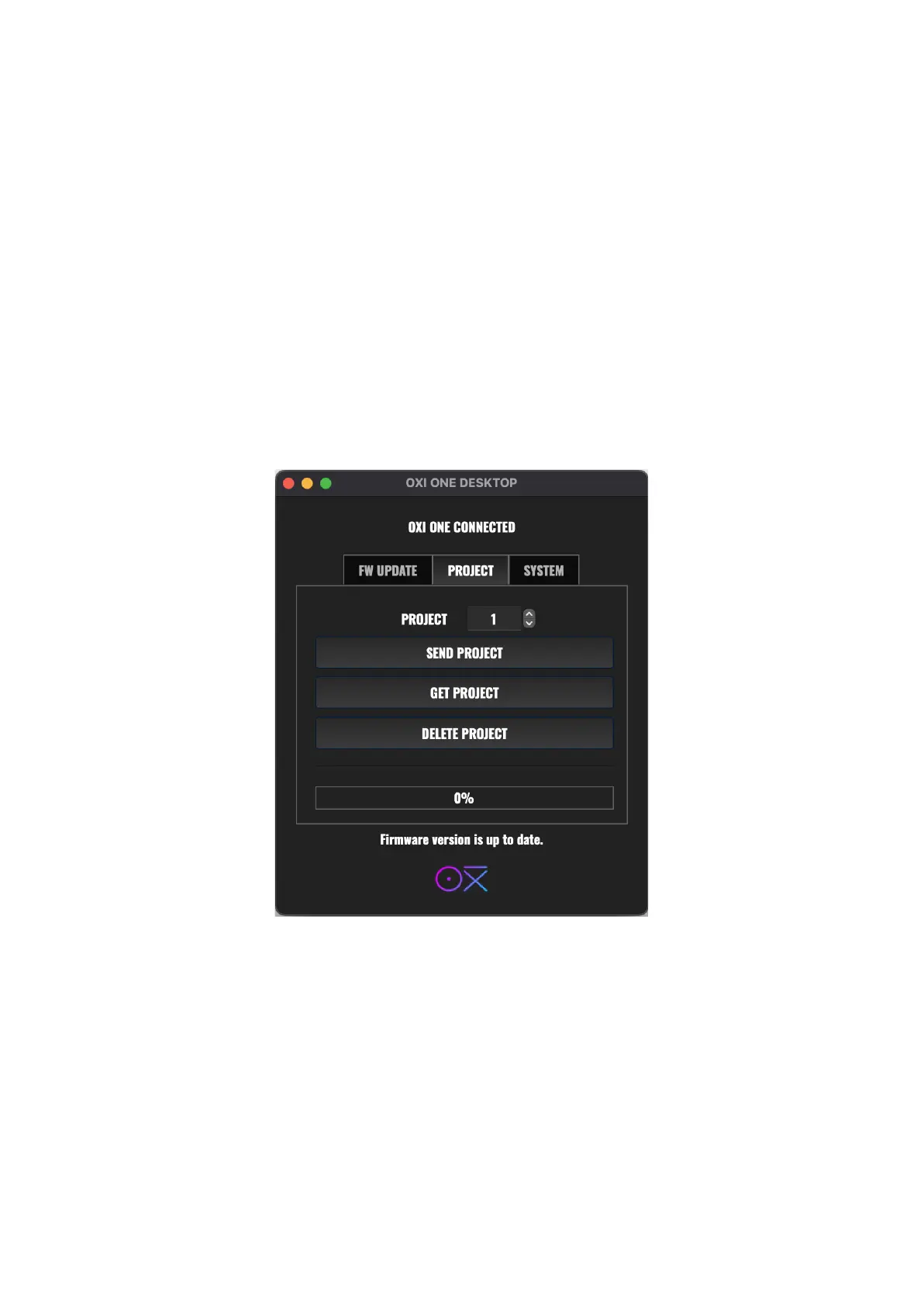
PROJECTS BACKUP
It is also possible to back up your projects on your computer and send them back later to the OXI
One.
STOP THE PLAYBACK IN THE OXI ONE AND AVOID SENDING ANY MIDI DATA TO IT FROM ANY
SOURCE !!
Select the project you want to backup and press GET PROJECT. A new folder will be created in your
computer Desktop called “OXI_Files”.
You can send projects back by first, selecting the destination project in the app, then browsing the
project “.oxipro” in your computer and lastly clicking SEND PROJECT.
Wait until the procedure ends.



 To Next Page