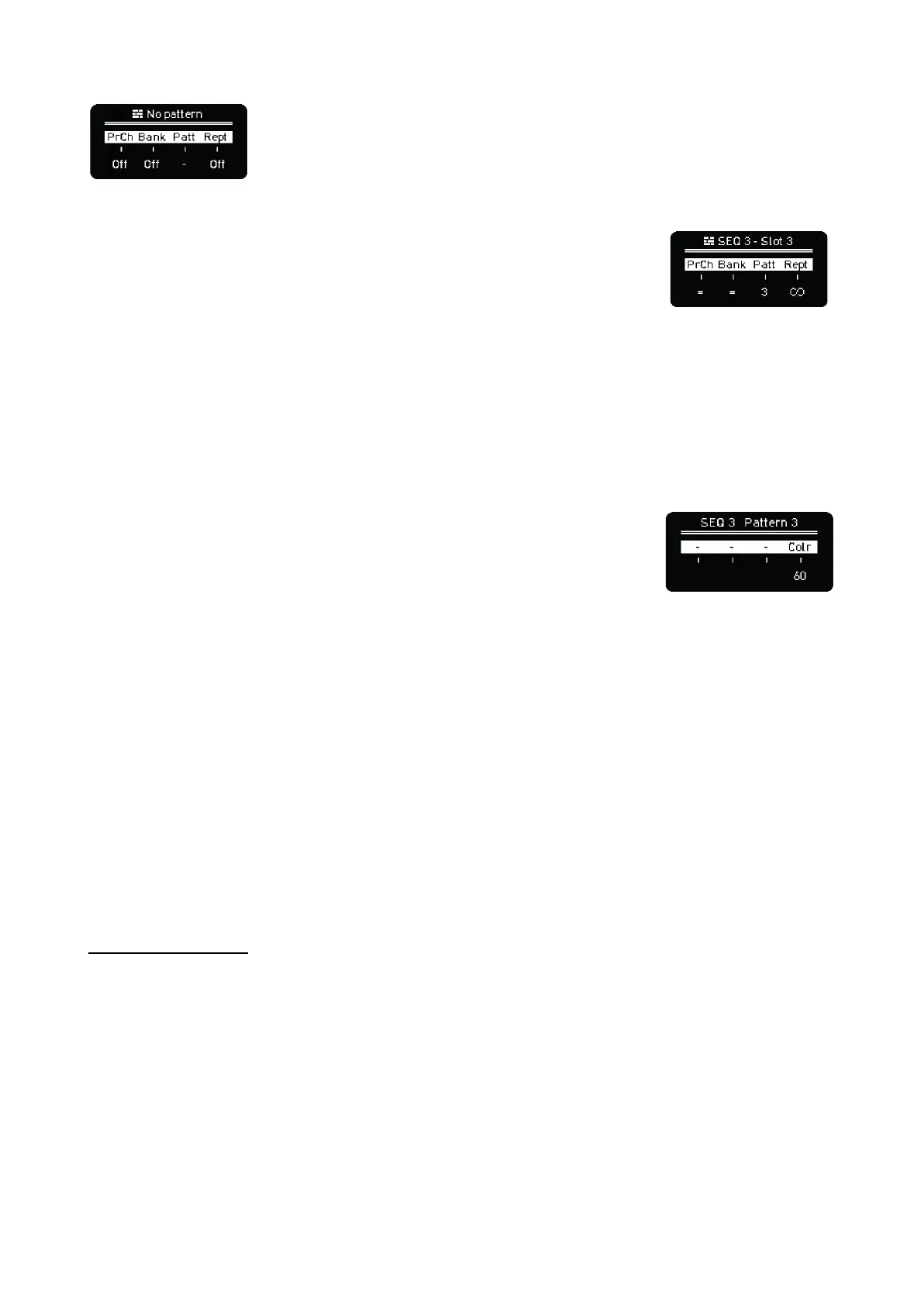
Empty slots, that is any slot with no pattern assigned, will be simply skipped.
Hold any pad of the arranger lanes to see the parameters of the slot:
- Program Change, it can have different settings.
- = means the selected slot will send the same Program
Change as the one stored in the pattern.
- Off avoids sending any Program Change message.
- 1-16 to force a Program Change message for the selected slot.
- Bank Select, same as Program Change but for the Bank Select LSB CC message.
- Pattern that the selected slot launches
- Repeats or repetitions of the pattern in the selected slot. From 1 to infinite repetitions (after
19 you will see the infinite icon displayed).
You can copy/paste arranger slots using the Copy and Paste buttons.
Hold any pad of the pattern lanes and you will get another way to change
the pattern color of each sequencer. Useful to identify patterns in the
arrangement.
–––––––––––––––––––––
To set the Arranger ready for playback press Shift + Arranger, you’ll see “Arranger ON” on the
screen. The Arranger then ready for playback. Turn OFF Arranger from playing with the same
combination of buttons.
–––––––––––––––––––––
On the main screen you can see on the right the countdown for each arrangement track pattern to
change to the next one and a progress bar of it. If the current pattern is looped a round arrow will
indicate this.
IMPORTANT NOTE
Be sure to save all your changes in your patterns because every time a new pattern is automatically
loaded by the arranger, changes are lost.
SONGS
Songs are states of the Arranger, that means you can save and recall structures of sequenced
patterns per Project. Any unsaved changes to the patterns being played won’t be saved on your
Songs.



 To Next Page