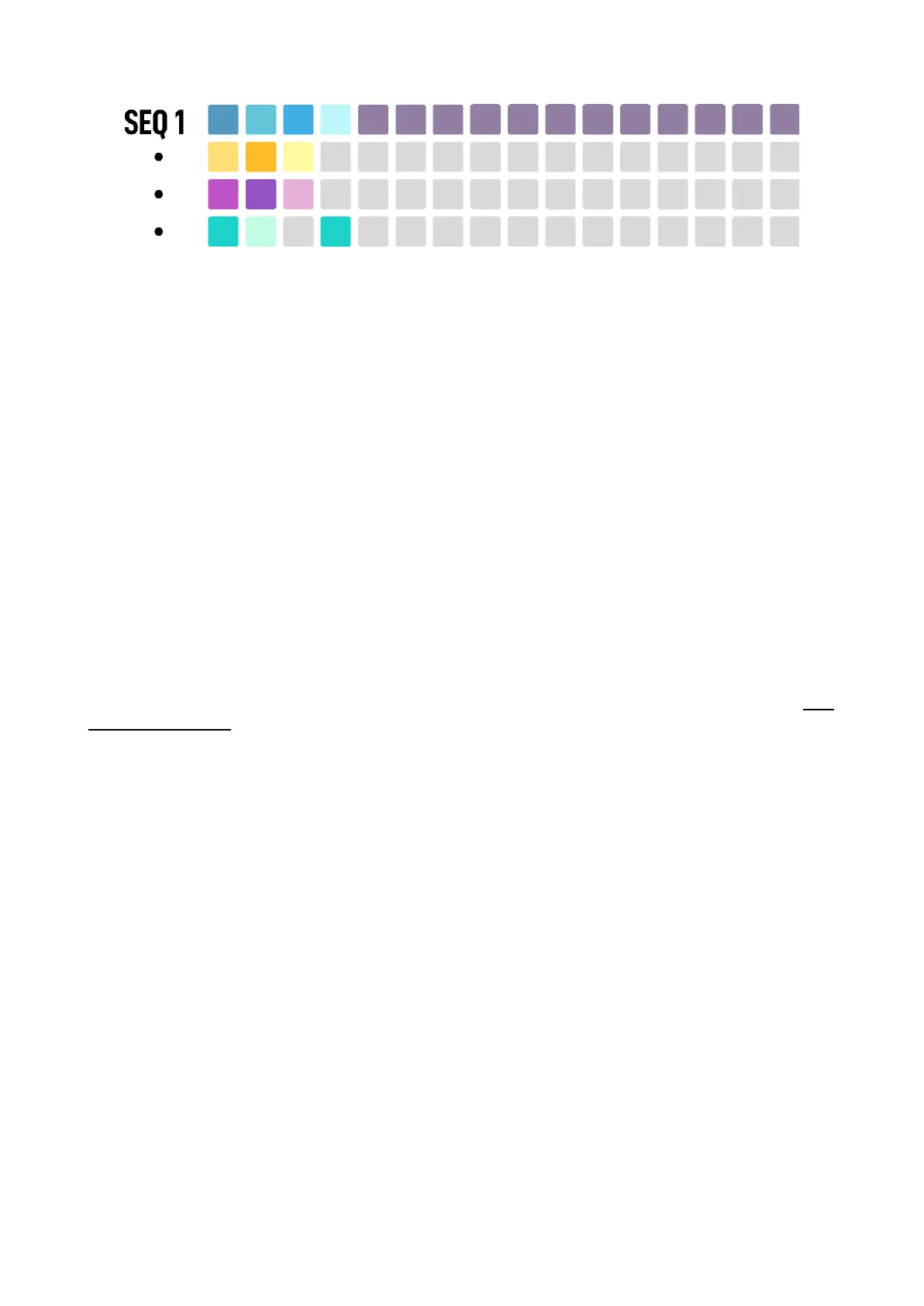
The patterns row of the selected sequence is Highlighted in soft purple color.
This helps you to load/save the right pattern.
–––––––––––––––––––––
In OXI One all loading events, being Pattern, Song or Project changes, are done without playback
interruption.
This behavior virtually removes all boundaries of songs, patterns and steps limits.
–––––––––––––––––––––
Depending if you are in Load view or Save view, you can load from or save your patterns in any slot by
pressing any pad on the row of the corresponding Sequencer.
QUICK LOAD
To quickly Load a Pattern from the grid you can do it in two different ways.
A quick tap of the Load button will permanently show the Memory layout in the grid.
Once opened, tap any pattern slot of the grid and it will be instantly loaded according to the load
quantization setting (when the arranger is OFF) or immediately if OXI One is stopped.
If the load quantization is OFF, the new pattern will be instantly loaded in sync with the previous one,
and the playhead will keep its previous position. Otherwise, the pattern will be loaded when the
quantization happens, and the playhead resets from the beginning.
A long press of the Load button will temporarily open the LOAD view until you release the button. Tap
any pattern of the grid to load it, same as before. You will be back to the previous view on button
release.
–––––––––––––––––––––
When a new Pattern is loaded, any changes made to the previous one will be lost unless you
previously save it manually.
–––––––––––––––––––––
QUICK SAVE
To quickly Save the current loaded Pattern using the grid you can do it in two different ways.
A quick tap of the Save button will permanently show the Memory layout in the grid in saving mode.



 To Next Page