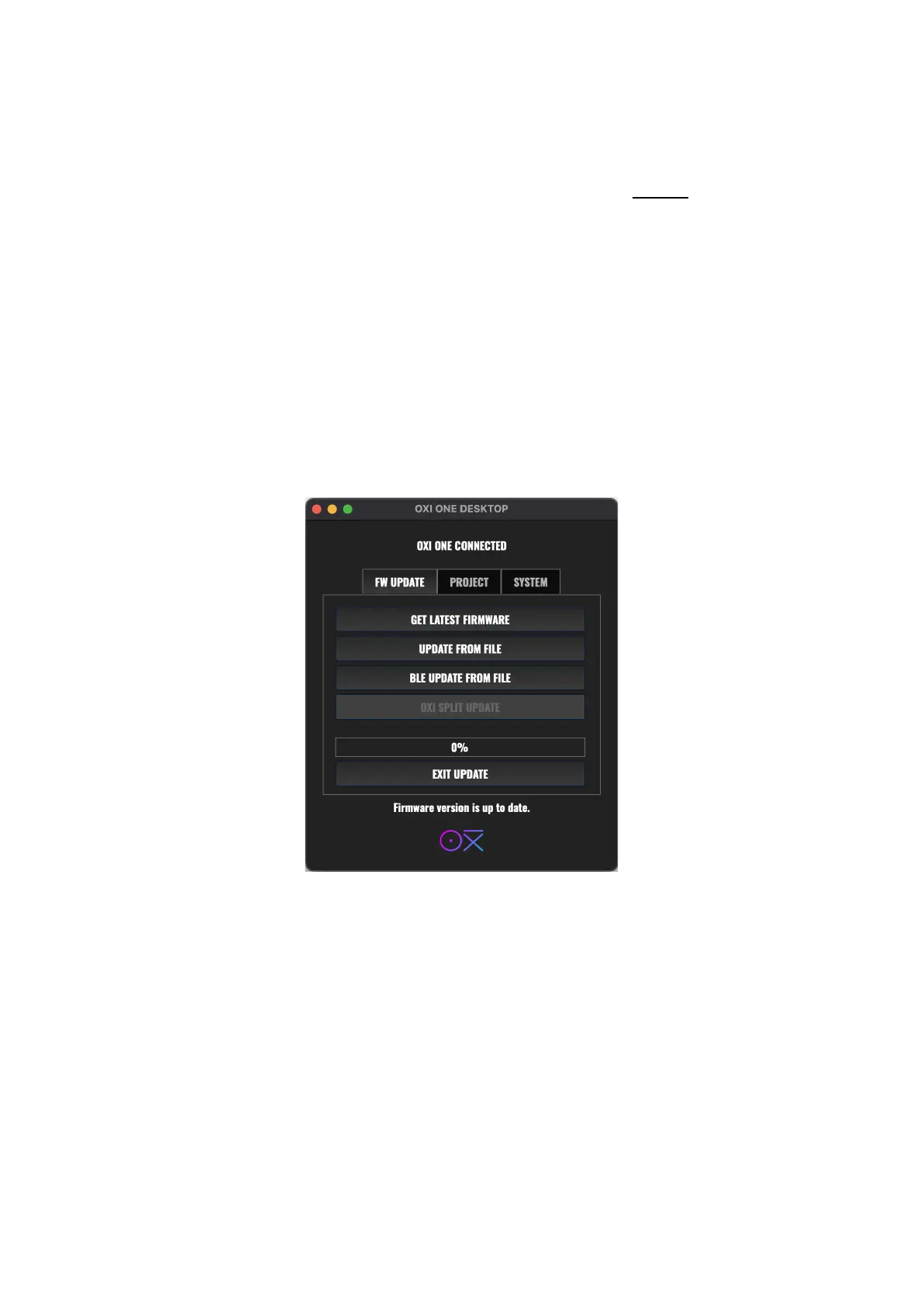
OXI DESKTOP APP
The OXI Desktop APP is available for Windows and MAC OS. Refer to our website to download it.
FIRMWARE UPDATE
The App allows you to update to a newer firmware.
Make sure your OXI One is in USB Device Mode. Check the USB Host section in Config, otherwise
your OXI One won’t be recognized by your computer.
The APP will automatically detect the firmware version of your device and check if there’s a newer
version available on the server. You can press “Yes” to let the update process automatically start and
you can press “What’s new?” to read the release notes with all the new features and changes.
PROBLEM DURING UPDATE (BRICKED OXI One)
If the update procedure fails you can do the following:
- Force power off by keeping pressed the power button.
- Turn the OXI One in update mode. To do so, press MUTE and then power On again.
- Repeat the procedure.
If the APP is not supported by your OS, you can use alternative ones like Sysex Librarian to send the
update file to the OXI One.



 To Next Page