CALIBRATION
Every OXI One comes calibrated from the factory. The calibration has been made using high precision
equipment. If for any reason the calibration procedure has to be repeated, please follow these
instructions. Make sure to use a good reference like a 5 digit multimeter or a well tuned VCO (with
V/Oct CV input) along with a Tuner.
To enter calibration mode, press SHIFT + cv gate for more than 2 seconds until OXI One switches to
calibration mode indicated in the screen.
–––––––––––––––––––––
OXI One’s Cvs have a range from -3V to +5V which represent the octaves
from C-1 to C7 in the V/Oct format. ONE takes the MIDI note 12 as C-1.
–––––––––––––––––––––
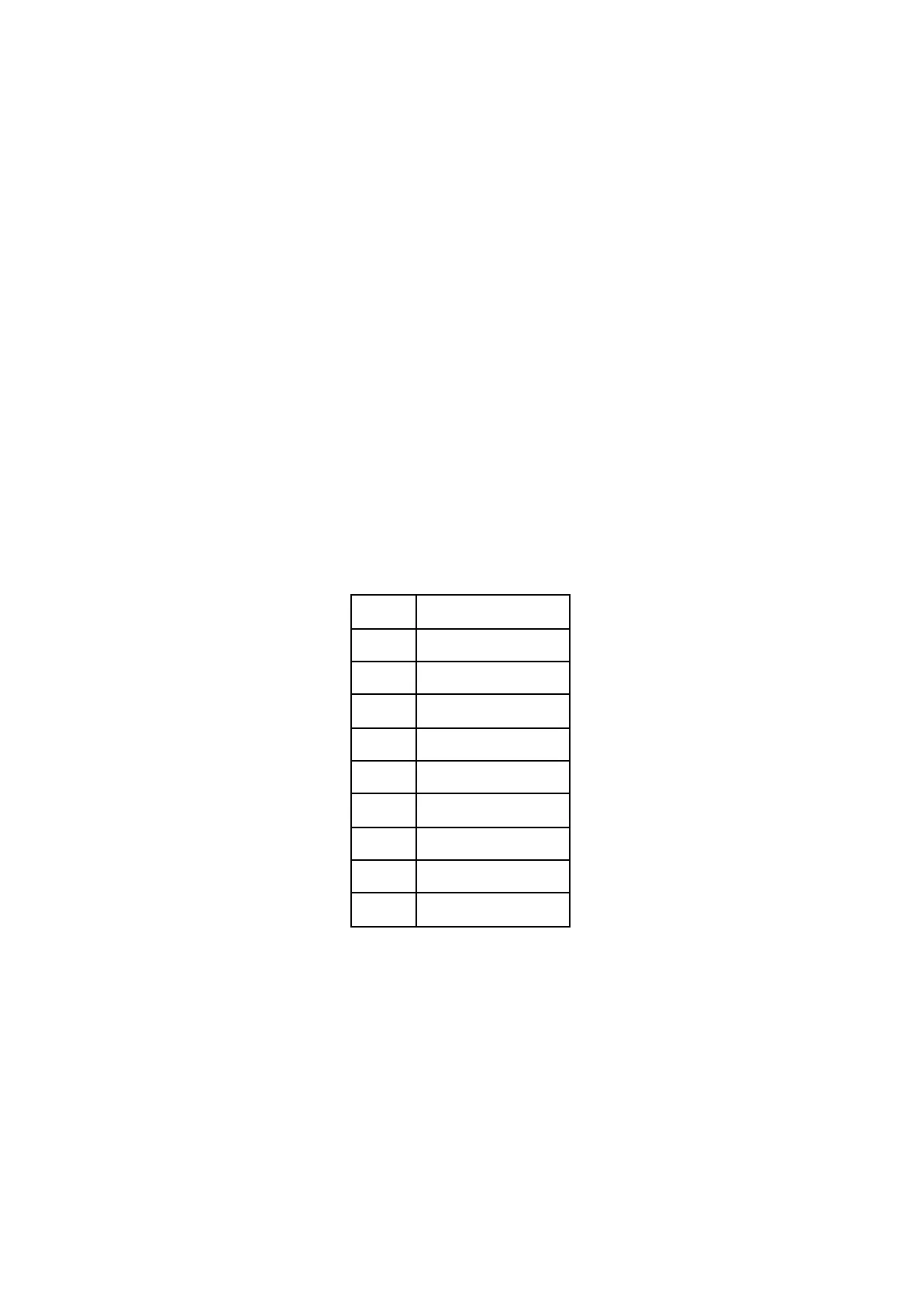
CALIBRATION TABLE:
For each octave the following table indicates the values that ONE should output. This applies to each
of the eighth CV outputs.
Every point of the table has to be calibrated for each CV.
For example, if pressing C2, OXI shows 0.123V, the CV is uncalibrated in the C2 point by an offset of
+0.123V
- To adjust it down you should press the immediate key below C2 which is B1. The output
voltage would decrease around -0.002V (+2mV).
- To adjust it up, you should press the immediate key above C2 which is C#2. The output
voltage would increase around +0.002V (-2mV).
If you press A#1(instead of B1) or D2 (instead of C#2) the jump is bigger (20mV instead of 2mV) to
speed up the process.



 To Next Page