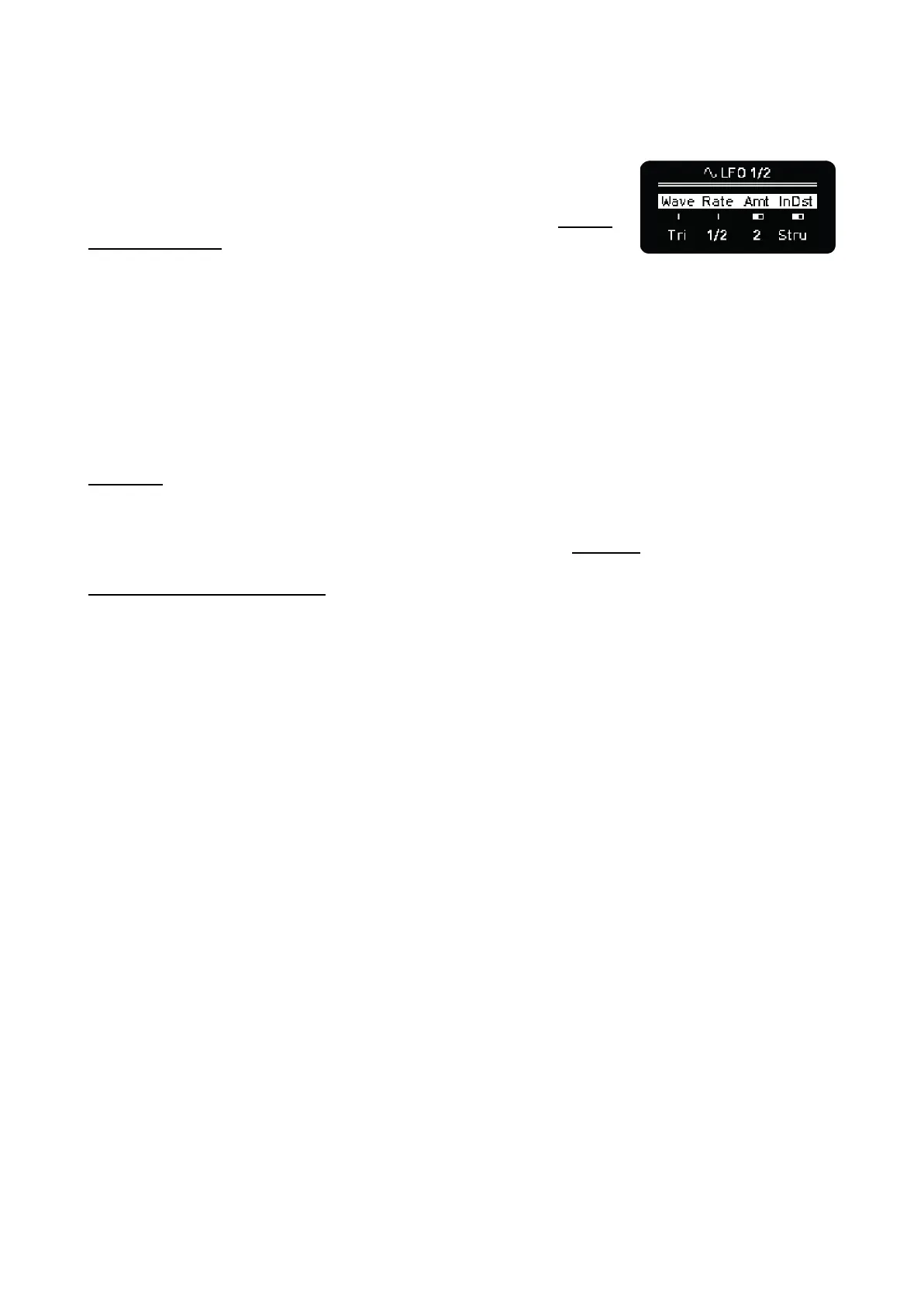
Press Shift + click 3th encoder to toggle the 3th parameter between Amount and Offset.
Internal Destination. The number of internal destinations depends on
the sequencer mode. Some examples are Velocity, Note (quantized to
scale), Octave, Gate, CV Pitch Bend, Time Division, etc. The full list of
available parameters for each mode can be found in the Internal
Destinations Table.
NOTE: As this version of the firmware, the Amount is an absolute value.
Depending of the destination parameter, the LFO Amount required may be as little as 1 - 2 units -
Octave, Arp Division, etc. - or up to 100 for other parameters like Velocity, Gate, Trigger probability.
External/MIDI Destination like CC messages, Program Change, Aftertouch and Pitch Bend, this
way you can automate parameters in DAWs, hardware synths or mobile apps.
To change between Internal and External destination press Shift + click 4th encoder
CV LFOs
LFOs can be routed to any CVs out as well. This routing is independent of the Destination parameter
above, so you can have the LFO as internal and/or external-MIDI modulation plus CV out modulation.
The CV out has its own offset value that can be adjusted from the CV GATE layout.
LFOs in MULTITRACK Mode
LFO can be enabled/disabled on individual tracks in Multitrack mode: when the LFO button is
pressed, the first column will light up orange, press a pad from the respective track to stop LFO from
affecting it. The selection is independent for LFO 1 and LFO 2.



 To Next Page