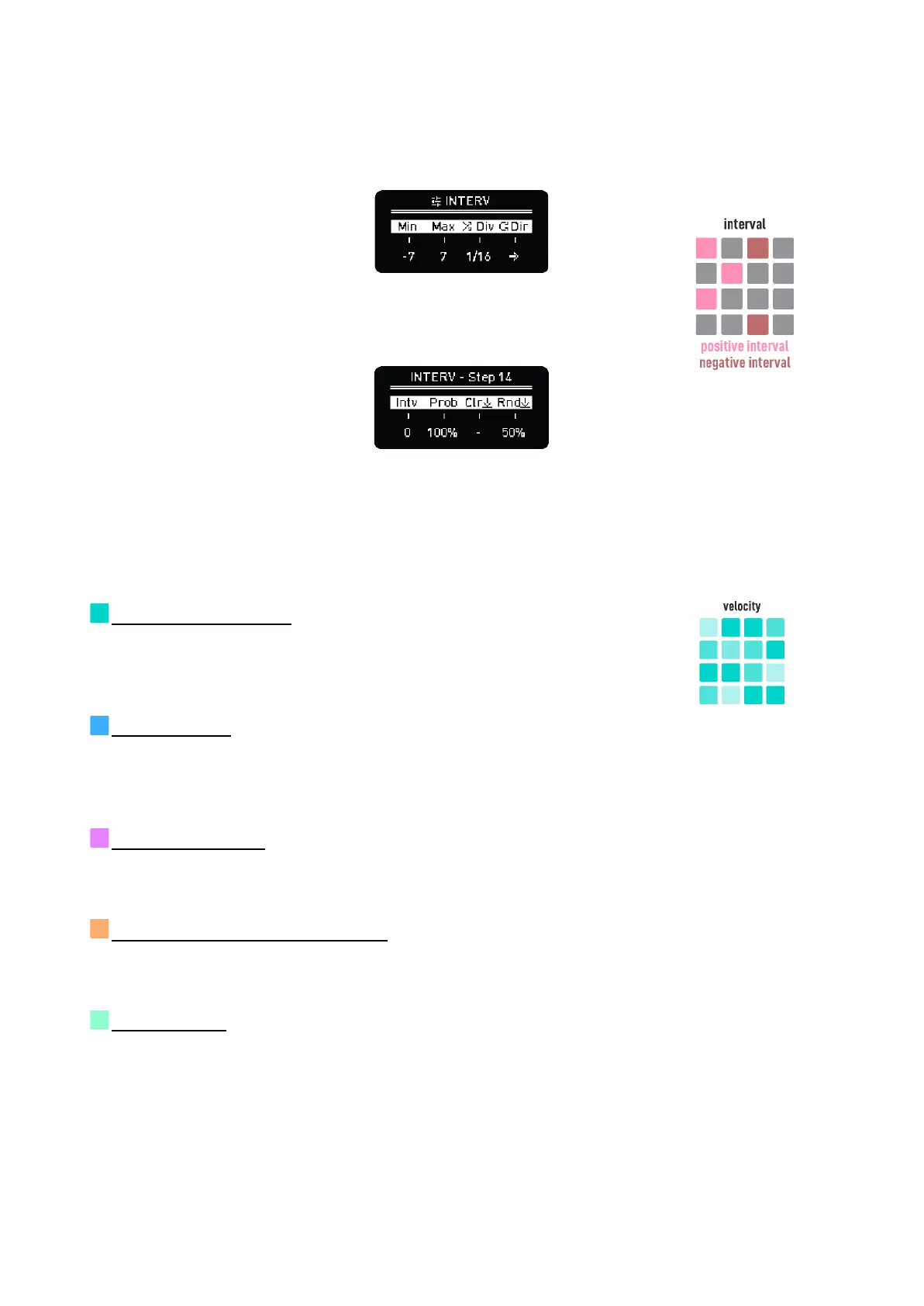
summed. Once the accumulated value reaches the Minimum value (Min) defined in the Interval lane
settings, it goes back to the Maximum value (Max); and vice versa.
The interval is also evaluated between ratchets/step repeats.
Interval lane settings
The Interval step screen is equivalent to the note step screen.
Interval step options
TIP: Play with subtle interval variations mixed with simple pitch sequences with different speed and
length to get a simple but evolving melodic idea.
VELOCITY (turquoise)
Velocity defines the MIDI velocity of the triggered notes. Higher values are
represented with brighter LED brightness in the grid.
OCTAVE (blue)
Adds positive or negative octave offsets to the pitch. You can set the probability of this offset to
happen on a step basis.
RETRIGGER (pink)
Determines the number of note repetitions when there’s a new trigger.
TRIGGER PROBABILITY (orange)
Chance of a step being played.
GLIDE (green)
Glide affects the CV outputs only.



 To Next Page