21
ENGLISH
❖ Using the EPG
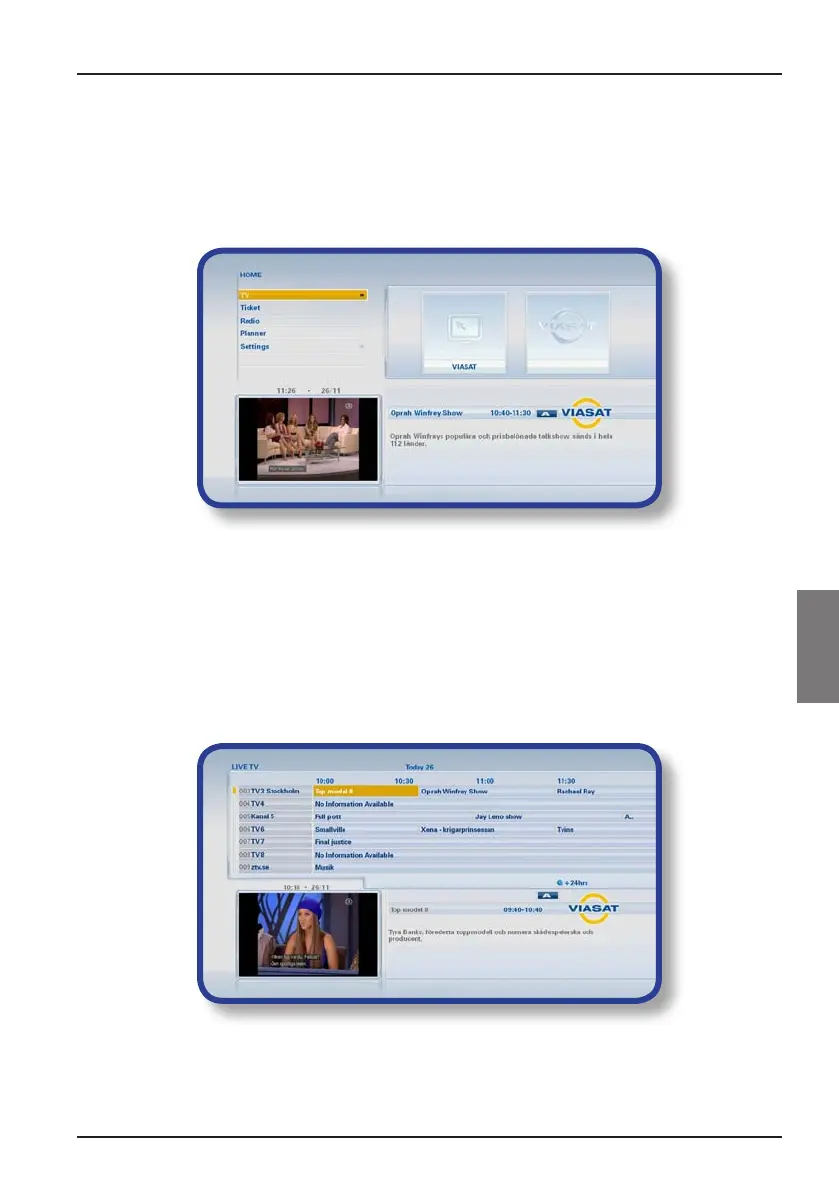
The EPG (Electronic Programme Guide) can display listings of all programmes available
on all channels for the next seven days. You can also access other features, such as Viasat
Ticket and your box’s settings menus, from the EPG Home screen.
To display the EPG Home screen, press EPG on your remote control.
◆ Press U or D to highlight the feature you want, then press OK.
◆ If a feature contains further choices, press OK again to see them. For example,
you can choose to view listings of different types of TV channels or programmes,
as well as the ‘All Channel Guide’.
◆ To go back to the previous menu, press BACK.
TV programme listings
When you are viewing TV programme listings, the start times and the day are shown at
the top. The currently tuned channel is shown in the bottom left-hand preview window.
◆ To see what programmes are on at different times, press L or R.
◆ To move through the list of channels, press U or D.
◆ You can use the CH + (page up) and CH – (page down) buttons on your
remote control to see the previous or next section of the channel listing.
Viasat EPG



 To Next Page