25
ENGLISH
Your Planner
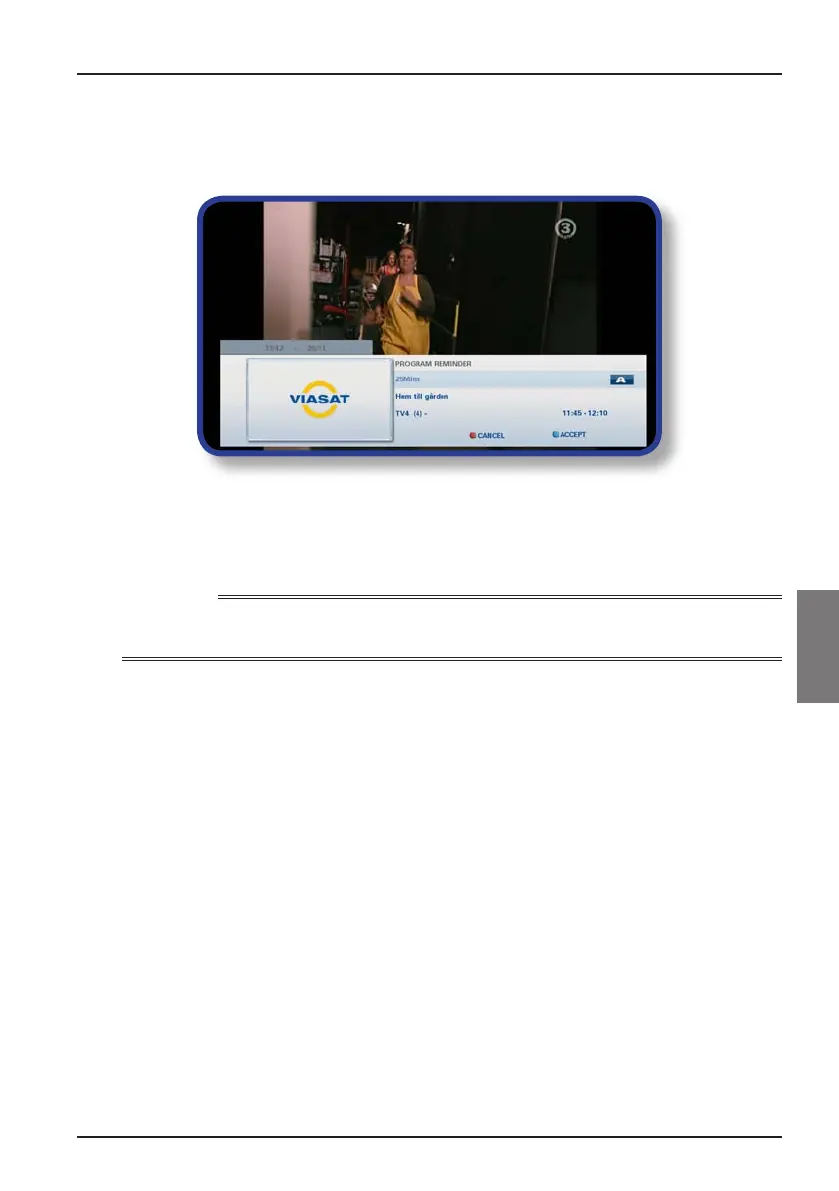
Watching a programme when you see the reminder
Shortly before a programme for which you have set a reminder is due to start, your
Planner displays a reminder message on your TV screen.
◆ To accept the reminder, press blue. Your box will change channel (if required)
automatically at the programme’s start time.
◆ To cancel the reminder and carry on watching the programme you are already
watching, without changing channel, press red.
Notes
In order for reminders to be displayed, your box must be switched on and you must be watching TV.
You can change the setting for when the reminder appears (see page 31).
Reminder conflicts
If a programme you have selected for a reminder starts at the same time as a previously
set reminder, a message will appear asking you what you want to do. Press U or D to
highlight a programme.
◆ To cancel the programme you have just selected, but keep the previously set
reminder(s), press BACK.
◆ To delete the reminder for the highlighted programme, press OK.
Reminder overlap
If a reminder you set occurs during a programme for which a reminder is already set, a
message will appear asking you what you want to do.
◆ To cancel the programme you have just selected, but keep the previously set
reminder(s), press BACK.
◆ To keep all reminders in your Planner, press OK.



 To Next Page