39
ENGLISH
❖ Error messages
If there is a temporary problem with a channel you are watching, you may see an error
message on your TV screen. If this happens, you can still change channel, in the usual way,
to a channel that is not experiencing problems.
❖ On-screen messages
If one of the following messages appears on your TV screen, make a note of the number
that appears with the message (for example, 01). If you need to call customer service for
assistance, please have the number handy so they can help you as quickly as possible.
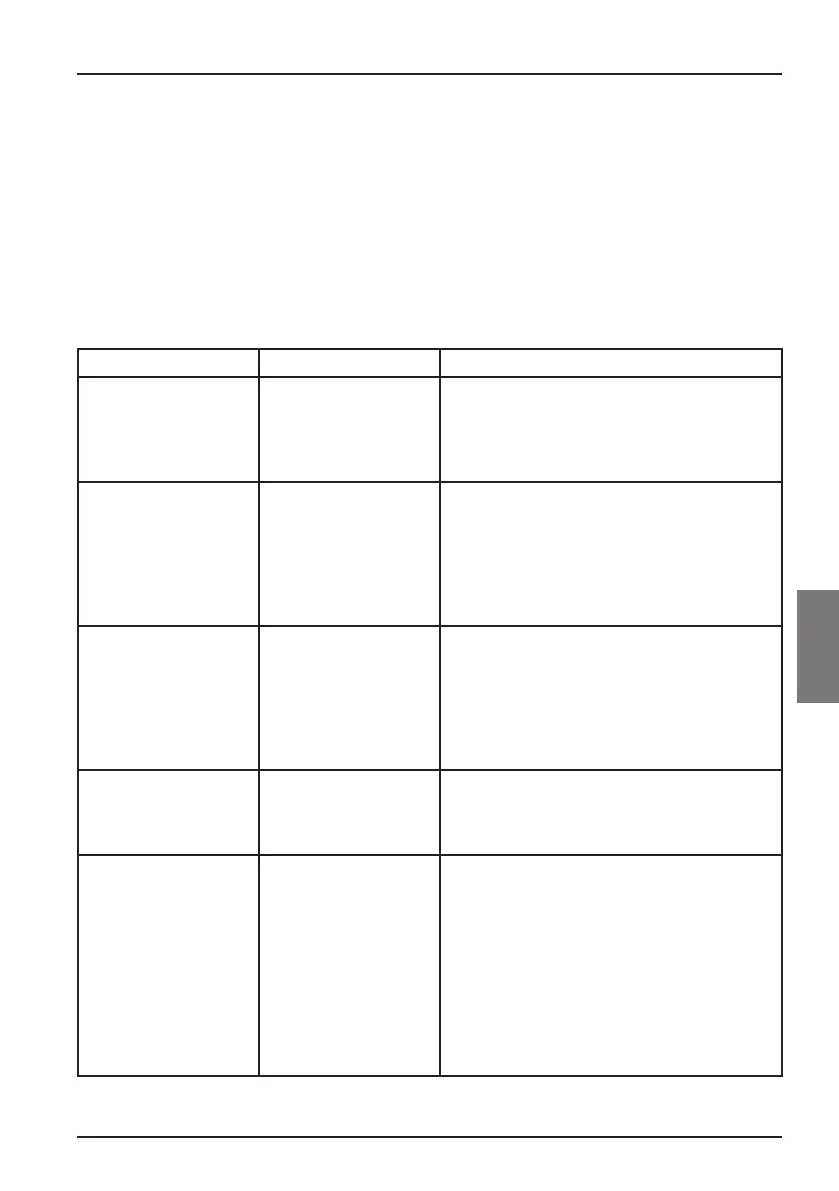
Message Possible cause Suggested solution
Please insert your Viasat
viewing card in the smart
card slot. For instructions
please refer to your user
manual.
There is no Viasat
viewing card in the smart
card slot in your box.
Insert your Viasat viewing card in the smart card
slot.
Your viewing card is
invalid or inserted in the
wrong direction. For
instructions on how to
insert you Viasat card
please refer to your user
manual.
Your box cannot
recognise your Viasat
viewing card.
Check it is the correct Viasat viewing card. Check
it is in the right way up. Check that your card is
not damaged.
If the problem continues, call customer service for
assistance.
This service is not
included in your
subscription.
Please call customer
service to purchase. You
may need to update your
subscription, or there
may be an unexpected
problem with your
subscription.
Please call customer service to upgrade your
subscription.
Transmission error in
your smart card. Please
call customer service to
purchase.
Your smart card has
developed a problem.
Call customer service for assistance.
Welcome to Viasat. You
need to activate your
subscription to get
access to your channels.
Please call customer
service to activate.
Your Viasat card ID
and box ID (STB serial
number) can be found on
the Diagnostics screen.
This is normal prior to
the smart card’s first
authorization.
To activate your subscription, call Viasat’s
interactive telephone service using the number
appropriate for your country:
Sweden 08 5620 3300
Norway 8005 3020
Denmark 7012 1151
Finland 09 4249 7700
You will need your Viasat smart card ID and box
ID. These are displayed on the Diagnostics screen.
To view the Diagnostics screen, see “Settings
menus” on page 26.
Solving Problems



 To Next Page