40 Using your ViasatHD box
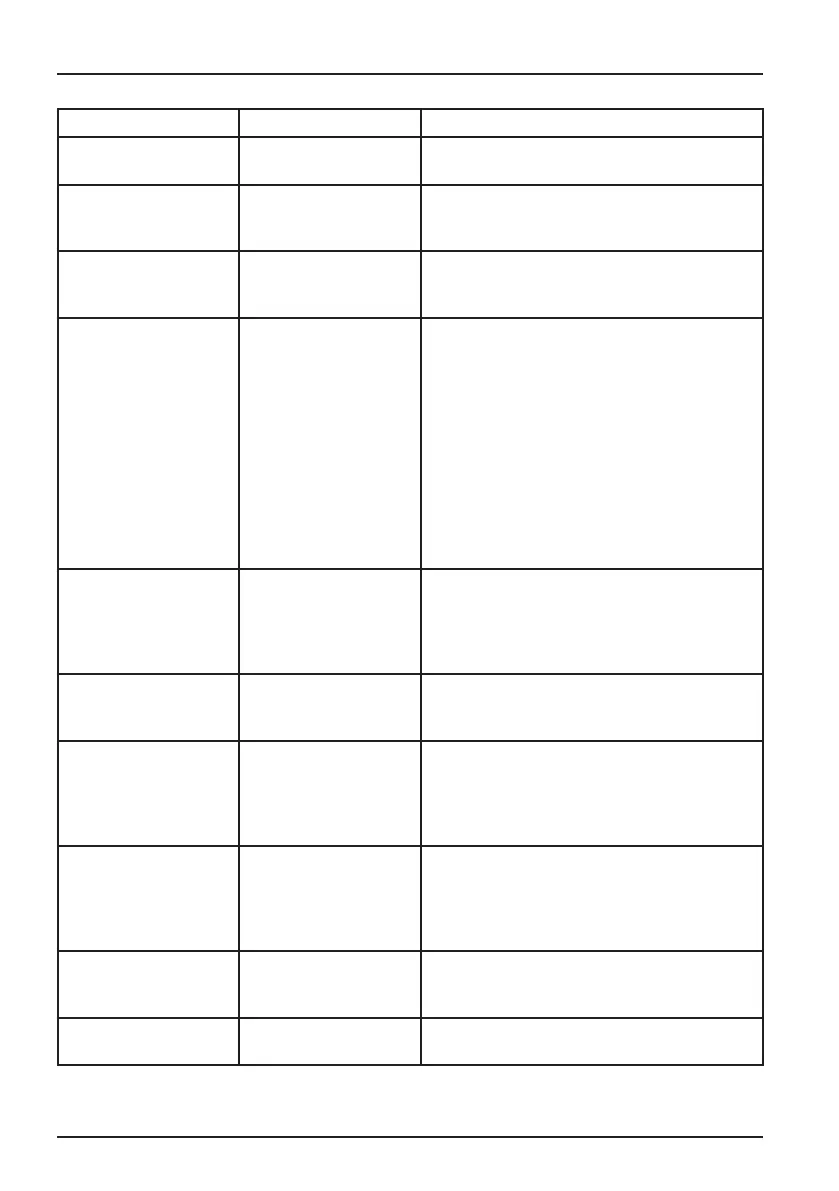
Message Possible cause Suggested solution
This service is not
available in your region.
The channel is not
available in your region.
You cannot watch this channel. Select a different
channel to watch.
It is not possible to
purchase this event.
You cannot purchase
Ticket channels between
8.00-10.00.
Please try again later.
Purchase not possible. A problem occurred
while you were trying to
purchase the programme.
Please call customer service for assistance.
You are not authorized
to watch this channel
on this receiver. Wrong
smart card for this
receiver. To use this card
in this receiver please
call the number for your
country.
Your Viasat card ID
and box ID (STB serial
number) can be found on
the Diagnostics screen.
You have more than
one Viasat box and have
inserted the wrong smart
card for this box.
Insert the right smart card for this box.
If the problem continues, call Viasat’s interactive
telephone service using the number appropriate
for your country:
Sweden 08 5620 3300
Norway 8005 3020
Denmark 7012 1151
Finland 09 4249 7700
You will need your Viasat smart card ID and box
ID. These are displayed on the Diagnostics screen.
To view the Diagnostics screen, see “Settings
menus” on page 26.
You cannot purchase this
event using your receiver.
Please call customer
service to purchase this
event.
A problem occurred
while you were trying to
purchase the programme.
Please call customer service for assistance.
This card is not valid any
more. Please use you
new Viasat viewing card.
You have inserted an old
or invalid smart card.
Insert the your new Viasat smart card.
If the problem continues, call customer service.
Preparation of the new
card - please wait.
You have only just
inserted your new Viasat
smart card into your
box and your card is still
being checked.
Initialisation and authorisation may take up to 5
minutes. Please wait.
If the problem continues, call customer service.
Inserted card is being
initialised - please wait.
You have only just
inserted your new Viasat
smart card into your
box and your card is still
being authorised.
Initialisation and authorisation may take up to 5
minutes. Please wait.
If the problem continues, call customer service.
Unviewable service -
waiting for approval.
Your box is attempting
to gain approval for the
selected service.
Wait for your box to resolve the problem; if it is
not resolved call customer service for assistance.
Please call customer
service.
An unknown error has
occurred.
Please call customer service.
Solving Problems



 To Next Page