28 Using your ViasatHD box
Blocking channels
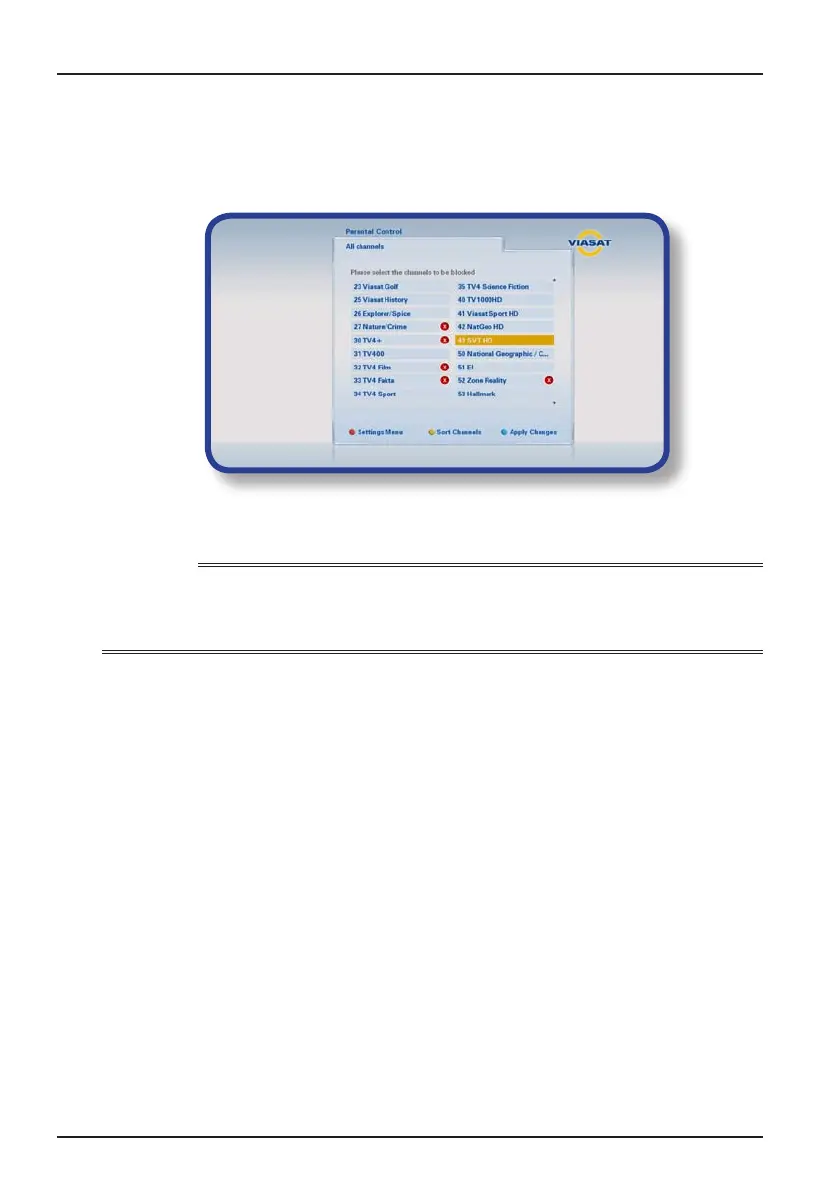
The Channel Block screen lets you block certain channels.
1. From the Parental Control menu, highlight ‘Channel Block’, then press OK.
2. From the list of channels, use U or D to highlight a channel you want to block or
unblock, then press OK. The channel’s status changes accordingly.
Notes
To view the previous or next group of channels, press
CH + or CH –.
To sort the channel list, press yellow, highlight the category of channels you want to see (All
channels/Entertainment/Movies/Music/News/Sports) using U or D then press OK.
3. Repeat step 2 as many times as you want.
4. Press blue to apply changes.
If you press red after making changes, a pop-up message asks if you want to save the data.
Highlight Yes or No and press OK.
Settings



 To Next Page