30 Using your ViasatHD box
Changing your PIN code
You can change your PIN code to another number that you find easy to remember. If you
forget your PIN code, call customer service for advice.
To change your PIN code:
1. From the Parental Control menu, highlight ‘Change PIN’, then press OK.
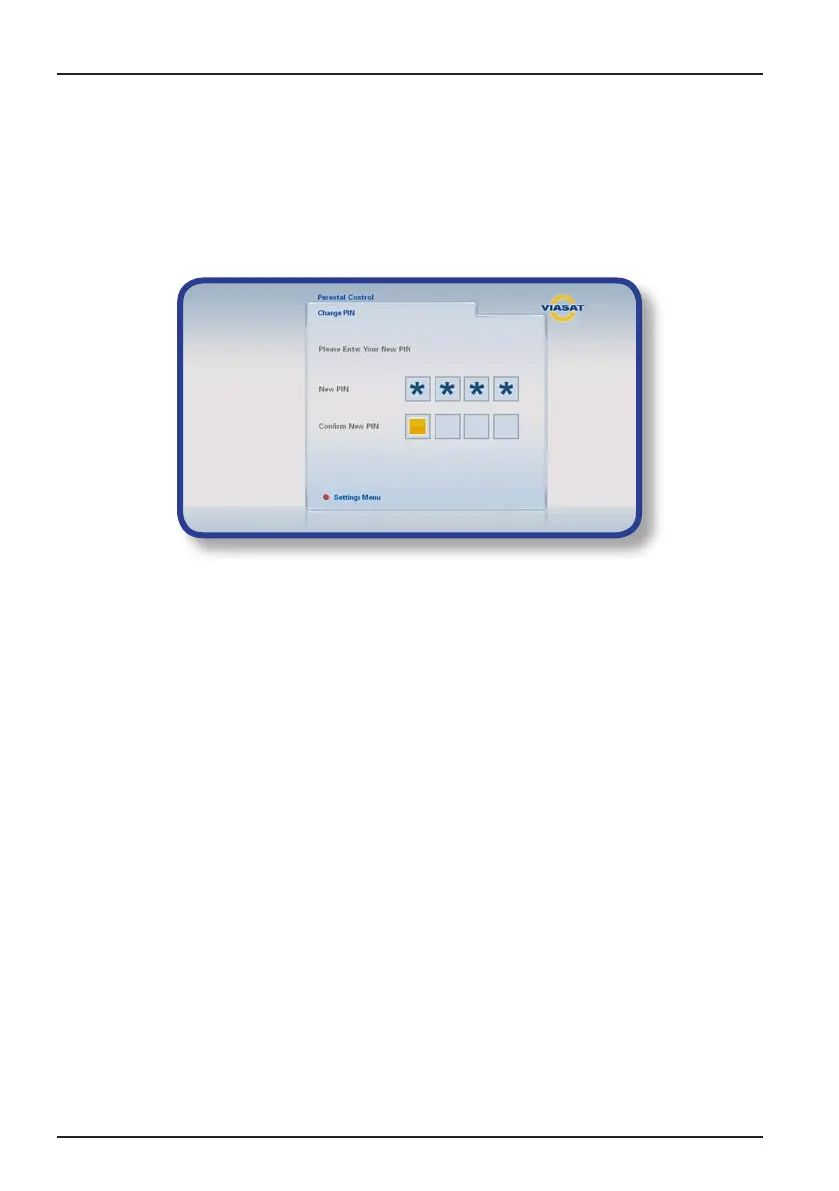
The Change PIN screen appears:
2. Use the number buttons to enter a new 4-digit PIN code of your choice (stars
appear in place of the actual digits).
3. Use the number buttons to enter your new 4-digit PIN code again, for
confirmation.
If you make a mistake while entering the PIN code, press L to delete one or
more digits.
4. Press blue to apply changes, or press red to cancel and return to the previous
menu.
If you pressed blue, but the PIN codes entered in steps 2 and 3 were not the
same, you see an error message.
If you correctly entered the PIN codes, your box displays the Parental Control menu.
Settings



 To Next Page