User’s Manual
32
Video Loss
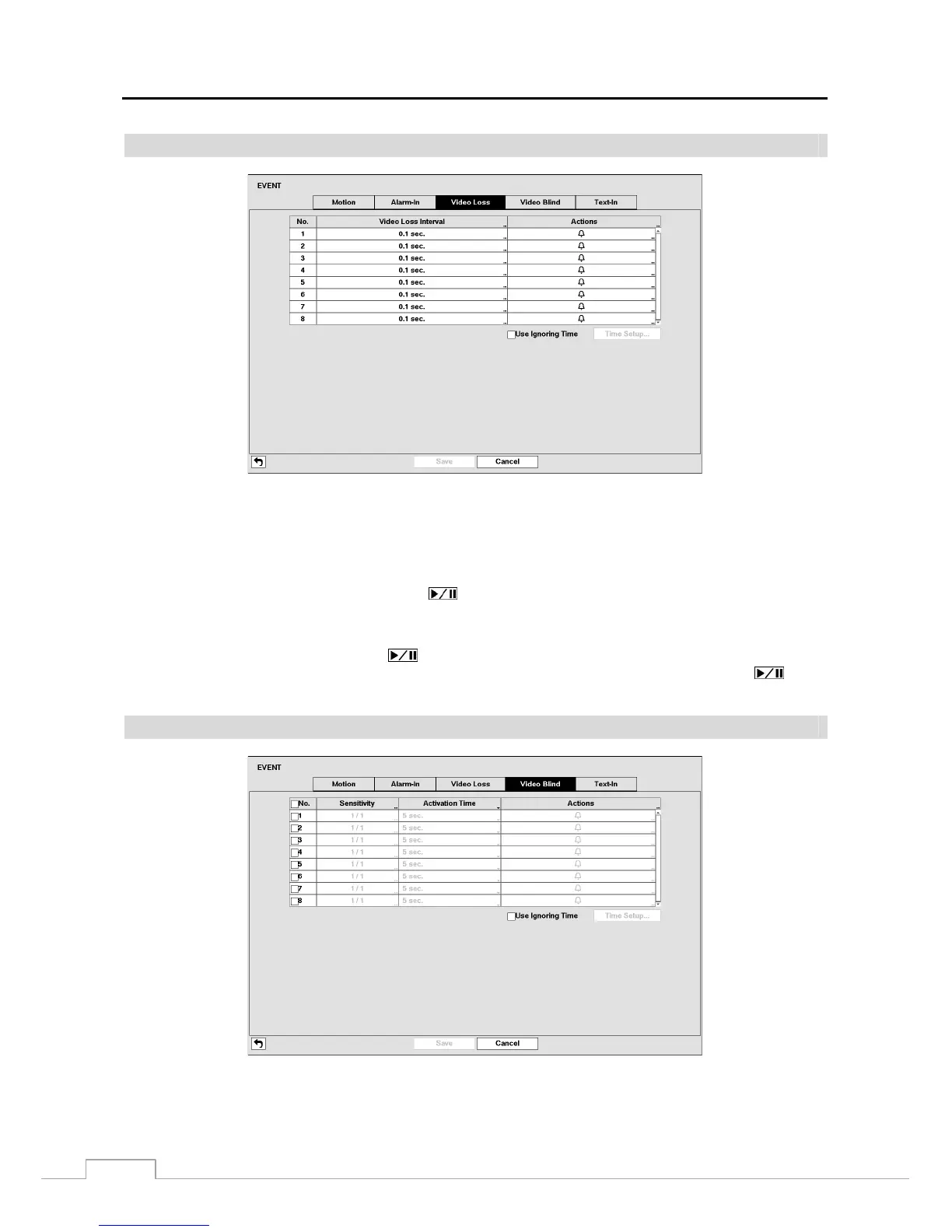
Figure 19: Event – Video Loss setup screen.
Highlighting the box under the Video Loss Interval heading allows you to set the duration of a signal loss before the
DVR will report a Video Loss. The DVR will not consider any signal loss from a camera to be a Video Loss if the
detected signal loss is shorter than the interval set on this screen.
Highlight the box under the Actions and press the
button. The DVR can be set to react to video loss differently
for each camera. Each camera can be associated with another camera, trigger an Alarm-Out connector, sound the DVR’s
internal buzzer, notify a number of different devices, and/or move PTZ cameras to preset positions.
Highlight Use Ignoring Time and press the button to toggle between On and Off. When set to On, the DVR will
ignore video loss events occurring during the preset period. Highlighting Time Setup and pressing the
button
allows you to set up event ignoring time.
Video Blind
Figure 20: Event – Video Blind setup screen.







 To Next Page