Digital Video Recorder
33
The DVR checks to see if anything is blinding a camera.
Highlighting the box under the Sensitivity heading allows you to adjust the DVR’s sensitivity to video blind for Black
and White independently from 0 (Never) and 1 (least sensitive) to 15 (most sensitive).
NOTE: Video blind might NOT be detected for a camera with a very noisy image especially when set for low
sensitivity values.
Highlighting the box under the Activation Time heading allows you to set the duration before the DVR will report a
Video Blind. The DVR will not consider any blinded camera to be a Video Blind if the detected blindness is less than
the Activation Time set on this screen.
Highlight the box under the Actions and press the
button. The DVR can be set to react to video blind differently
for each camera. Each camera can be associated with another camera, trigger an Alarm-Out connector, sound the DVR’s
internal buzzer, notify a number of different devices, and/or move PTZ cameras to preset positions.
Highlight Use Ignoring Time and press the button to toggle between On and Off. When set to On, the DVR
will ignore video blind events occurred during the preset period. Highlighting Time Setup and press the
button
allows you to set up event ignoring time.
Text-In
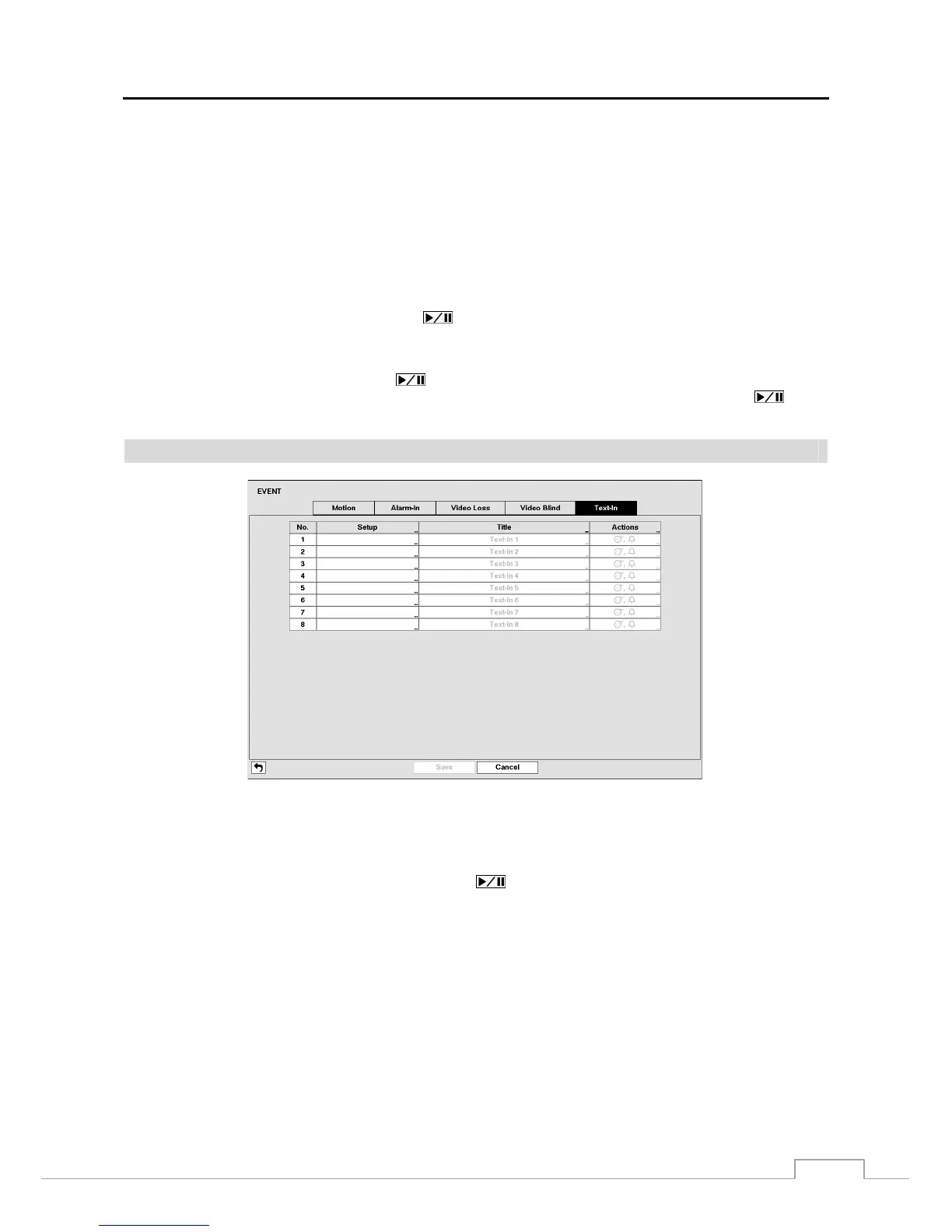
Figure 21: Event – Text-In setup screen.
The DVR can be set to react to text input from devices such as ATMs (Automated Teller Machines) and POS (Point
of Sale; i.e., cash registers). This screen allows you to configure the DVR for each text-in device.
Highlight the box under the Setup heading, and press the button. Selecting the Setup heading changes all the
parameters excluding Port settings of all the text input channels.
NOTE: The system performance might be affected when a large quantity of text inputs are detected from several
channels at the same time.







 To Next Page