Digital Video Recorder
37
Device Setup
Audio
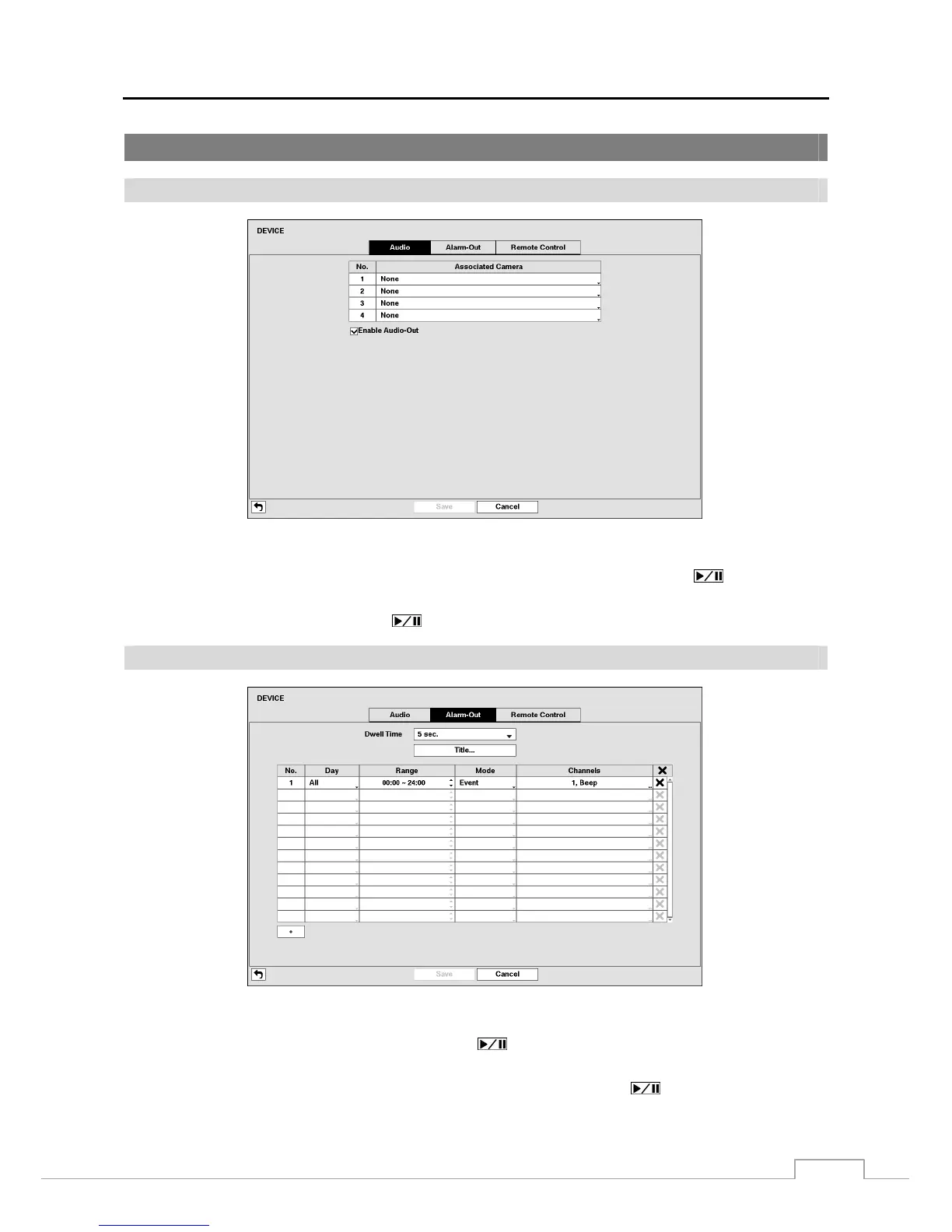
Figure 24: Device – Audio setup screen.
The DVR can record up to four audio inputs. Highlight the box beside the input and press the
button. A list of
cameras appears, and you can select which camera you want associated with that audio input.
Highlight Enable Audio-Out and press the button. This toggles between enabling and disabling audio out.
Alarm-Out
Figure 25: Device – Alarm-Out setup screen.
Highlighting the box beside Dwell Time and pressing the
button allows you to set the dwell time of the alarm
output. Dwell times range from 5 seconds to 30 minutes.
Each alarm output can be given its own title by highlighting Title… and pressing the button. A virtual keyboard
appears allowing you to enter the title.







 To Next Page