272 Section 3C: Your Connections to the Web and Wireless Devices
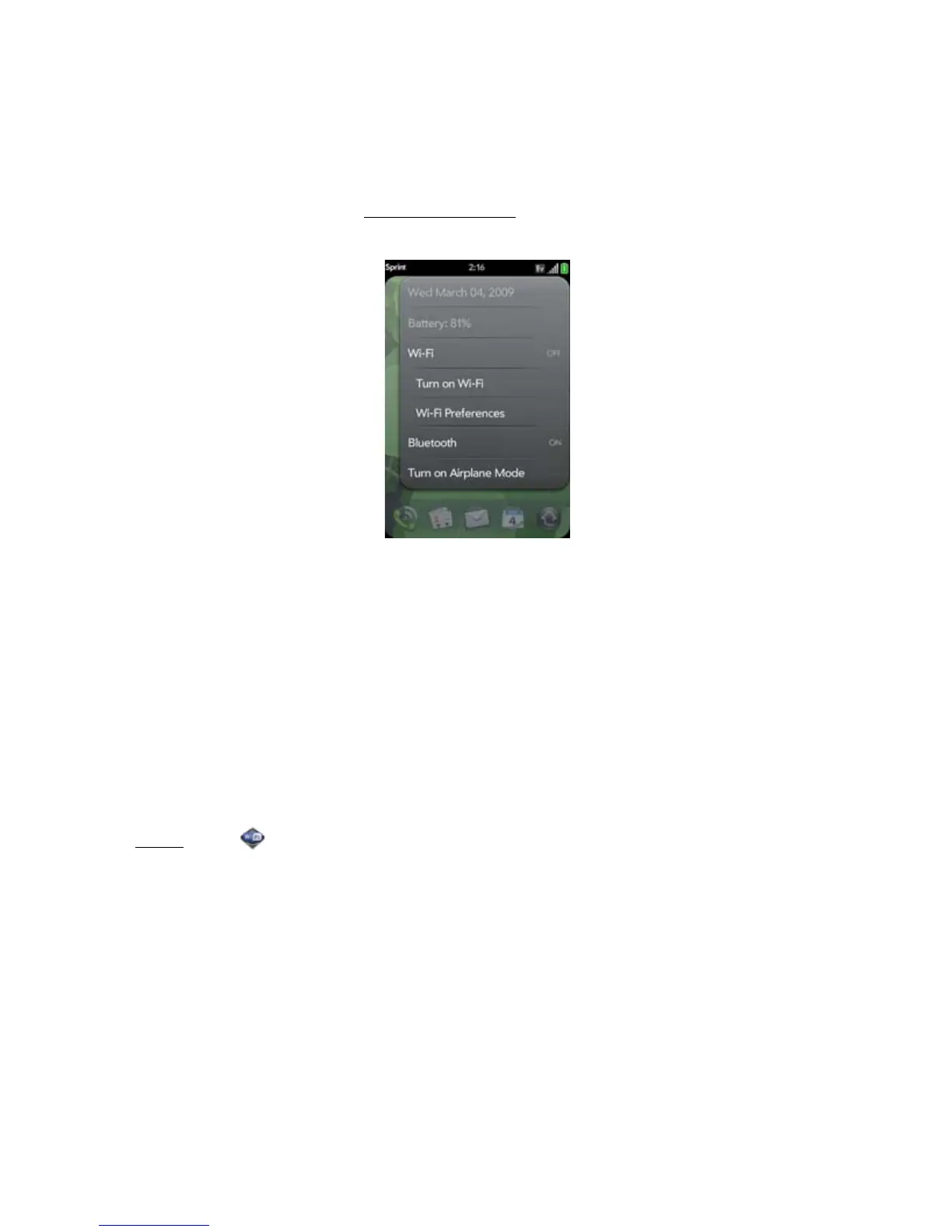
䢇 From any screen: Open the connection menu, tap Wi-Fi, and tap Turn on Wi-Fi or Turn off
Wi-Fi.
If your phone finds the network you want, tap the network name to connect to it. Otherwise,
see “Connect to a New Open Network” on page 272 and “Connect to a New Secure
Network” on page 273.
Connect to a New Open Network
For an explanation of open networks, see “Are There Different Kinds of Wi-Fi Networks?” on
page 270.
Some locations, such as airports or coffee shops, provide an open network but charge a fee
to use it. After you connect your phone to the network, you need to open the Web browser
and register with the Wi-Fi service provider before you can check email or browse the Web.
1. Open
Wi-Fi .
2. Make sure Wi-Fi is on (see “Turn Wi-Fi On and Off” on page 271).
3. Do one of the following:
䡲 If the network you want is displayed: Tap the network name.



 To Next Page