22 (E)
ENGLISH
1. Basic operations
1-7. Switching the AUX output
1-7-1. Selecting the AUX bus material
The AUX output material is selected using the A bus and B
bus crosspoint buttons.
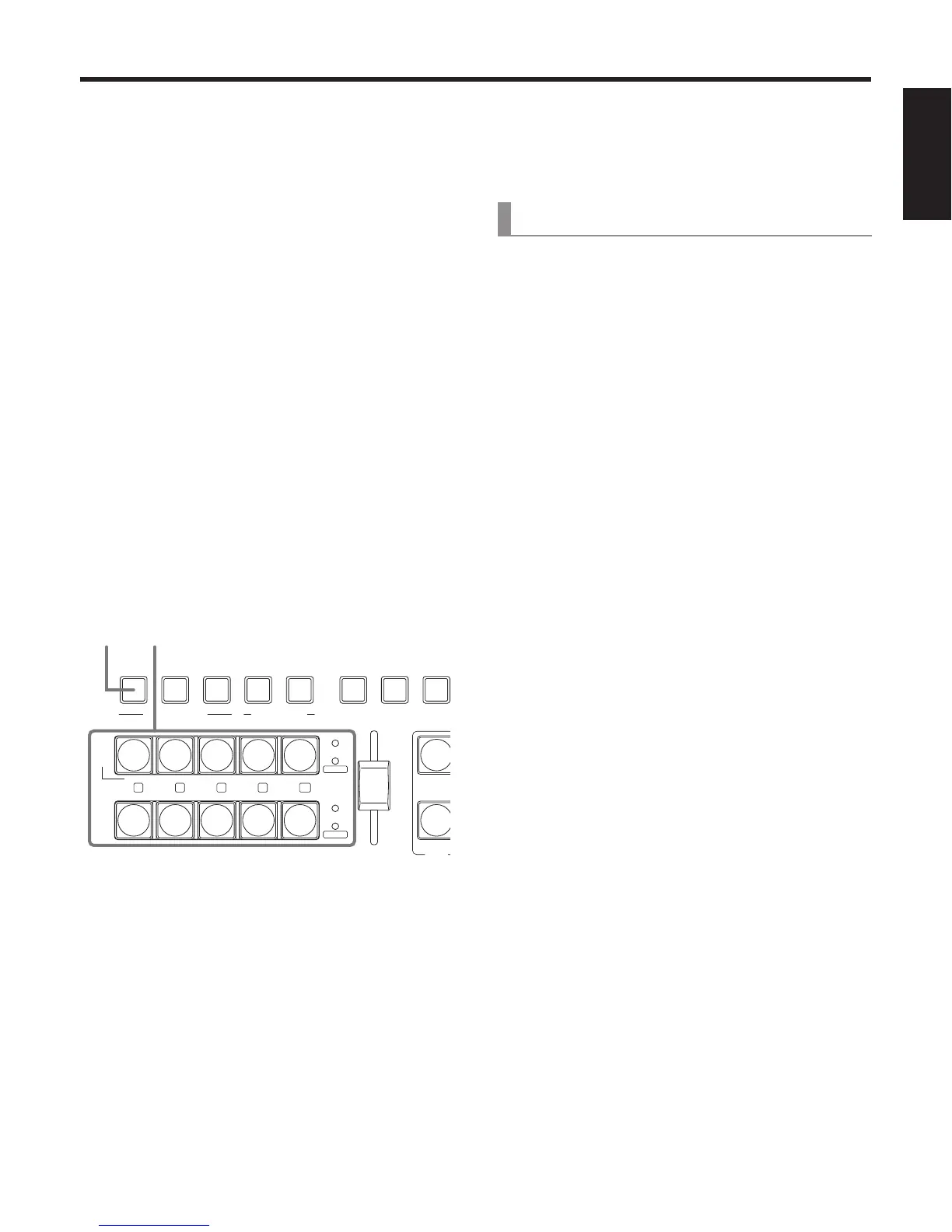
1 Press the AUX button to set the crosspoint
buttons to the AUX bus material selection
mode.
The indicator of the AUX button blinks.
2 Select the material using the A bus or B bus
crosspoint buttons.
[A bus crosspoint buttons]
When buttons [1], [2], [3], [4] and [5] are pressed, PGM,
PVW, KEY OUT, CLN or MV are selected, respectively.
[B bus crosspoint buttons]
When the buttons from [1] to [5] are pressed, the
materials assigned to the corresponding XPT1 to XPT5
are selected.
When the button from [1] to [5] are pressed while the
SHIFT button is held down, the materials assigned to
the corresponding XPT6 to XPT10 are selected.
3 Press the AUX button to release the bus
selection mode for the crosspoint buttons.
PinP ONWIPEMIX
TRANSITION TYPE
KEY-F/SPinPAUX
KEY-S
AUX
PGM
61
PVW
72
KEY OUT
83
CLN
94
MV
A
SHIFT
CUT
AUTO
BKGD
B
SHIFT
KEY-F
PinP
AUX
105
BUS DELEGATION
KEY ON FTB ON
1, 3 2
1-7-2. Transitions between AUX materials
When an AUX bus material has been selected, the effect to
be produced when images are switched can be executed as
a MIX transition. (Bus transition function)
[1] TIME/CBGD Menu
6. AUX BUS Trans
Set the transition duration, and set the bus transition
function to “Enable” or “Disable”.
While the transition is underway, the indicator of the
transition source button lights, and the indicator of the
transition destination button blinks.
When the transition is completed, the indicator of the
transition source button goes off, and the indicator of the
transition destination button lights.
When another signal has been selected while a transition is
underway, the processing for the transition will continue from
the interim point.















 To Next Page