51 (E)
6. Connections with a computer
6-7. Importing the log data
The log data recorded in the unit can be imported to a computer.
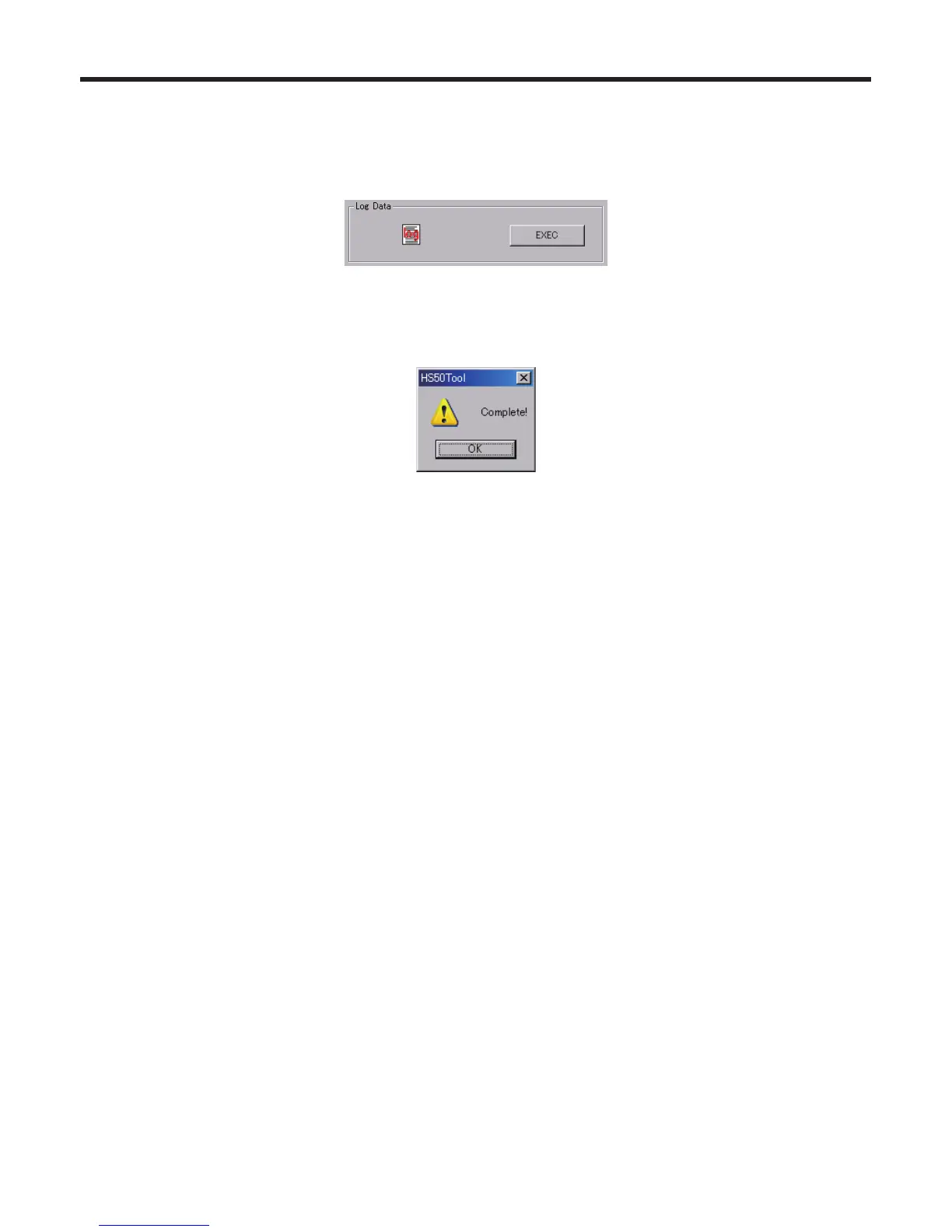
1. Click the [EXEC] button under “Log Data”.
2. On the screen which is now displayed, select the folder and file containing the log data, and click [Save].
(The file extension is *.log.)
3. When the data has been transferred successfully, the screen below is displayed.















 To Next Page