47 (E)
6. Connections with a computer
6-3. How to install the software
This section describes how to install the Data Transmission Software.
1. Insert the CD-ROM supplied with the unit into the CD-ROM drive of the host computer in which the programme will be
installed.
2. Copy the entire folder containing “Data Transmission Software” on the CD-ROM onto the hard disk drive of the host
computer.
6-4. Basic operations of software
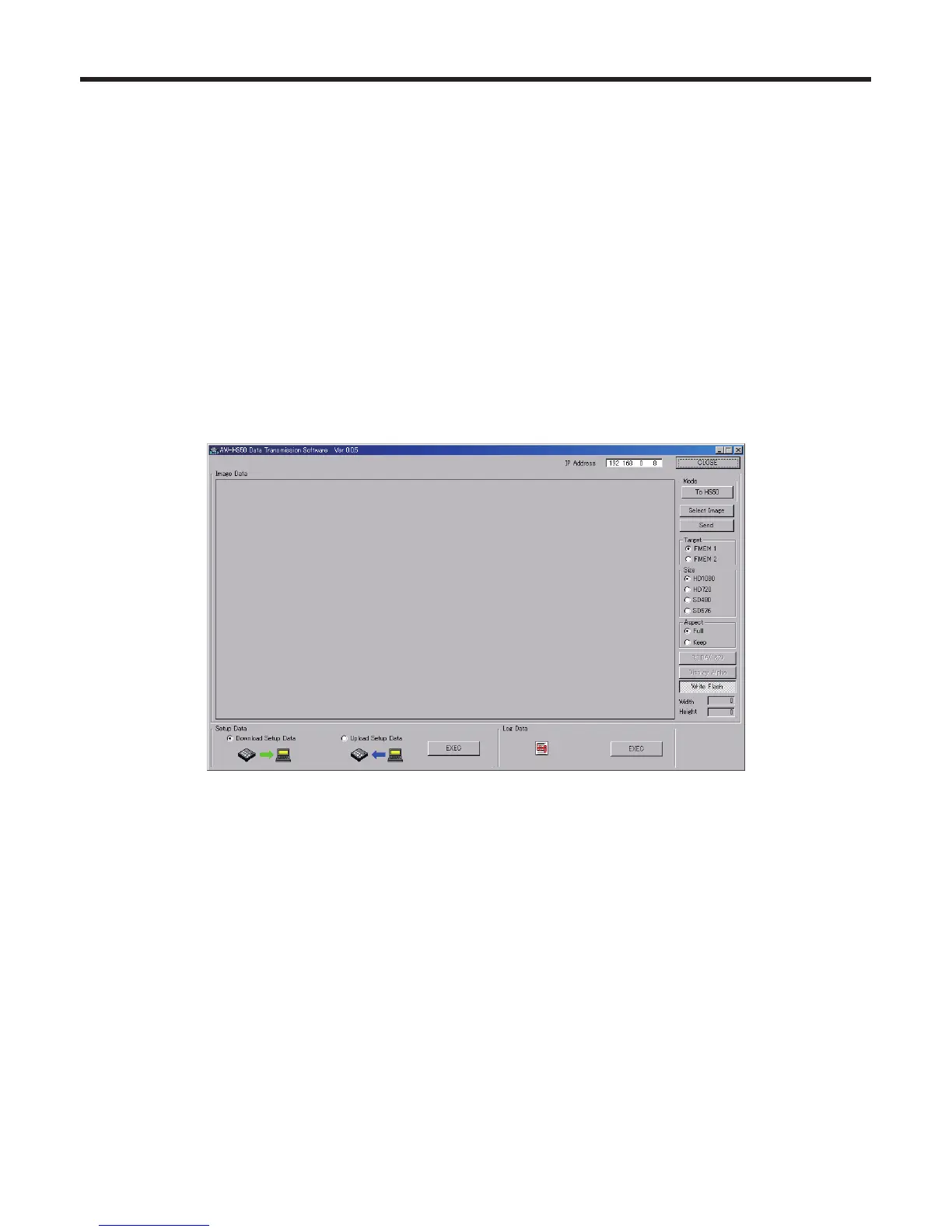
This section describes how to operate the Data Transmission Software.
<Startup>
1. Double-click on “HS50Tool.exe” in the “Data Transmission Software” folder which was copied.
<Exit>
Click the [CLOSE] button.
<Setting the IP address>
Set the unit’s IP address in the IP Address setting box.















 To Next Page