49 (E)
6. Connections with a computer
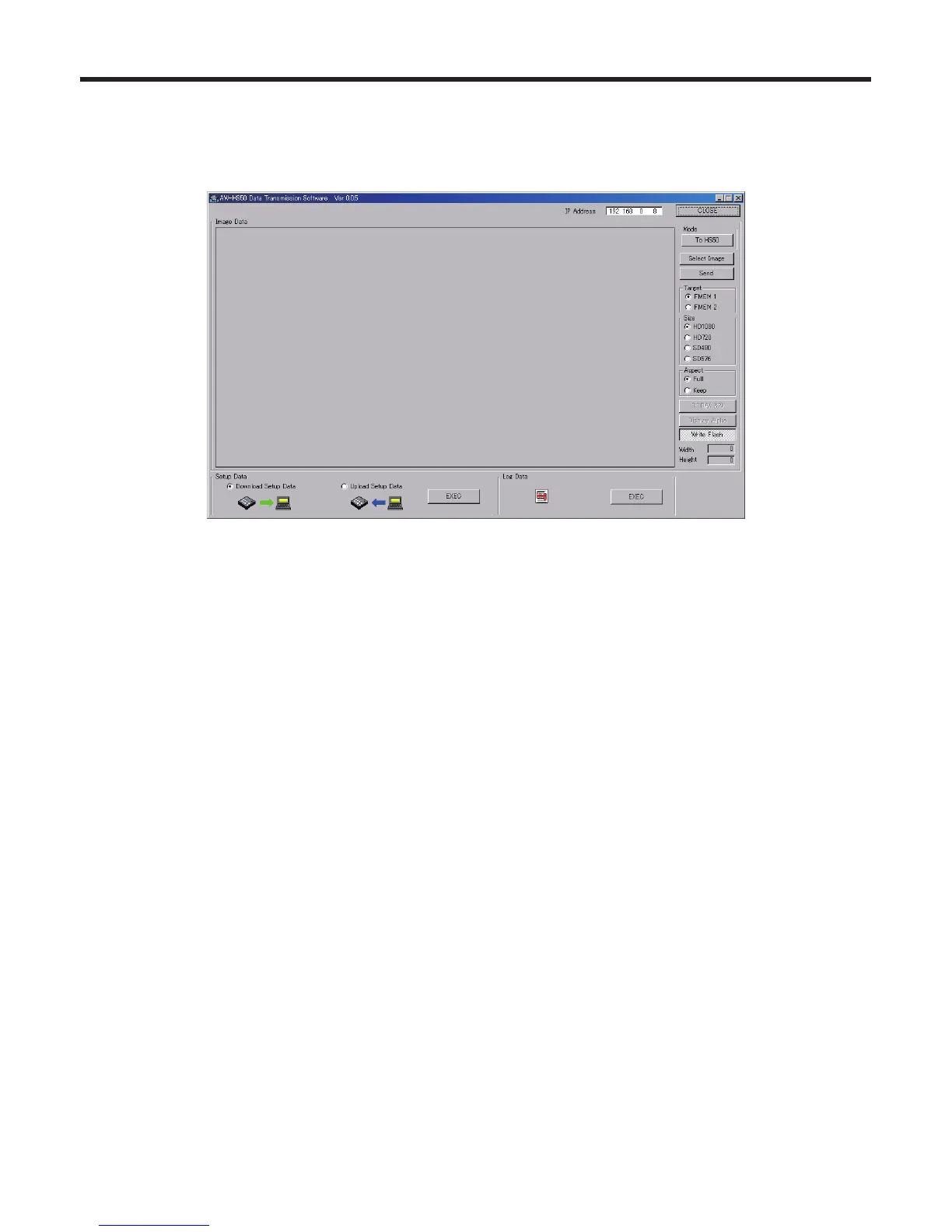
6-5-2. Transferring the unit’s image data to the computer
1. Select the mode.
Check that [From HS50] appears in the [Mode] field.
If [To HS50] appears instead, click the [To HS50] button so that [From HS50] appears.
2. Select the data to be imported to the host computer in the [Target] field.
FMEM 1: Data in unit’s frame memory 1
FMEM 2: Data in unit’s frame memory 2
3. When the [Get] button is clicked, the data is imported from the unit.
The image is now displayed in the image display area, and its horizontal and vertical dimensions appear in the [Width]
and [Height] fields at the bottom right.
4. When the [Save Image] button is clicked, the file save dialogue box appears on the screen.
Select the data file to be transmitted, and click [Save].















 To Next Page