330
DP-8032/8025
2008Ver.1.2
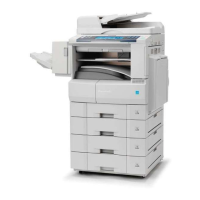
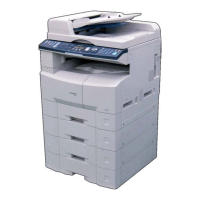
<For 4-Paper Tray Configuration>
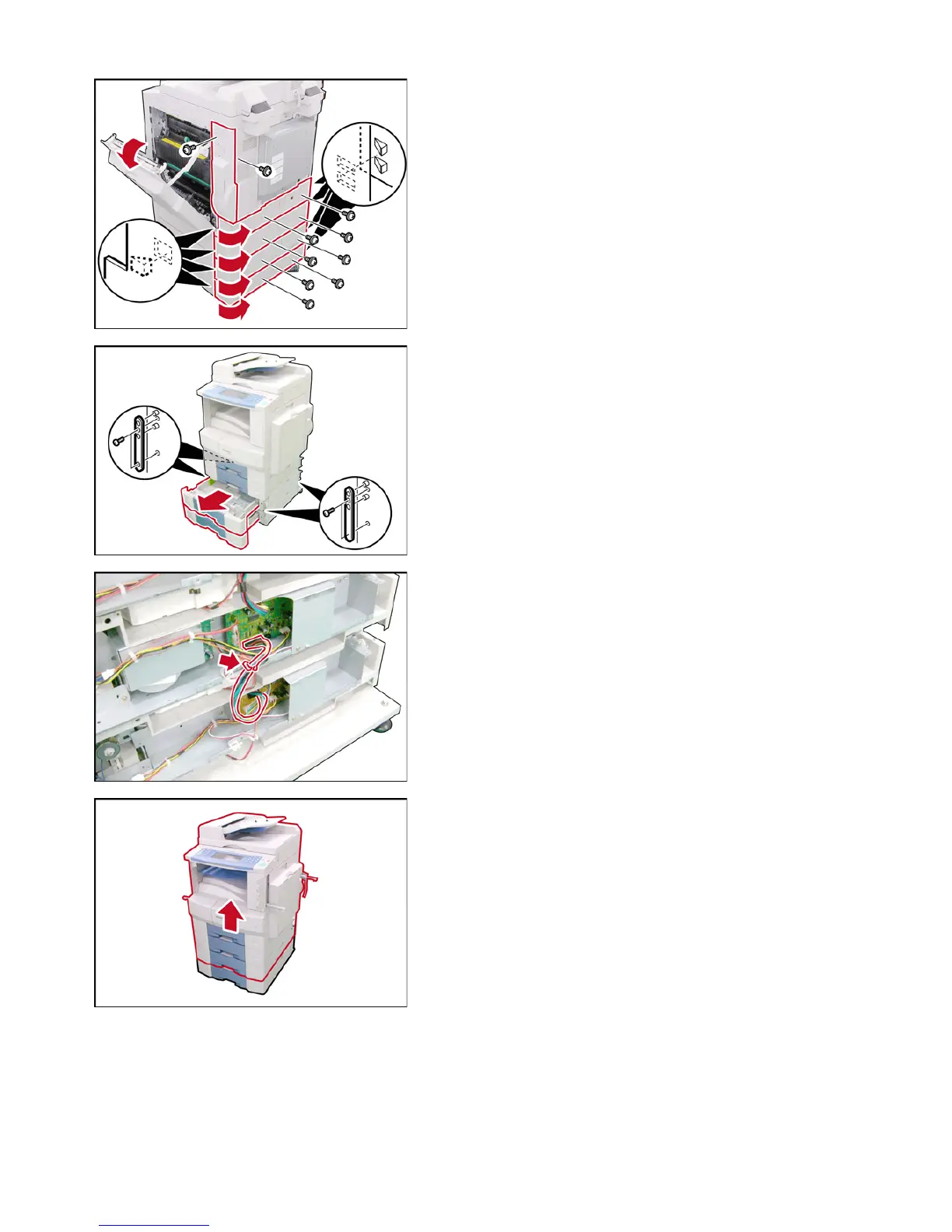
(1) Open the Right Cover.
(2) Remove 2 Silver Screws.
(3) Remove the Right Rear Cover.
(4) Remove 8 Silver Screws.
(5) Remove the 4 Lower Rear Covers.
Caution:
The OPC Drum is sensitive to light. To prevent optical
exposure problems, do not expose the OPC Drum to
direct sunlight or bright light (even if it is a 1000-Lux
fluorescent lamp).
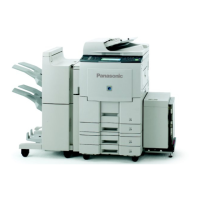
(6) Slide the 3rd and 4th Paper Trays out.
(7) Remove 8 Screws.
(8) Remove 4 Brackets.
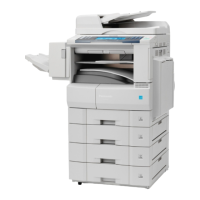
(9) Disconnect the CST2 Harness from CST3 Harness
(CN808).
(10) Release the CST2 Harness from the Harness Clamp.
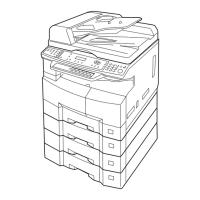
(11) Separate the 4th Paper Feed Module from the
machine.
Caution:
The machine weights approximately 181 lb (82 kg)
with the i-ADF pre-installed. To prevent injuries, use
the appropriate number of personnel and the proper
equipment to lift or move the machine.









 To Next Page