119
Chapter 5 Internet Fax
Use Group Dialing
For transmission to multiple destinations with
group dialing, follow the steps below.
z To use a Group button, group dialing needs to be
programmed in Function Parameters. Refer to
Setting for Group Dialing (see page 189).
1
Follow the step 1 and 2 on page 114.
2
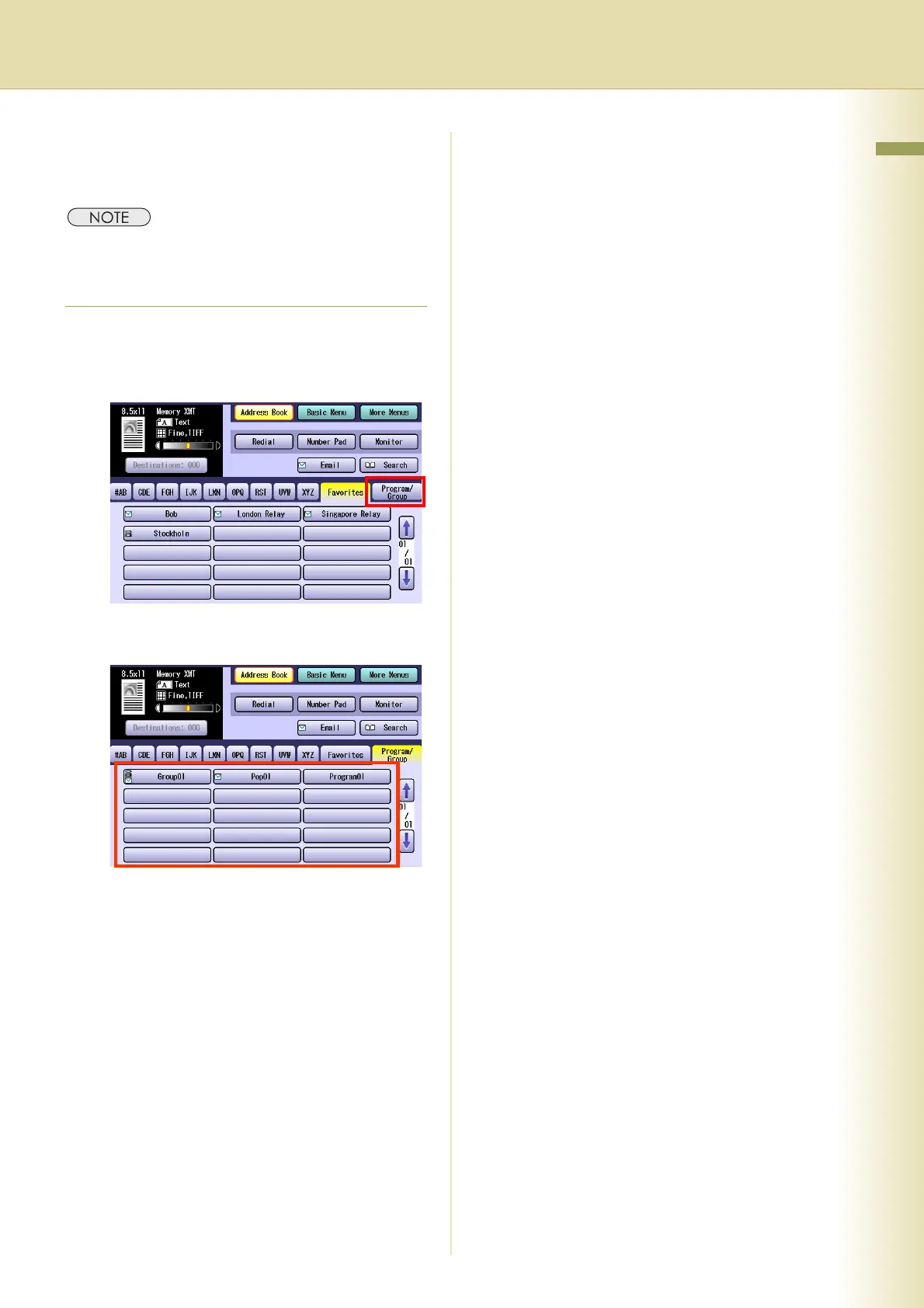
Select “Program/Group”.
3
Select the Group you want to send to.
z Select the same destination again to cancel
a choice.
4
Press the Start key.
The original(s) are stored into memory with a
file number. Then the Email transmission
starts.














 To Next Page