140
Chapter 5 Internet Fax
Receiving an Email on a Computer
This section explains how to receive Emails transmitted from the machine to a computer, and also
explains the Emails forwarded from the machine to a computer.
Receiving Email on Your Computer
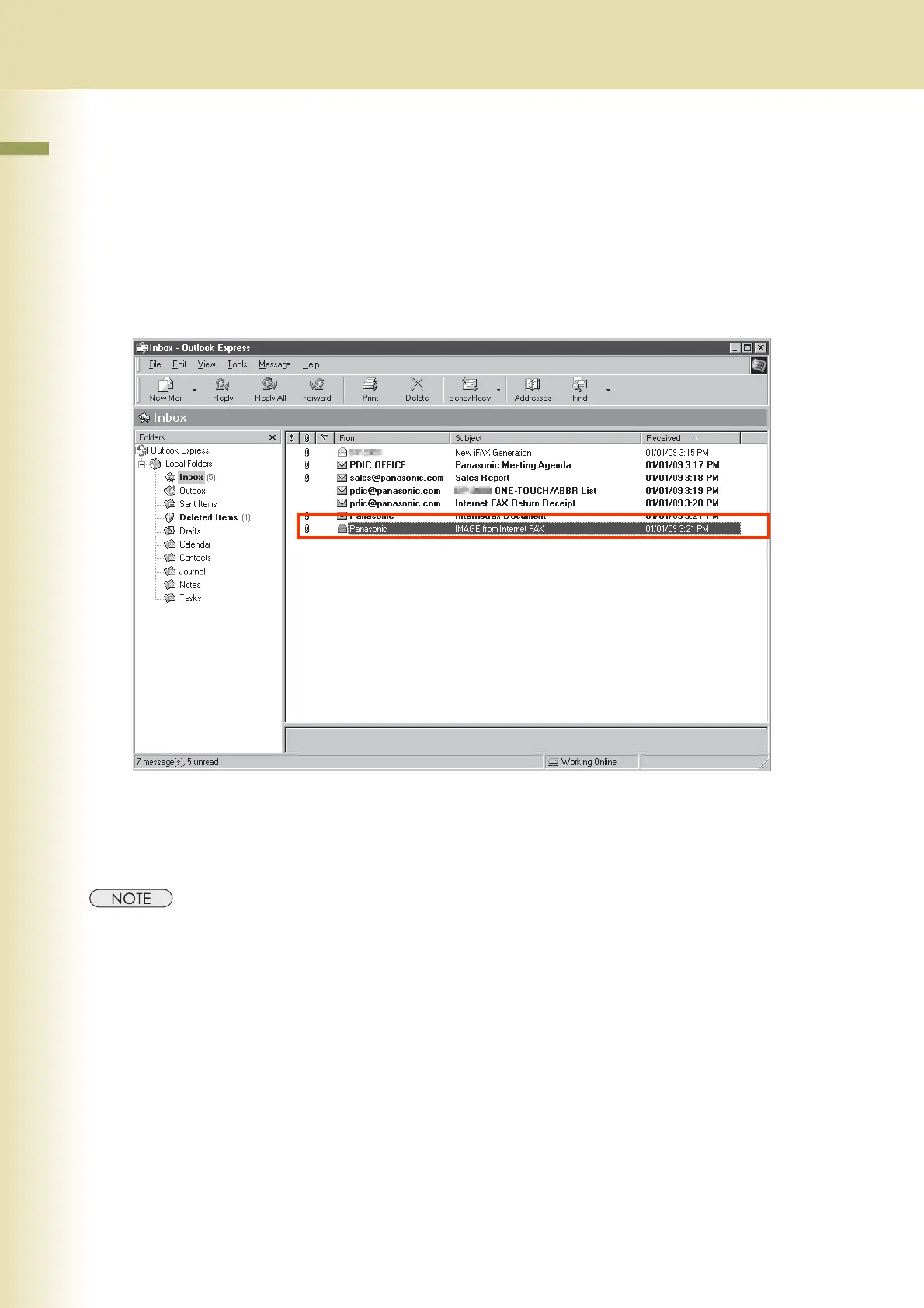
A sample screen shot of a mailer that has received Email from an Internet Fax is shown below.
For your reference, the above example is from Outlook Express Inbox running under Microsoft
®
Windows
®
.
If you are using a different Email application software, please refer to your application’s user manual.
z For more details on how to view Email on your computer, refer to the user manual for your mailer or viewer.
z In the screen shot above, the Email transmitted from Internet Fax has the subject “IMAGE from Internet Fax”.
Email title can be modified if required.














 To Next Page