182
Chapter 7 Program Destinations/Program Keys
10
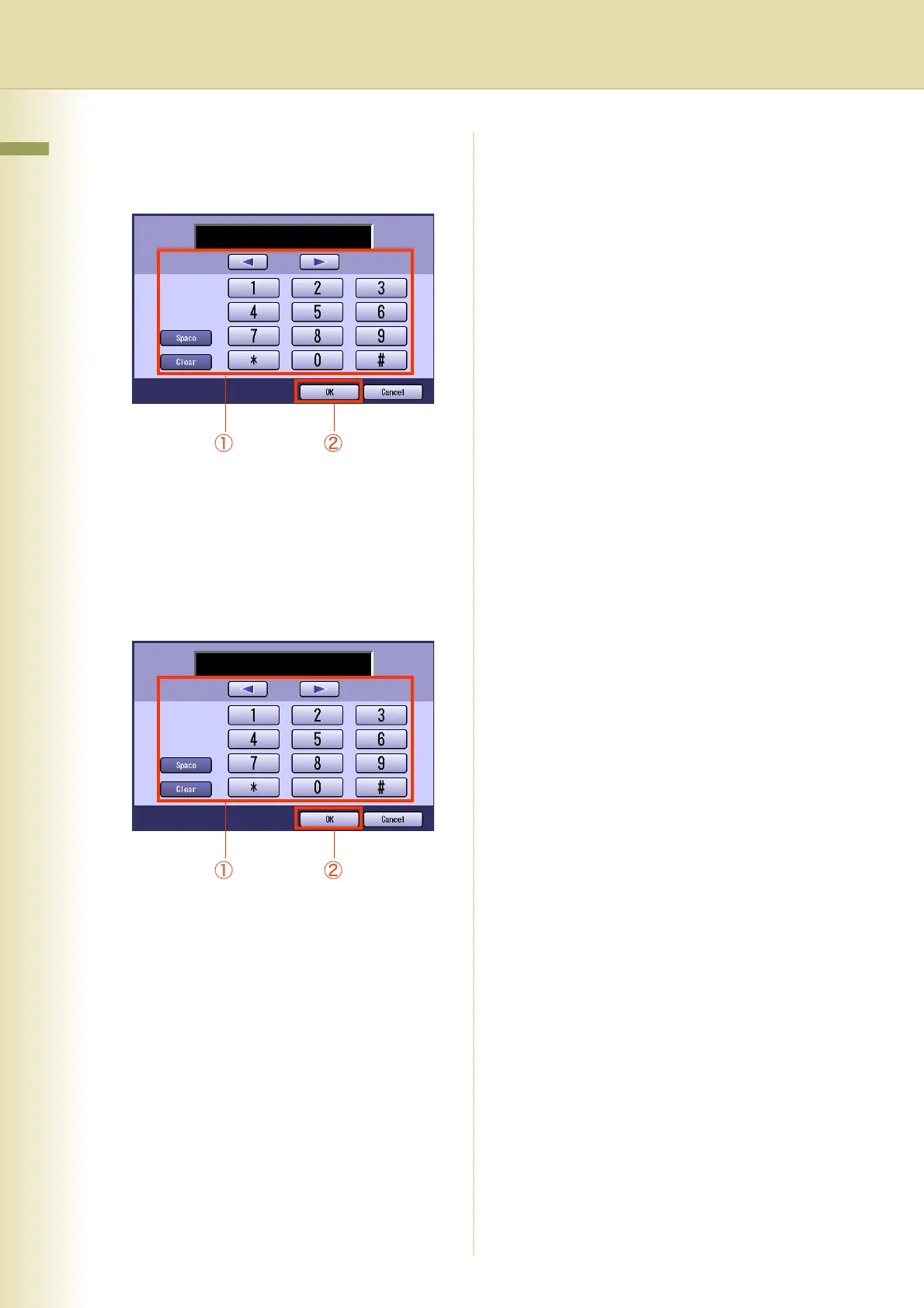
To enable sub-addressed routing,
enter a sub-address, and then select
“OK”.
z This screen appears when the Function
Parameter “152 Sub-Addr Routing” (Fax/
Email Settings > Fax Parameters) has been
set to “Valid”.
11
To enable routing by the sender’s
numeric ID, enter the numeric ID, and
then select “OK”.
z This screen appears when the Function
Parameter “153 TSI Routing” (Fax/Email
Settings > Fax Parameters) has been set to
“Valid”.
z To register another Email address, repeat
steps 5 to 11.
z
Press the
Reset
key to return the machine to
the initial screen of the currently active mode.














 To Next Page