Getting Started
28 For assistance, please visit http://www.panasonic.com/phonehelp
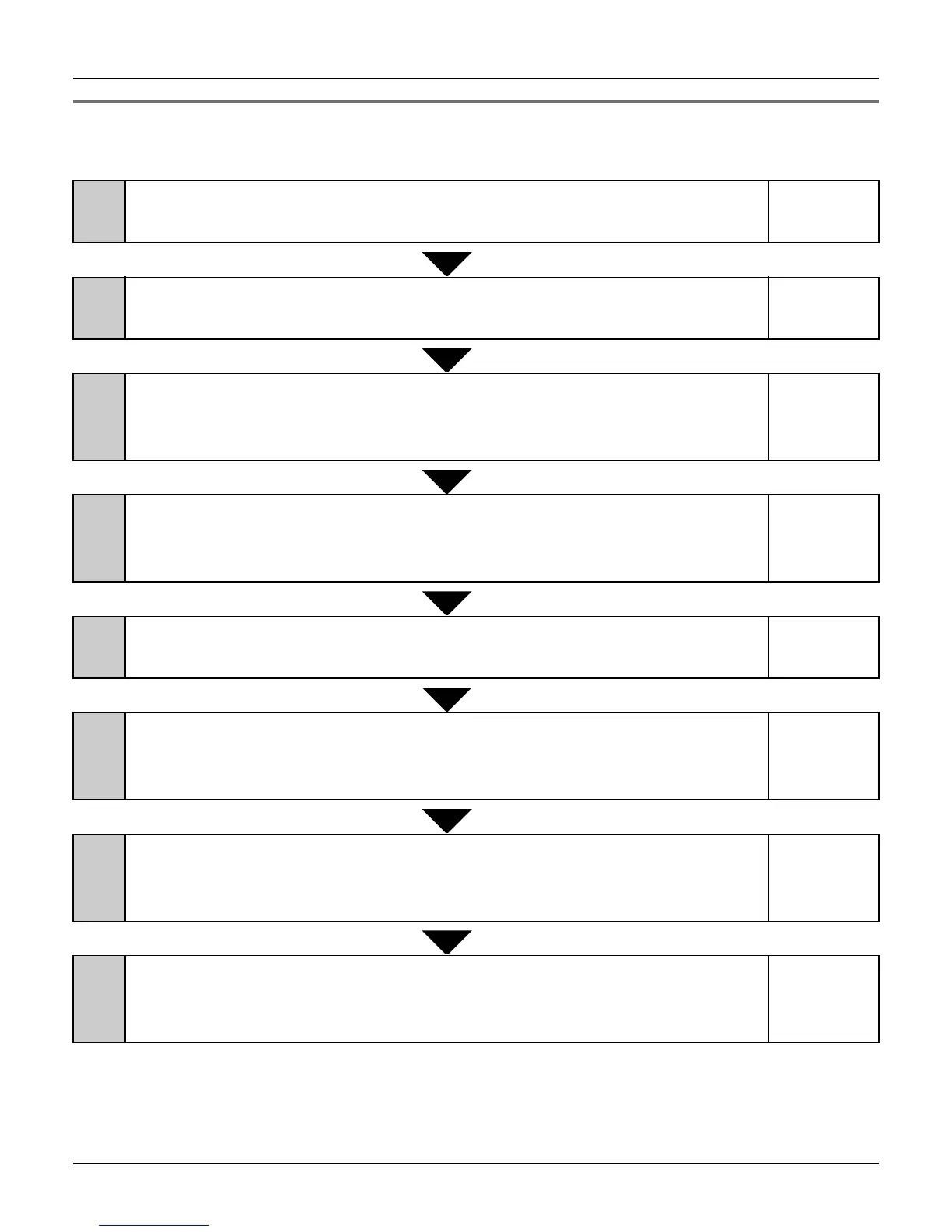
Initialization Wizard flow
Follow the procedures below to set the base unit for Internet connection.
If you check [Skip by setting] in stage 2, you can skip to stage 5 without configuring the
Internet connection settings for the HOME mode profile. If you check [Skip by setting] in
stage 5, you can skip to stage 8 without configuring the Internet connection settings for the
HOTEL mode profile.
1
Login User Name and Password (Step 1)
Set your user name and password to log in the base unit.
page 29
2
Internet Connection Setting for Home Mode (Step 2)
Name the profile of the Internet connection setting for HOME mode.
page 30
3
Internet Connection Type
Select the Internet connection type used for the HOME mode profile.
(Types available: PPPoE/DHCP/Static/AP (Bridge))
page 31
4
(Internet Connection Type) Configuration
Configure the Internet connection type selected for the HOME mode
profile.
page 36
5
Internet Connection Setting for Hotel Mode (Step 3)
Name the profile of the Internet connection setting for HOTEL mode.
page 33
6
Internet Connection Type
Select the Internet connection type used for the HOTEL mode profile.
(Types available: PPPoE/DHCP/Static)
page 34
7
(Internet Connection Type) Configuration
Configure the Internet connection type selected for the HOTEL mode
profile.
page 36
8
Save Settings
Confirm the settings you have configured in Initialization Wizard, and
save.
page 35













 To Next Page