Getting Started
38 For assistance, please visit http://www.panasonic.com/phonehelp
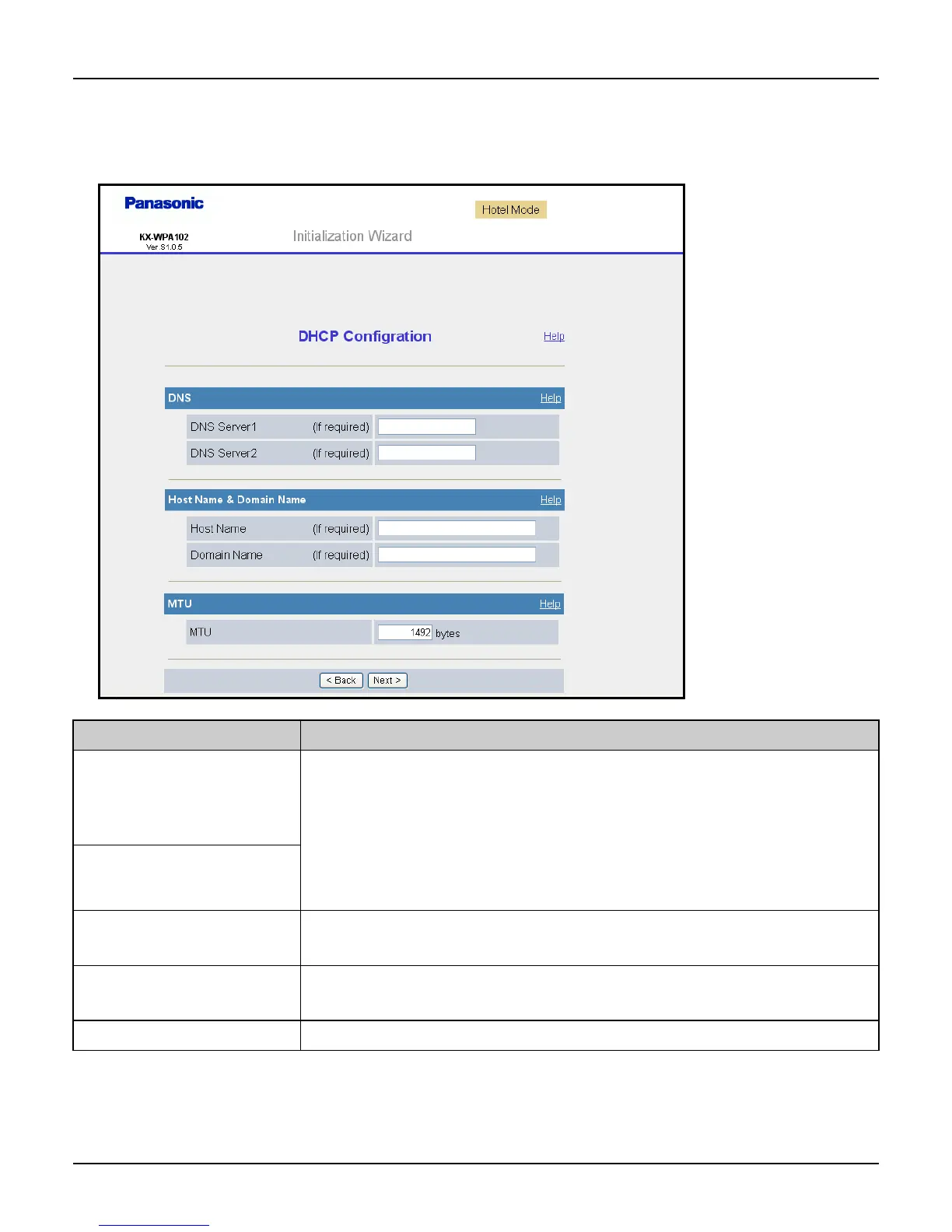
DHCP Configuration: Allows the base unit to receive an IP address automatically from a
DHCP server. This connection mode is usually required for use with cable modems.
DHCP configuration is often used in hotel rooms. Ask the hotel front desk for details.
Setting Description
[DNS Server 1] L If you have the DNS (Domain Name System) server
addresses assigned by your Internet service provider or
network administrator, enter them in this data field. They
usually have two addresses.
L Set 4 digits (0 – 255) and 3 periods such as “192.168.0.253”.
But “0.0.0.0” and “255.255.255.255” are not available.
[DNS Server 2]
[Host Name] L Enter your Host Name (1 – 31 characters) provided by your
Internet service provider in this data field if required.
[Domain Name] L Enter your Domain Name provided by your Internet service
provider in this data field if required.
[MTU] L Enter the maximum size of packet that can be sent.













 To Next Page