EasyManua.ls Logo

Panasonic SC-CH7 - Advanced CD Playback Options

Panasonic SC-CH7
61 pages
Print Icon
To Next Page IconTo Next Page
To Previous Page IconTo Previous Page
Loading...
Listening
to
Compact
Discs
Direct
access
play
_
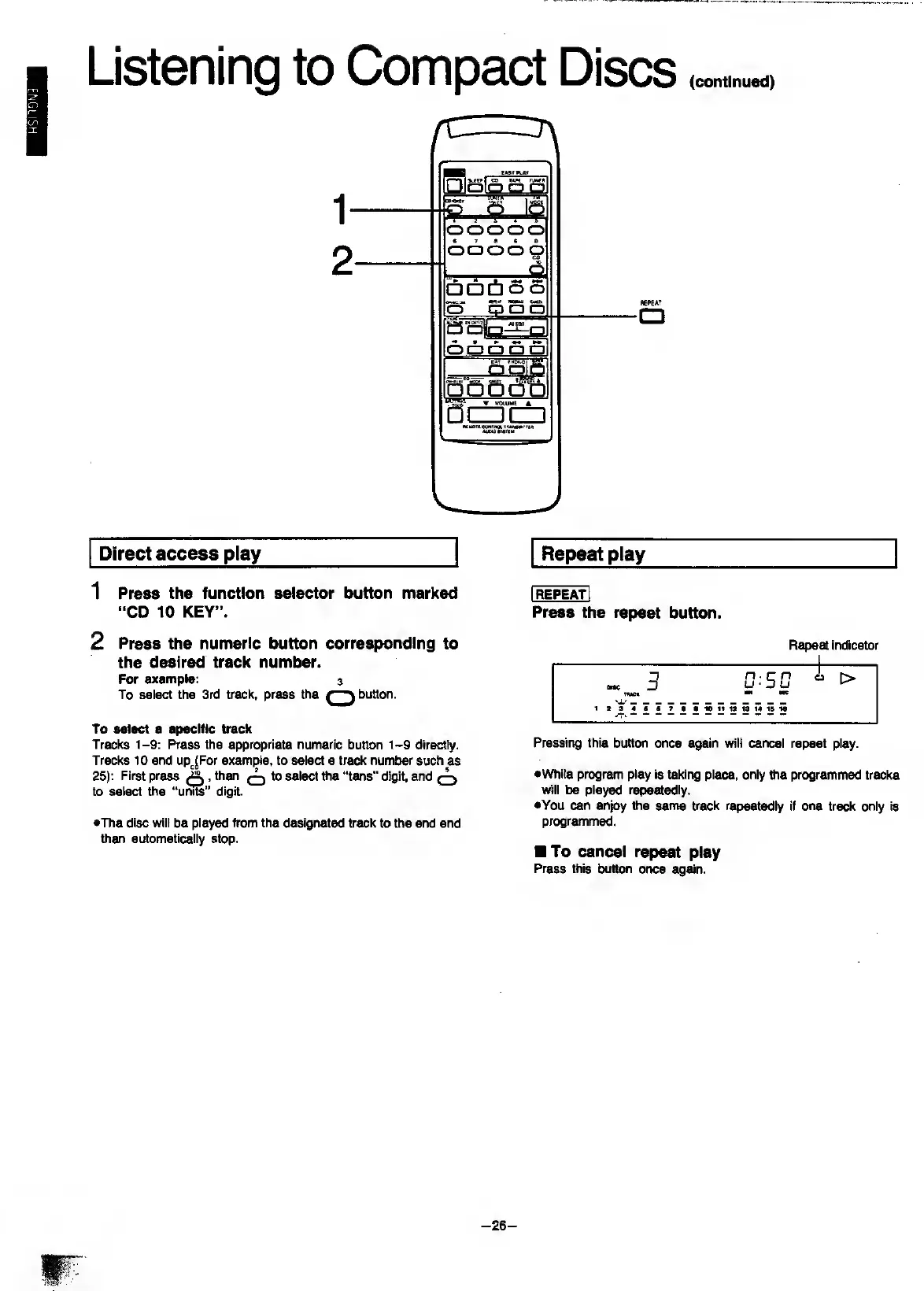
1
Press
the
function
selector
button
marked
“CD
10
KEY”.
2
Press
the
numeric
button
corresponding
to
the
desired
track
number.
For
example:
a
To
select
the
3rd
track,
press
the
button.
To
select
a
specific
track
Tracks
1-9:
Press
the
appropriate
numeric
button
1-9
directly.
Tracks
10
and
up^^For
example,
to
select
a
track
number
such
as
25):
First
press
,
then
^
to
select
tiie
“tens”
digit,
and
^
to
select
the
“u^”
digit.
•The
disc
will
be
played
from
the
designated
track
to
the
end
and
then
automatically
stop.
Press
the
repeat
button.
Repeat
indicator
Pressing
this
button
once
again
wilt
cancel
repeat
play.
•While
program
play
is
taking
place,
only
the
programmed
tracks
will
be
played
repeatedly.
•You
can
enjoy
the
same
track
repeatedly
if
one
track
only
is
programmed.
To
cancel
repeat
play
Press
this
button
once
again.
-
26
-

Related product manuals