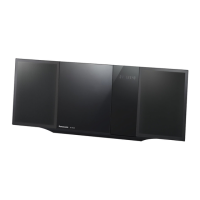
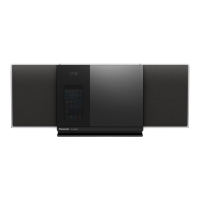
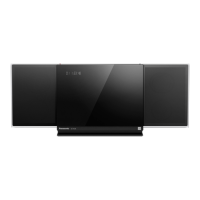
SC-HM910/SC-HM810
18
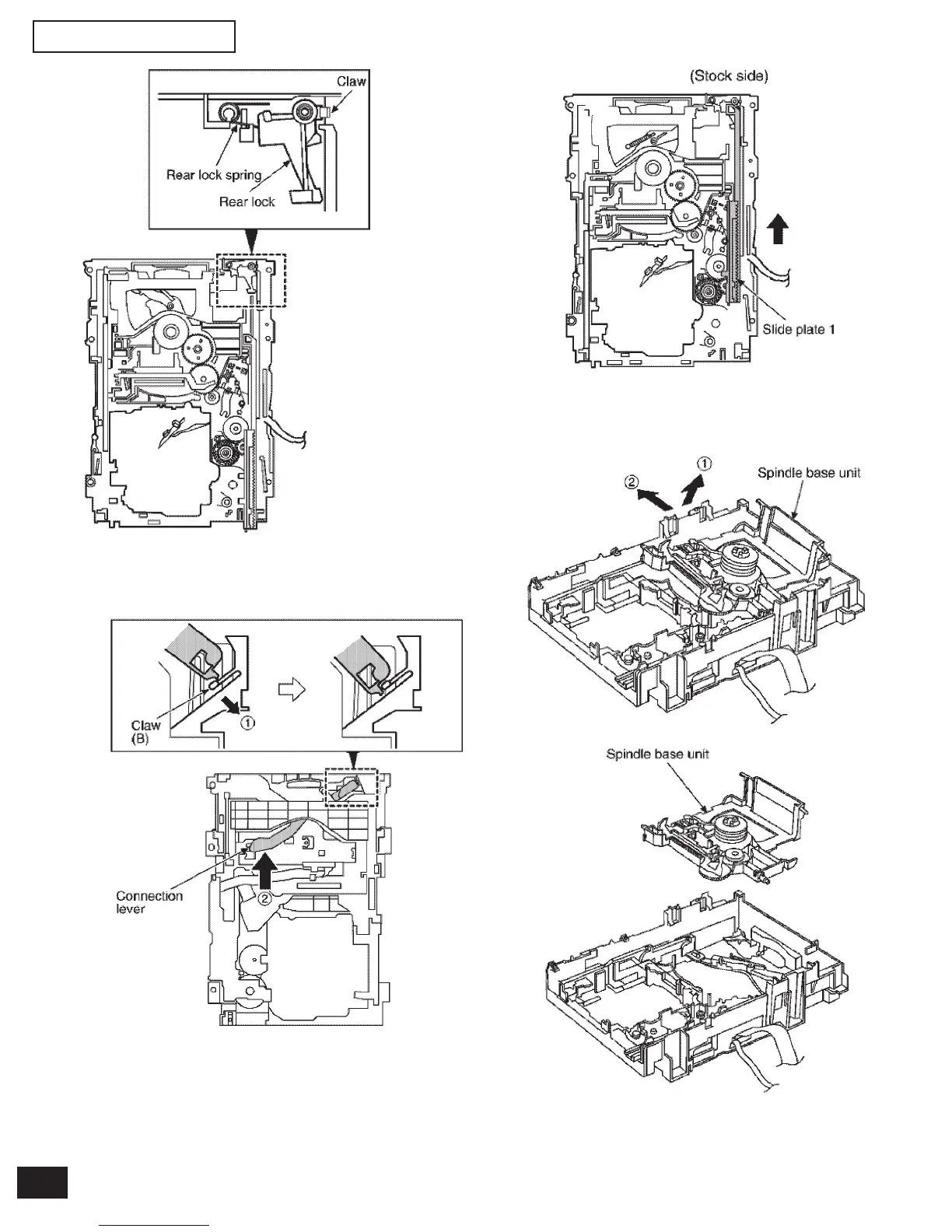
Step 9 Pressing the claw (B) in the direction of arrow (1), force
the connection lever in the direction of arrow (2).
Step 10 Move the slide plate 1 to the end of stock side.
Step 11 Lift up the left end of spindle base unit in the direction
of arrow (1), and then remove the unit in the direction
of arrow (2).
Step 12 Remove slide plate 1 and slide plate 2.


 To Next Page