21
GETTING STARTED
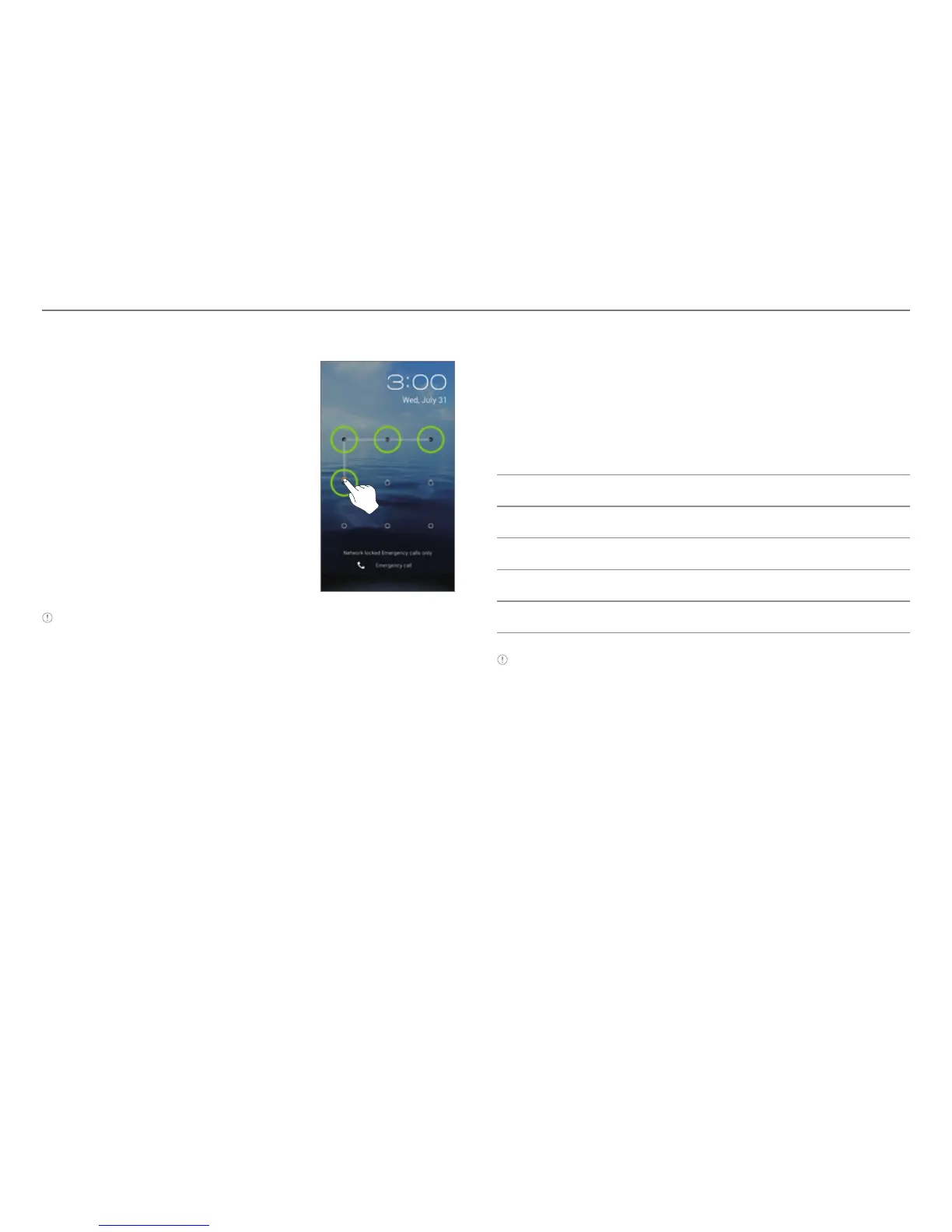
Unlocking the Screen with a Pattern
1. Press the LOCK/PWR key if the
phone is automatically locked.
2. Draw a pattern on the screen.
Note You can make emergency calls without having to unlock the
screen.
If You Forget Your Pattern
If you draw an incorrect pattern more than five times in a row,
you will not be able to retry for 30seconds. When this happens,
you can unlock the phone by entering your Google account
information.
If you draw an incorrect pattern more than 20times, you must
do one of the followings to unlock the device:
If you registered a Google account:
Enter your account information.
If you did not register a Google account:
Visit the Pantech website.
Visit a Pantech Service Center.
Note For more details about registering your Google account, refer
to page 60.



 To Next Page